
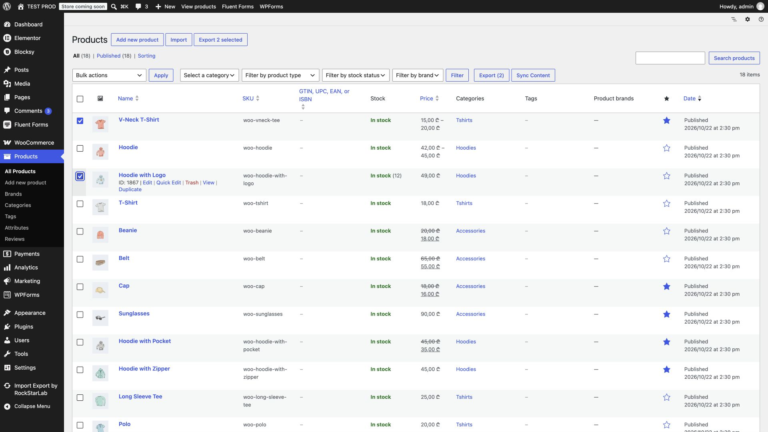
How to Sync WooCommerce Products Between Two WordPress Sites
To sync WooCommerce products between two WordPress sites, connect the sites in Import Export by RockStarLab → Content Sync, select the products on the source site,…
Read articleImport, export, sync and bulk update products, orders, customers, coupons, reviews and attributes.
To sync WooCommerce products between two WordPress sites, connect the sites in Import Export by RockStarLab → Content Sync, select the products on the source site,…
Read article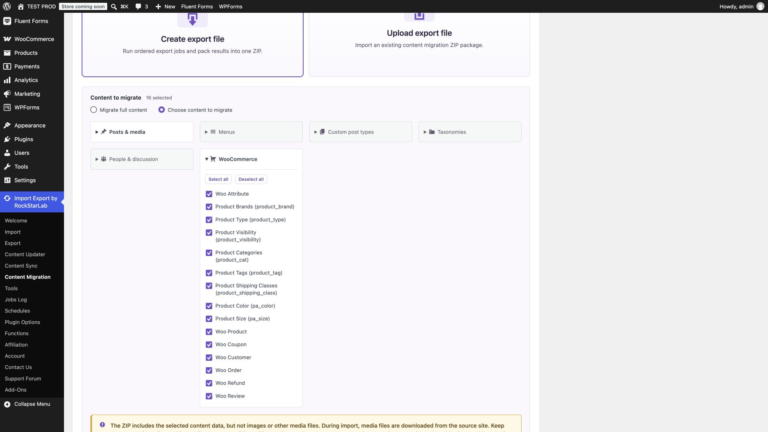
To migrate WooCommerce store data to another WordPress site, export a Content Migration ZIP on the source site, upload it on the destination, and import the…
Read article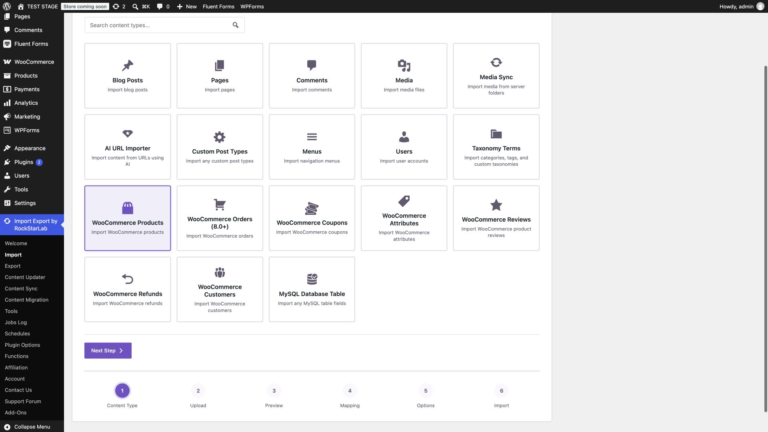
To import WooCommerce variable products from CSV with Import Export by RockStarLab, select WooCommerce Products, upload your file, map the parent product fields plus Product Attributes…
Read article
You can import WooCommerce products from CSV or Excel by choosing the product importer, uploading a spreadsheet, mapping its columns to WooCommerce fields, and deciding whether…
Read article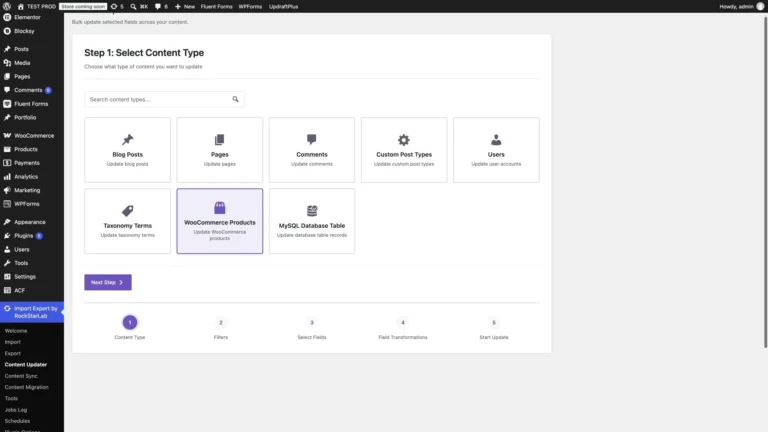
A supplier raises prices. A delivery adds ten units to several products. A new packaging requirement changes the shipping weight of a whole range. Opening every…
Read article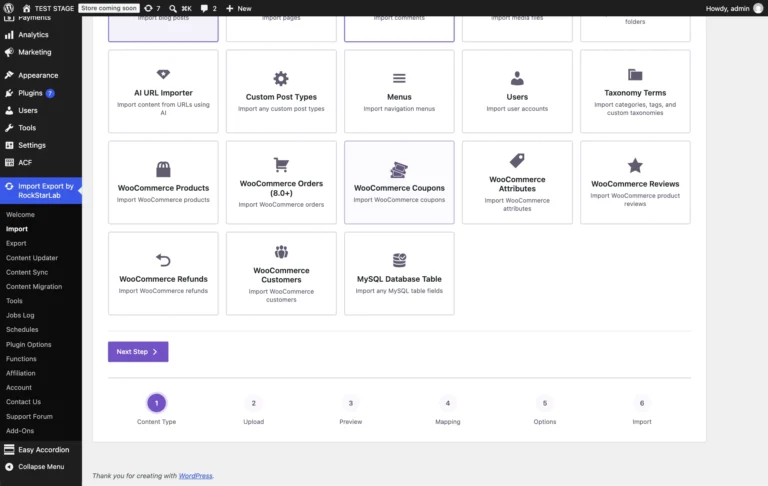
A coupon value of 10 can mean 10 percent off, 10 off the cart or 10 off each eligible item, so a coupon import has to…
Read article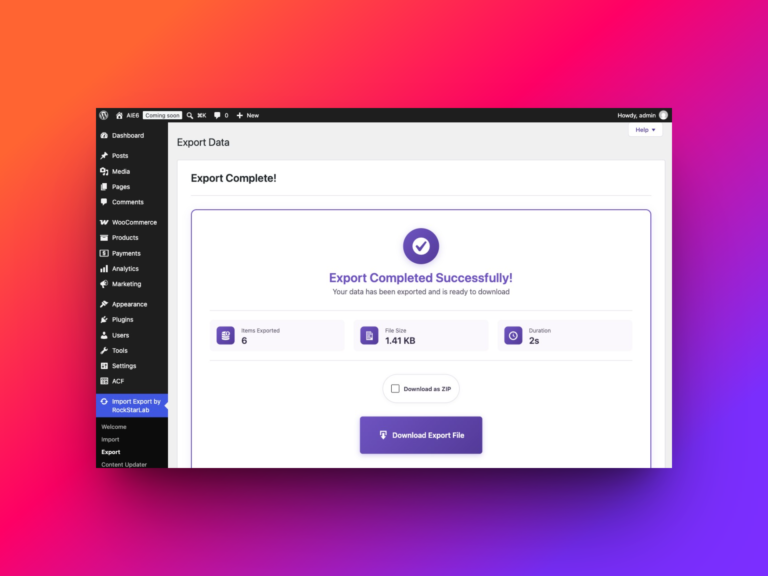
A column of review texts is hard to analyze or move unless each review stays tied to its product. In Import Export by RockStarLab → Export,…
Read article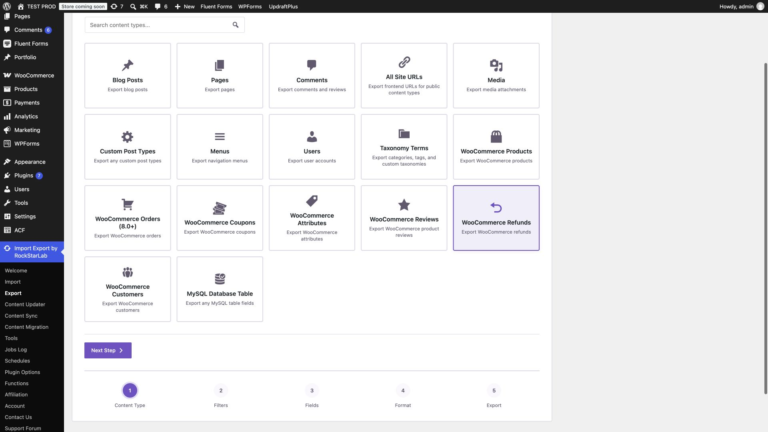
To export all WooCommerce refunds with Import Export by RockStarLab, open Export, select WooCommerce Refunds, leave the filters empty, choose your columns and download the result…
Read article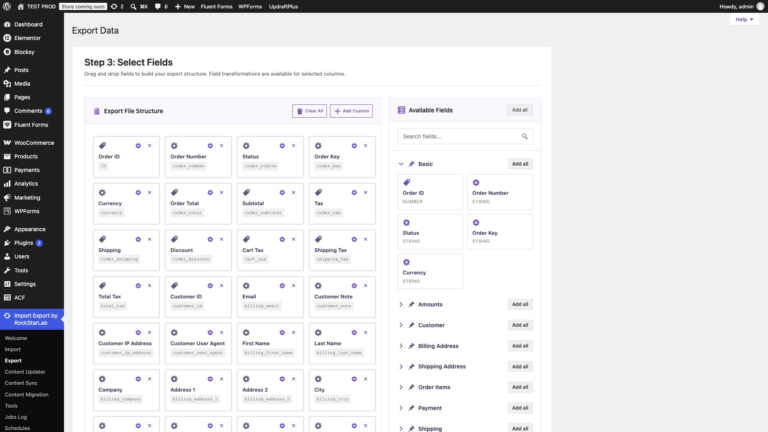
An order number and a total are rarely enough. Accounting wants tax and payment status, the warehouse wants SKUs, variation IDs and quantities, and refunds have…
Read articleNew users get 1 month with access to all premium features. Experience the most powerful WordPress data engine today.
Download Now