

How to Import WooCommerce Orders from CSV
Sometimes orders end up in the wrong WooCommerce store: a staging copy kept taking orders during a migration, a second shop is being merged into the…
Read articleImport, export, sync and bulk update products, orders, customers, coupons, reviews and attributes.
Sometimes orders end up in the wrong WooCommerce store: a staging copy kept taking orders during a migration, a second shop is being merged into the…
Read article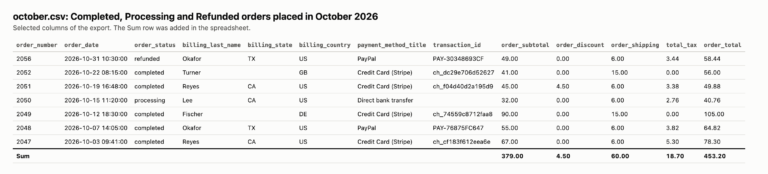
At the end of every month your accountant asks for the same thing: the orders of the month with totals, tax, shipping and payment method, plus…
Read article
Sooner or later every shop needs its customer list in a spreadsheet: for a newsletter tool, an accountant, a CRM, a “thank you” offer to the…
Read article
You have a list of customers in a spreadsheet: exported from a CRM, an old shop, a mailing tool or typed in by hand. To see…
Read article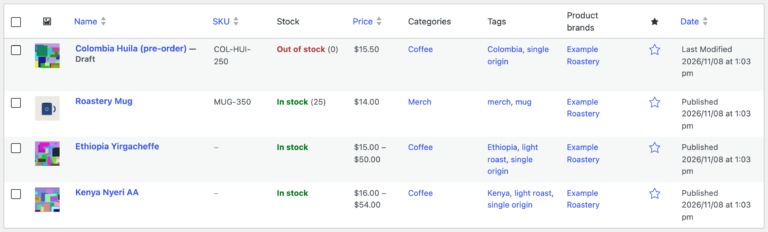
Shopify gives you every product in one CSV file. WooCommerce cannot read it as it is: Shopify writes one row per variant and one row per…
Read article
You cloned the shop to staging, changed prices, rewrote descriptions and added a product. Meanwhile the live shop kept selling. Now the staging work has to…
Read article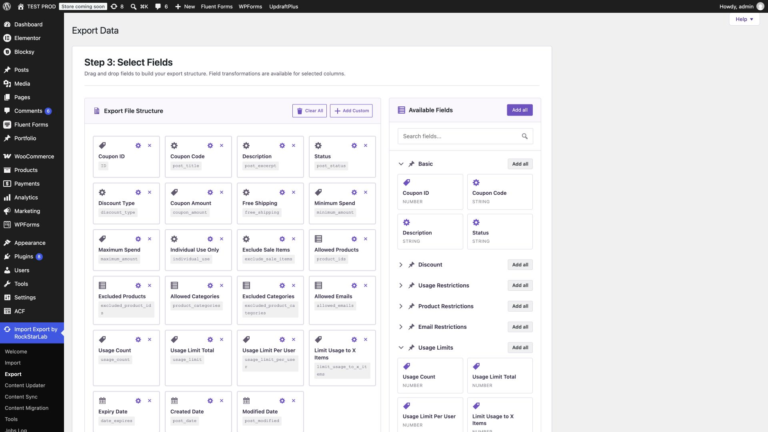
The Coupons screen lists codes, but not which ones expire next month or have hit their usage limit. Export them: in Import Export by RockStarLab, select…
Read article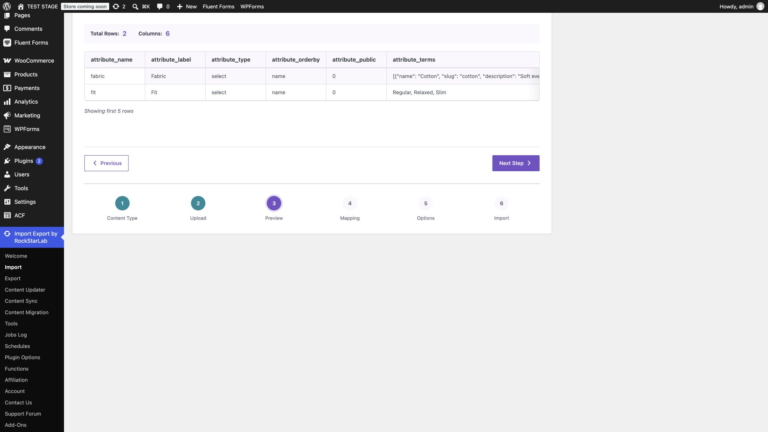
Suppliers often send the list of materials, sizes or finishes before the products themselves. Those values can go into WooCommerce first, as global attributes. Choose WooCommerce…
Read article
To update WooCommerce prices and stock from a CSV, match each row to an existing product by its SKU, map the price and inventory columns, choose…
Read articleNew users get 1 month with access to all premium features. Experience the most powerful WordPress data engine today.
Download Now