
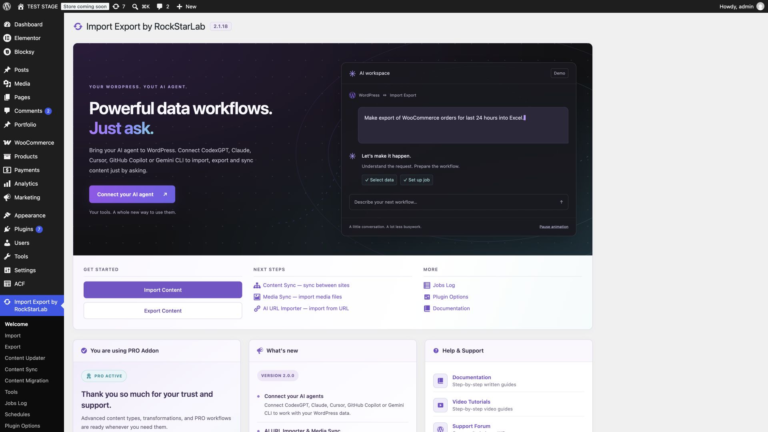
Advanced Import Export & Data Sync Plugin for WordPress Overview
Choose your starting point by looking at the source and destination. A supplier spreadsheet belongs in Import. A report for a colleague belongs in Export. To…
Read articleInstall the plugin, activate PRO, find your way around the settings and see what Import Export by RockStarLab can do.
Choose your starting point by looking at the source and destination. A supplier spreadsheet belongs in Import. A report for a colleague belongs in Export. To…
Read article
In WordPress, go to Plugins → Add Plugin, search for Import Export by RockStarLab, and check the author before clicking Install Now. Then click Activate. Once…
Watch and read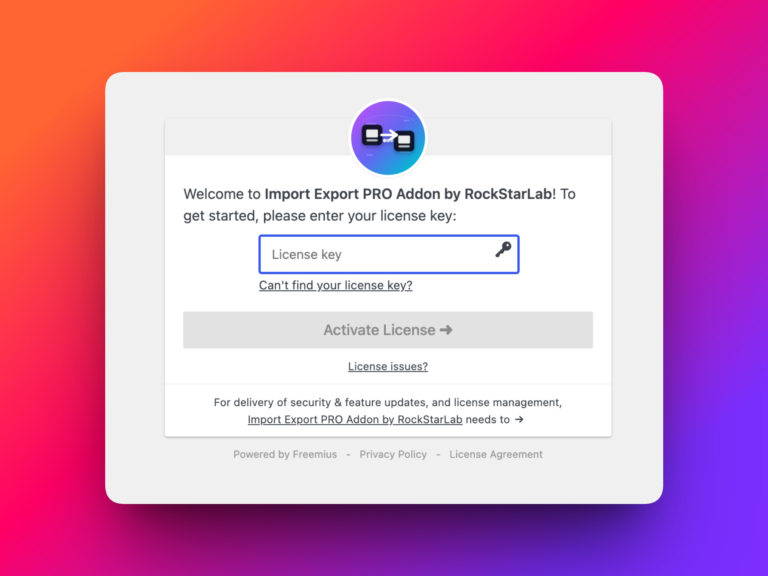
Import Export by RockStarLab includes a free one-month trial for the PRO Addon. This lets you try the advanced version of the plugin before deciding whether…
Watch and read
Open Import Export by RockStarLab → Plugin Options to choose where Export and Sync appear, shorten the admin menu, or add a page-tree filter. There are…
Watch and readNew users get 1 month with access to all premium features. Experience the most powerful WordPress data engine today.
Download Now