
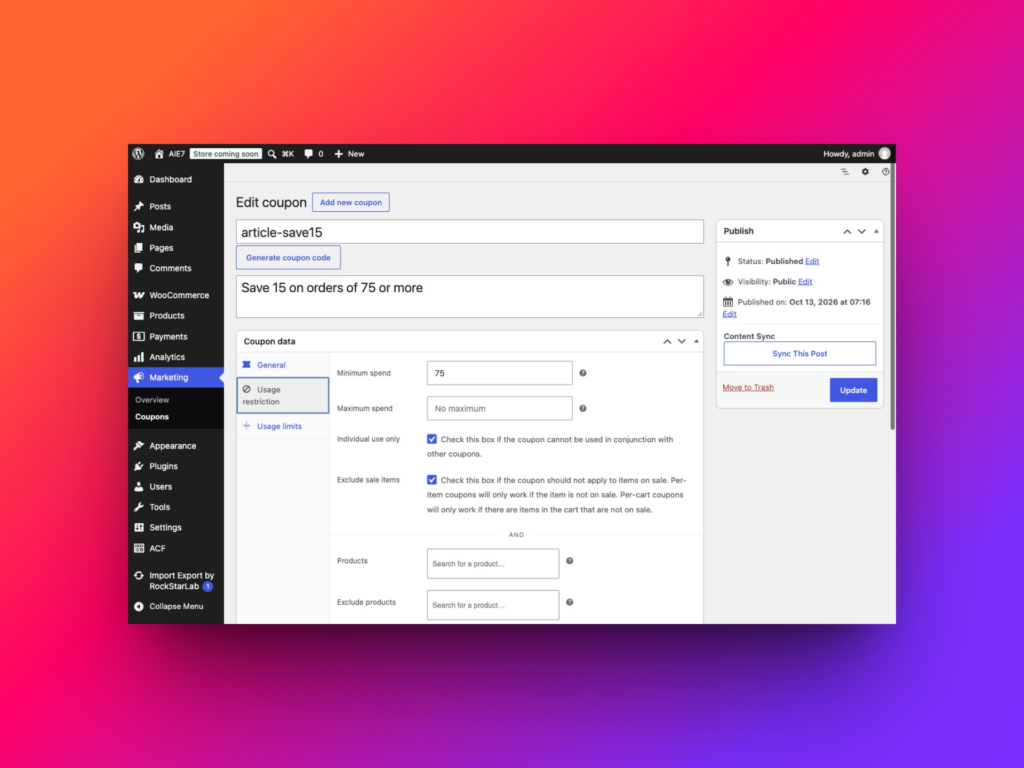
How to Import WooCommerce Coupons
To import WooCommerce coupons, open Import Export by RockStarLab → Import, select WooCommerce Coupons, upload your CSV and map its columns to the coupon fields. Choose whether matching coupon codes…
Read article
To import WooCommerce coupons, open Import Export by RockStarLab → Import, select WooCommerce Coupons, upload your CSV and map its columns to the coupon fields. Choose whether matching coupon codes…
Read article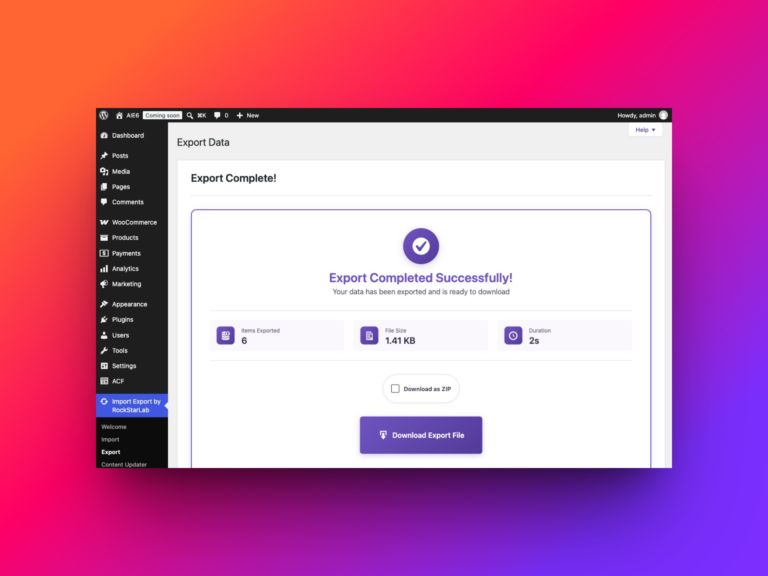
To export all WooCommerce product reviews, open Import Export by RockStarLab → Export, select WooCommerce Reviews, leave the filters empty and choose…
Read article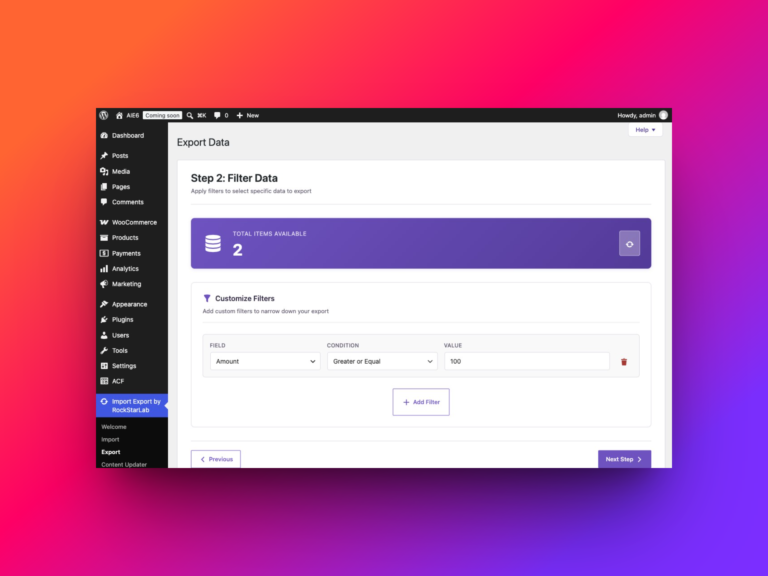
To export all WooCommerce refunds with Import Export by RockStarLab, open Export, select WooCommerce Refunds, leave the filters empty, choose your columns…
Read article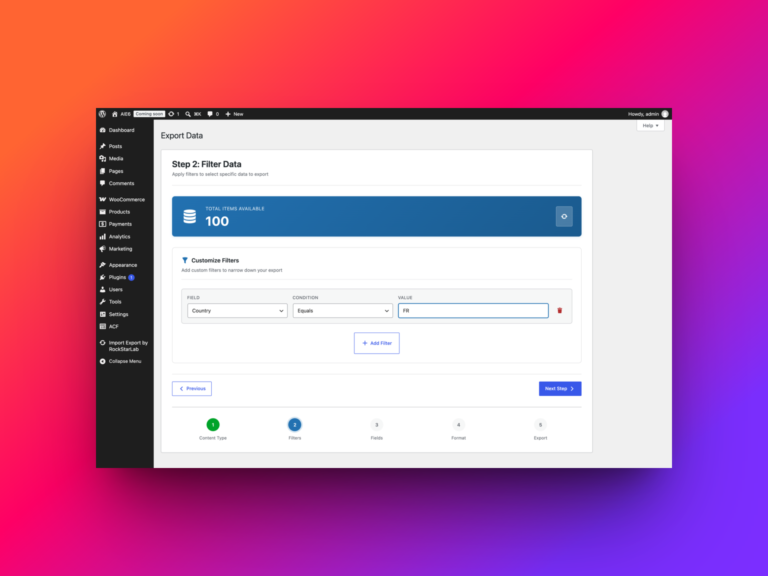
At some point every WooCommerce store owner ends up needing a full export of orders — not just the last ten for…
Read article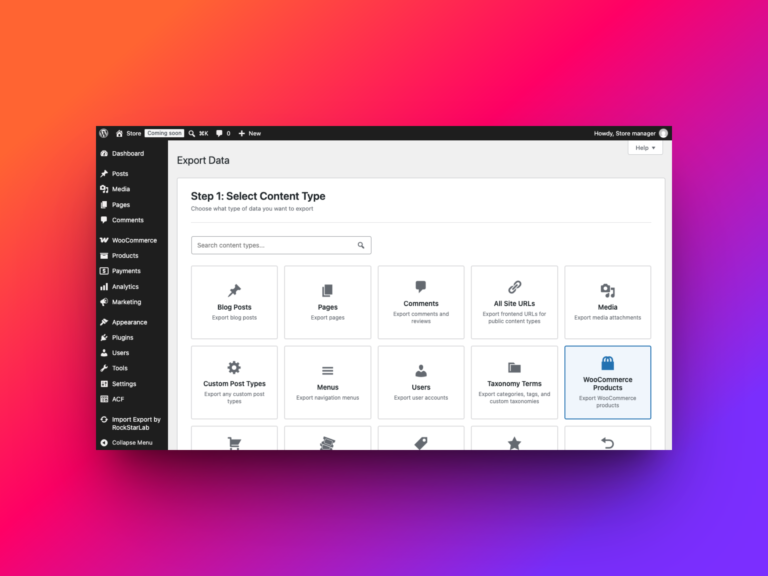
Need a spreadsheet of your WooCommerce catalogue, a clean file for a supplier, or product data ready for another system? You can…
Read article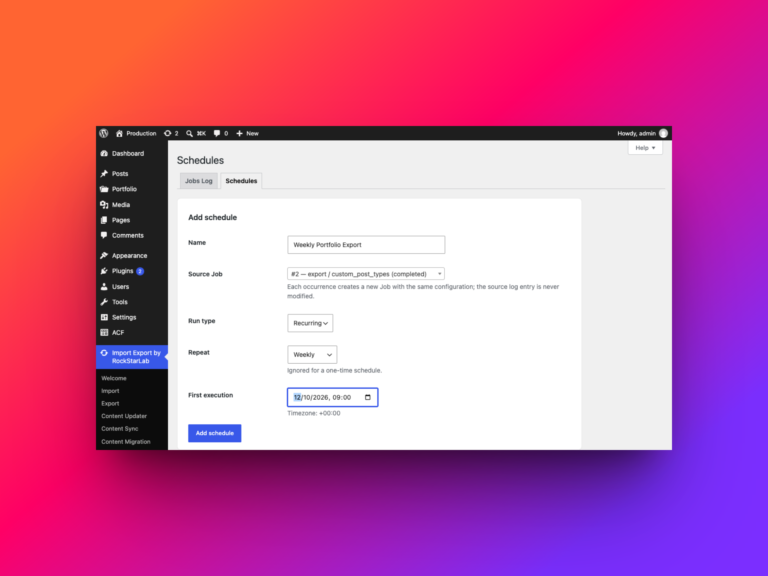
If you run the same WordPress export regularly, rebuilding its settings every time gets old quickly. A schedule lets you reuse a…
Read article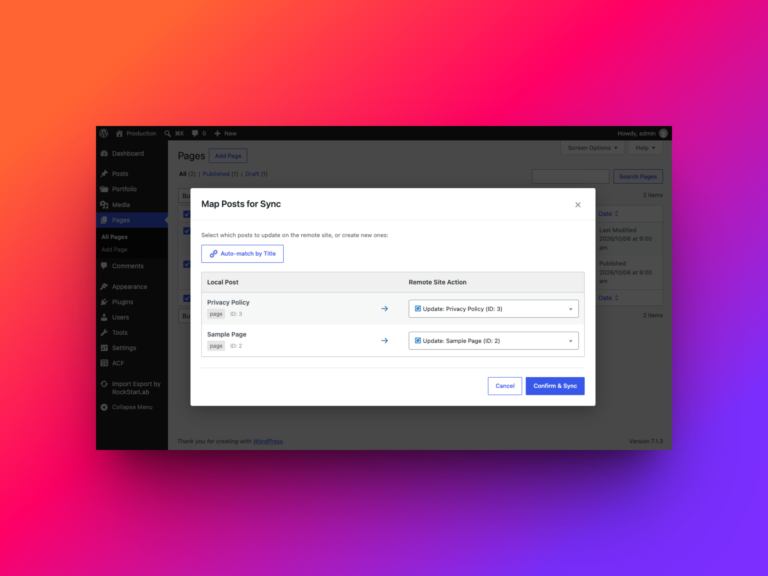
Keeping a custom post type in step across two WordPress sites is a common part of a production workflow. You might prepare…
Read article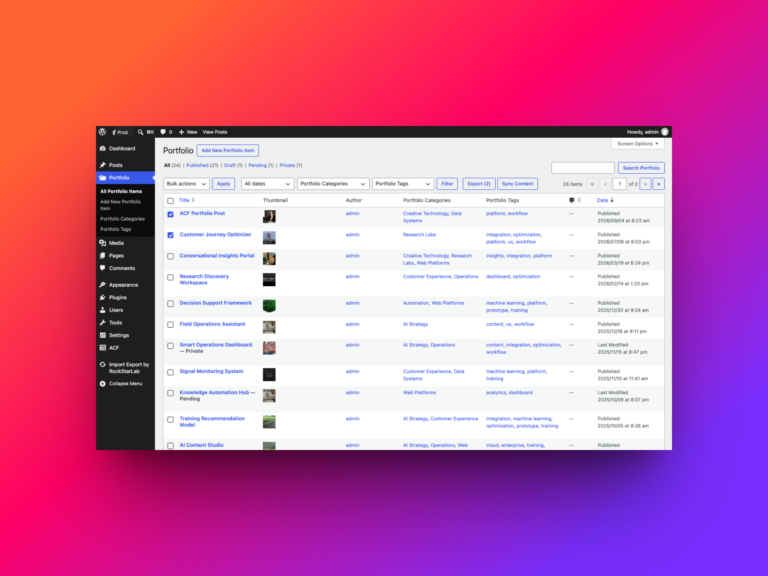
A portfolio entry is rarely just a title and a block of text. It may also have its own categories and tags,…
Read article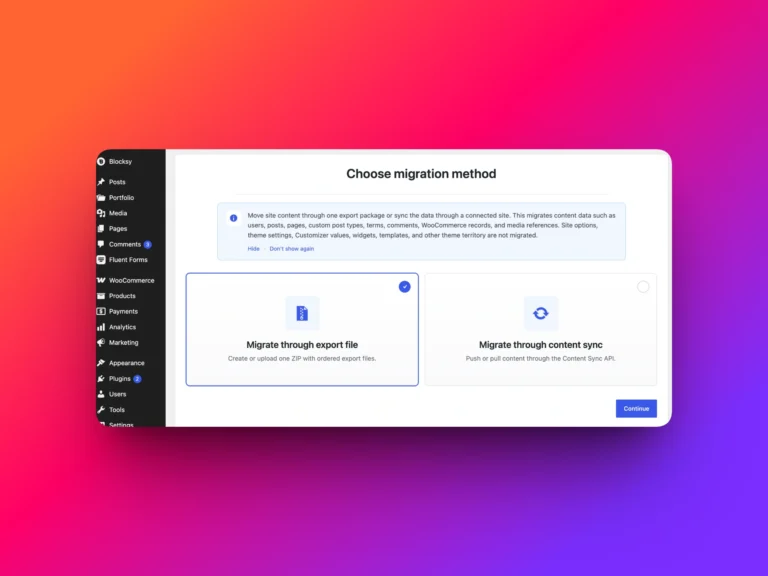
Import Export by RockStarLab 1.4.0 introduces one of the most important workflow improvements in the plugin so far: Full Content Migration Mode.…
Read article