
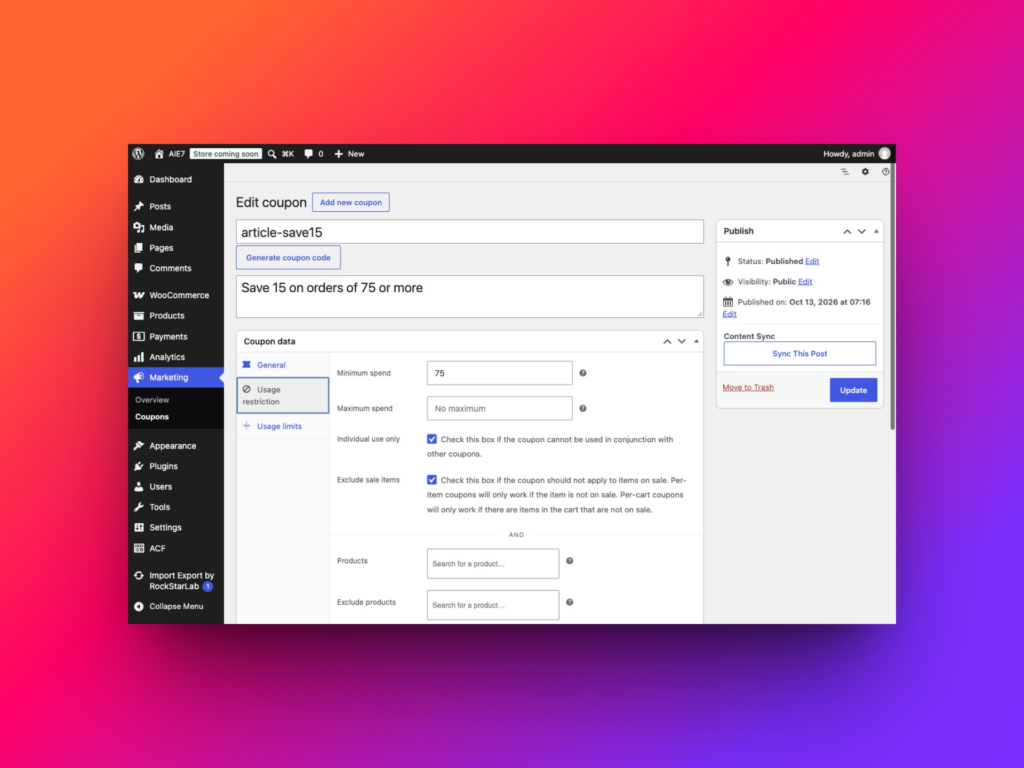
How to Import WooCommerce Coupons
To import WooCommerce coupons, open Import Export by RockStarLab → Import, select WooCommerce Coupons, upload your CSV and map its columns to the coupon fields. Choose whether matching coupon codes…
Read article
To import WooCommerce coupons, open Import Export by RockStarLab → Import, select WooCommerce Coupons, upload your CSV and map its columns to the coupon fields. Choose whether matching coupon codes…
Read article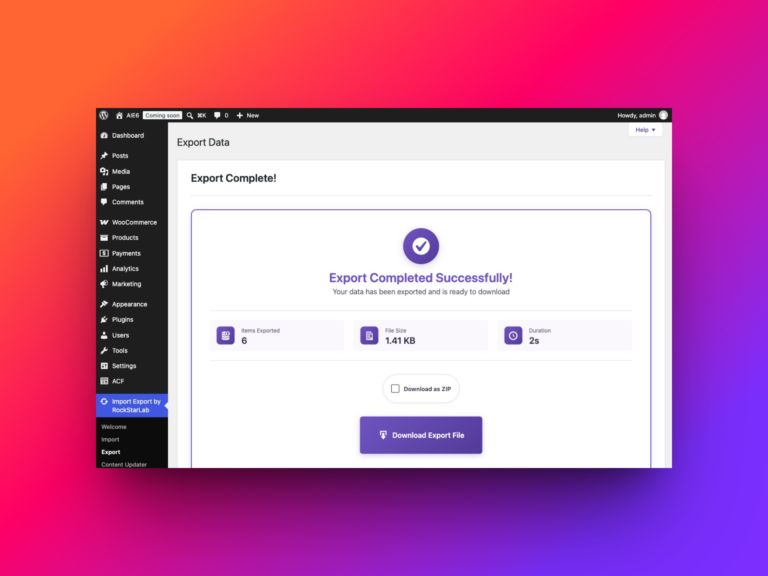
To export all WooCommerce product reviews, open Import Export by RockStarLab → Export, select WooCommerce Reviews, leave the filters empty and choose…
Read article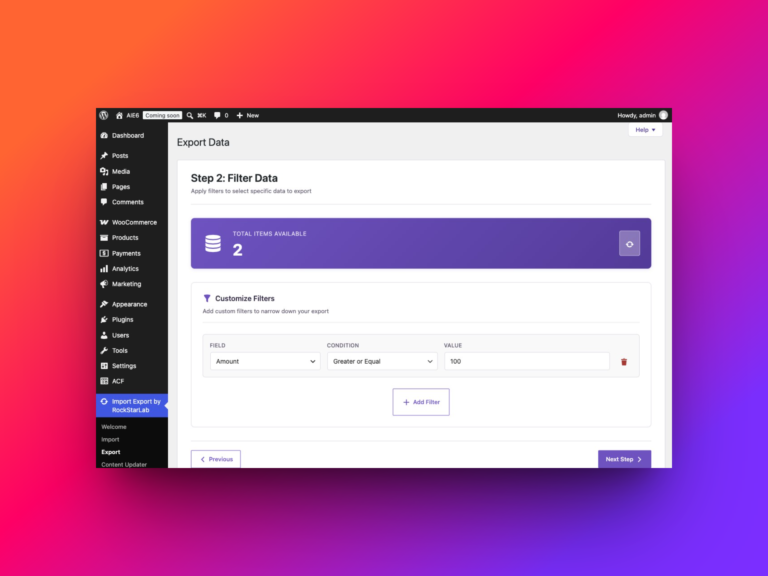
To export all WooCommerce refunds with Import Export by RockStarLab, open Export, select WooCommerce Refunds, leave the filters empty, choose your columns…
Read article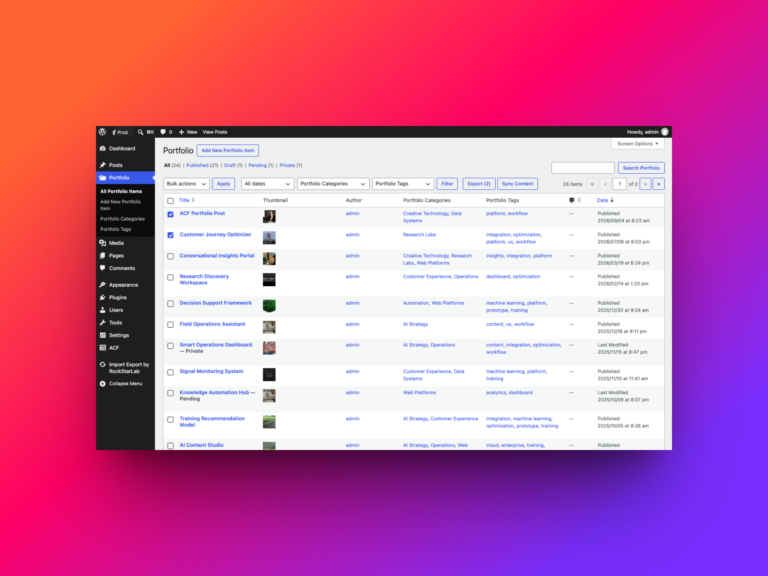
A portfolio entry is rarely just a title and a block of text. It may also have its own categories and tags,…
Read article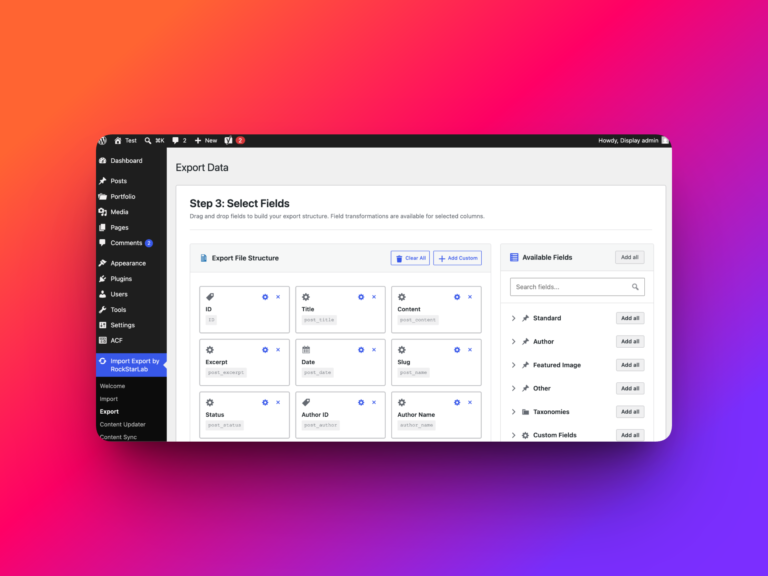
In this tutorial, you will learn how to import WordPress blog posts from a CSV or Excel file using Import Export by…
Read article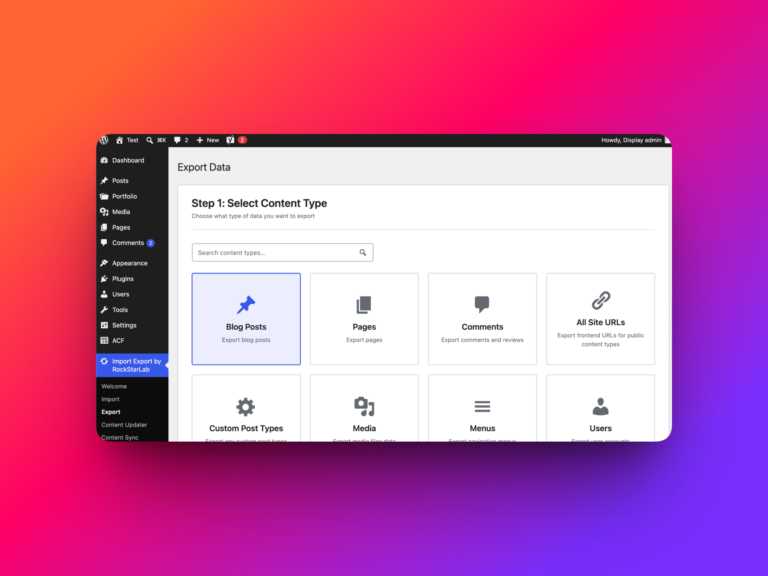
In this tutorial, you will learn how to export WordPress blog posts to CSV using Import Export by RockStarLab. This workflow is…
Read article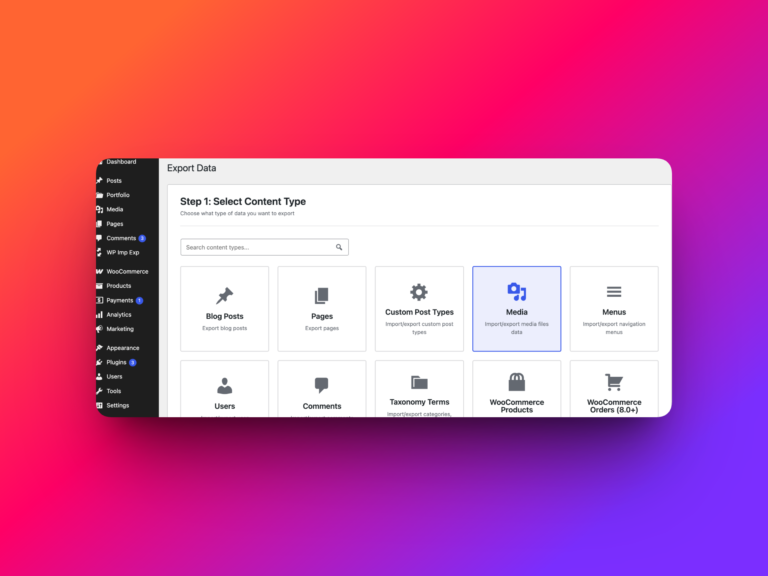
A reliable WordPress media migration must transfer both the files and their attachment data. Titles, captions, alt text, descriptions, authors, file paths,…
Read article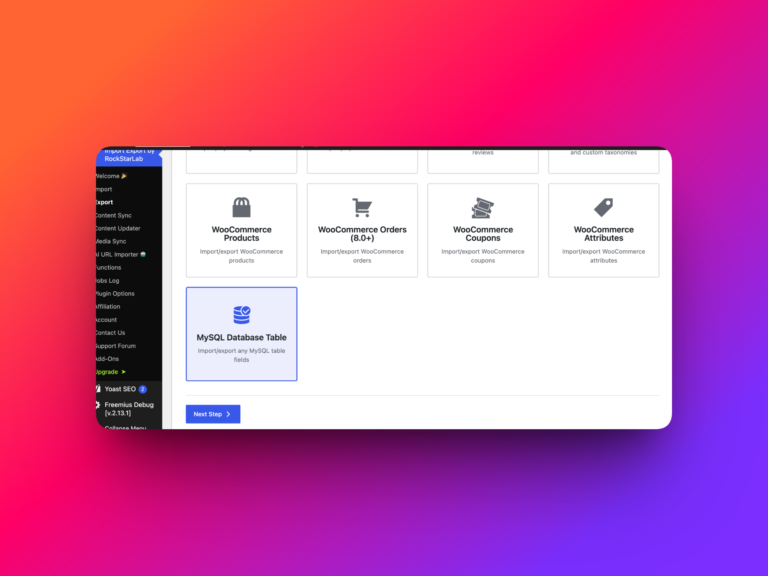
Some WordPress data lives outside posts, pages, products, and users. Custom plugins, integrations, reports, and operational tools may store important records in…
Read article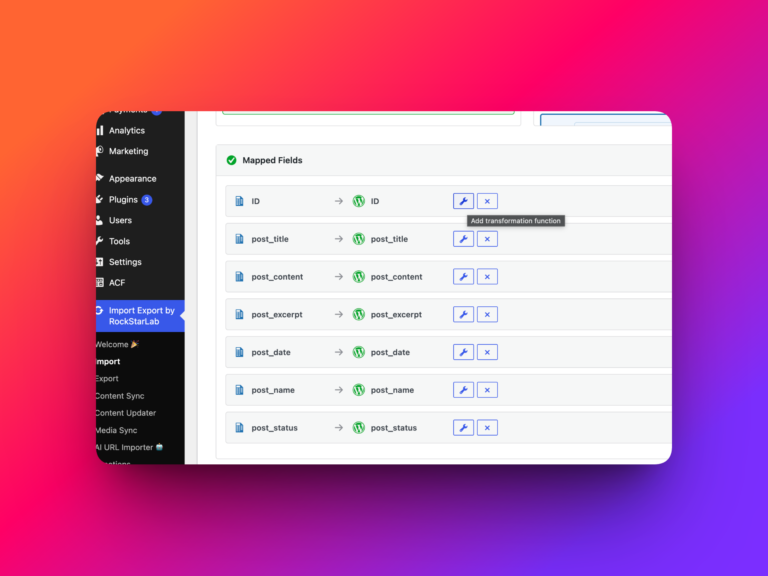
Messy import and export data often needs one last cleanup step before it is safe to save or share. Transformation functions handle…
Read article