
business
Agency Site Migrations
Move entire client sites between hosts or domains with zero data loss and automatic URL replacement.
The most complete WordPress site-to-site content sync plugin — connect sites, push or pull WordPress data in a few clicks! Import and export large CSV, XLS, XML, ODS, JSON, and ZIP workflows when you need files.
Designed for migrations, staging ⇄ production sync, bulk updates, and content operations at scale.
Connect two sites with API keys and push/pull content with conflict strategies and media sync.
Sync tutorials arrow_forwardUpload spreadsheets or structured files, preview rows, map fields, validate data, and run jobs in the background.
Import tutorials arrow_forwardFilter by IDs, date, status, taxonomy; choose fields; download clean datasets in the format your workflow needs.
Export tutorials arrow_forwardFull support for ACF, Elementor, Yoast SEO, WooCommerce, Rank Math, and Gutenberg content structures.
Import / Export tutorials arrow_forwardUpload ZIP packages for imports or download exported files as a single archive for migrations and handoffs.
Import / Export tutorials arrow_forwardApply transformations to thousands of records using filters — no manual SQL, no brittle scripts.
Updater tutorials arrow_forwardScan server folders (FTP/SFTP uploads) and register files into Media Library with duplicate detection.
Media sync tutorials arrow_forwardGive a URL, let AI parse the page, and import content as any post type — fast and flexible.
AI importer tutorials arrow_forwardWrite and reuse PHP transformation functions with a built‑in editor, testing, and examples.
Functions tutorials arrow_forwardEvery run is saved — review results, rerun jobs, or use history as a safety net.
Jobs log tutorials arrow_forwardSchedule recurring import, export, sync, and update jobs so routine WordPress data work runs automatically.
Schedules tutorials arrow_forwardA clean, guided interface for mapping fields, previewing data, and running WordPress import/export jobs with confidence.
Video tutorials arrow_forwardConnect your source and destination sites with secure API keys, choose Push or Pull, preview what will move, and sync content without downloading export files or writing migration scripts.
Video TutorialsReal workflows for agencies, developers, store owners, and content teams. This overview stays fixed while the scenarios on the right scroll by.
Move entire client sites between hosts or domains with zero data loss and automatic URL replacement.
Push content updates from staging to live environments without overwriting user data or orders.
Import thousands of products, variations, and stock levels from supplier CSV, XLS, XML, ODS, or ZIP feeds.
Update prices, descriptions, or custom fields across your entire site in seconds using powerful filters.
Bulk upload assets via FTP and register them into the WordPress Media Library automatically.
Scrape external URLs and use AI to map content into structured WordPress posts or pages.
From move content once to keep sites in sync, choose the path that fits.
New users get 1 month with access to all premium features. Experience the most powerful WordPress data engine today.
Download NowThree plans for running premium features across your sites.
Pay as you go — no need to pay for a full year upfront.
Subscribe during the launch phase and keep your selected price for as long as your subscription stays active. Future pricing changes will not affect existing paid subscriptions.
Up to 3 Sites - $29.99 / year
3 sites: Perfect for 3 different environments: Production, Staging and Local installation.
Up to 10 Sites - $99.99 / year
10 sites: For users who manage several sites or client projects without jumping into agency scale.
Up to 100 Sites - $399.99 / year
100 sites: For agencies running migrations, staging sync, and repeatable workflows.
One payment. Premium features for four sites, forever.
Start free with the core plugin, then unlock every WordPress data type with the PRO Addon.
Everything you need to start moving WordPress content, free forever.
Unlock every WordPress data type and advanced transformation tools.
Recommend WP Import Export by RockStarLab to your audience and earn a high-yield commission on every sale you refer.
Commission per sale
Days Cookie duration
Payouts via PayPal
Sign up with your email directly in WP Admin Panel → Import Export by RockStarLab → Affiliation. Instant approval for active users.
Share it in blog posts, YouTube videos, tutorials, or social media networks. Track every click in real-time.
Get 20% commission on each new premium subscription you refer. No caps on earnings, paid out monthly.
Fresh guides, release notes, and practical WordPress data workflows.
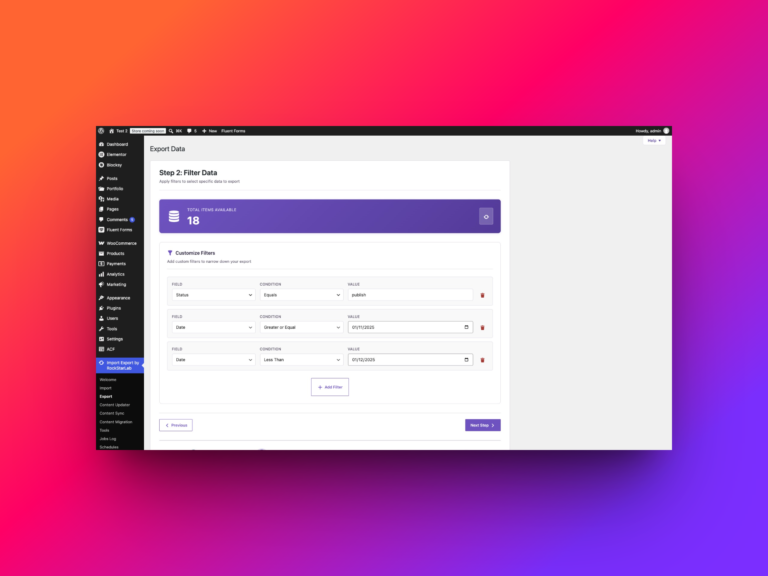
A useful WordPress export starts with a question. Which published tutorials need a review? Which articles still mention an old URL? Which…
Read article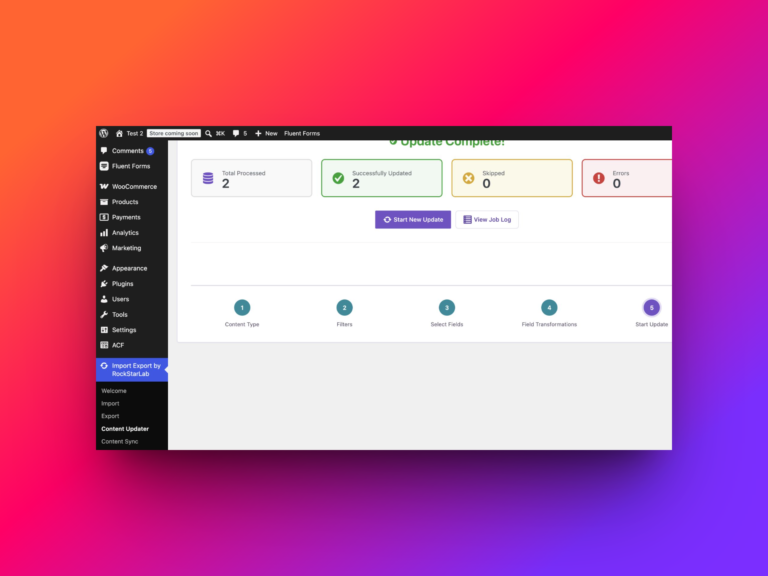
A supplier raises prices. A delivery adds ten units to several products. A new packaging requirement changes the shipping weight of a…
Read article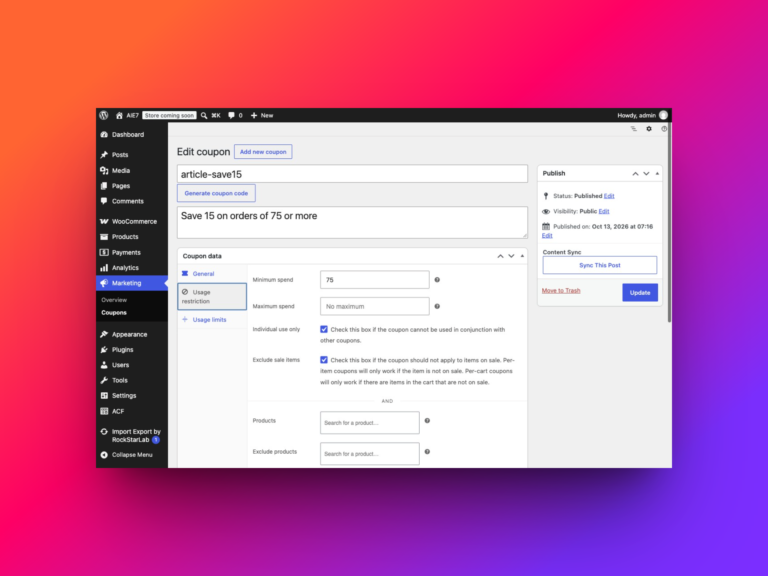
To import WooCommerce coupons, open Import Export by RockStarLab → Import, select WooCommerce Coupons, upload your CSV and map its columns to…
Read article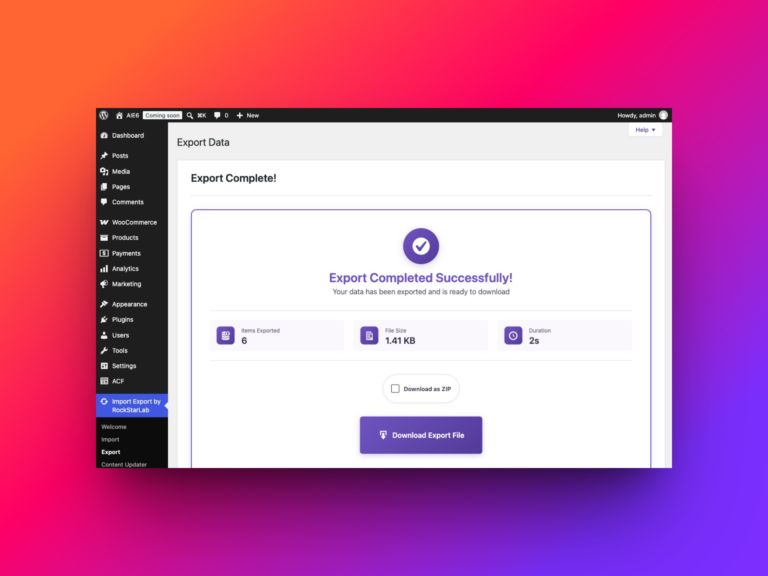
To export all WooCommerce product reviews, open Import Export by RockStarLab → Export, select WooCommerce Reviews, leave the filters empty and choose…
Read article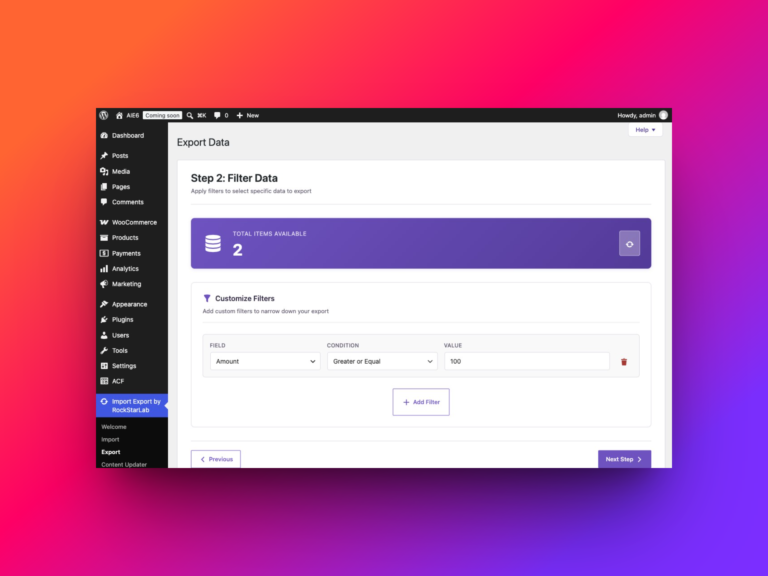
To export all WooCommerce refunds with Import Export by RockStarLab, open Export, select WooCommerce Refunds, leave the filters empty, choose your columns…
Read article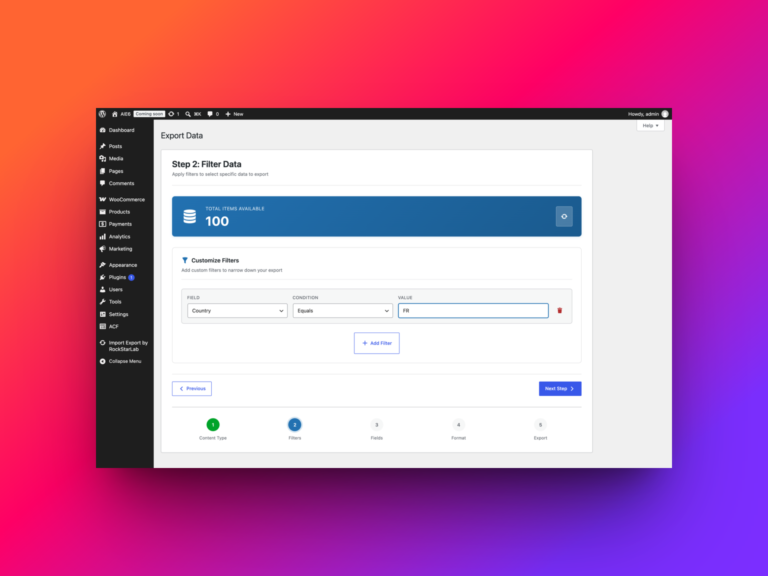
At some point every WooCommerce store owner ends up needing a full export of orders — not just the last ten for…
Read articleQuick answers to common questions from users and developers.
Start with video tutorials, run a job, and keep every run in history for reruns and audits.