
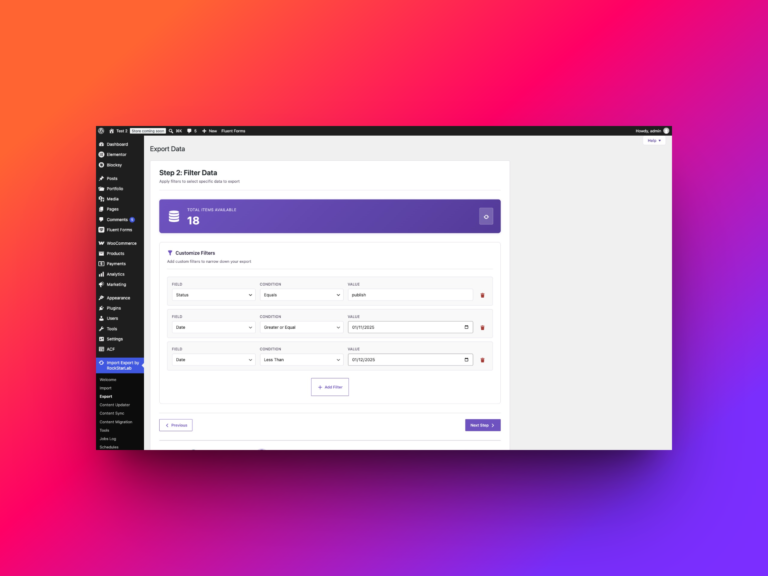
WordPress Export Data Filters Examples: How to Use Them Effectively
A useful WordPress export starts with a question. Which published tutorials need a review? Which articles still mention an old URL? Which…
Read article
A useful WordPress export starts with a question. Which published tutorials need a review? Which articles still mention an old URL? Which…
Read article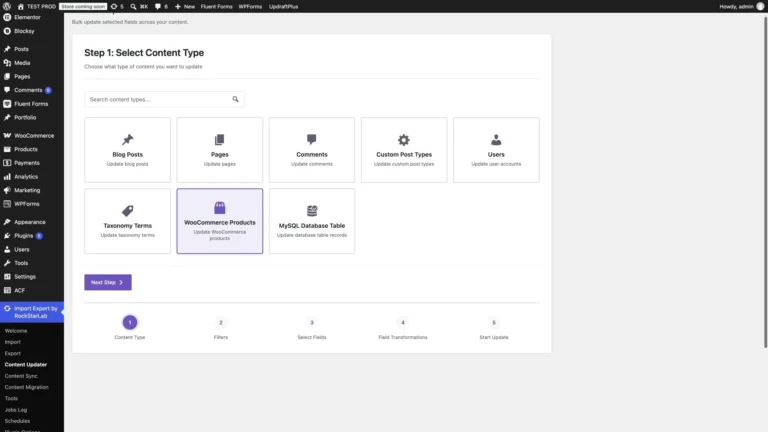
A supplier raises prices. A delivery adds ten units to several products. A new packaging requirement changes the shipping weight of a…
Read article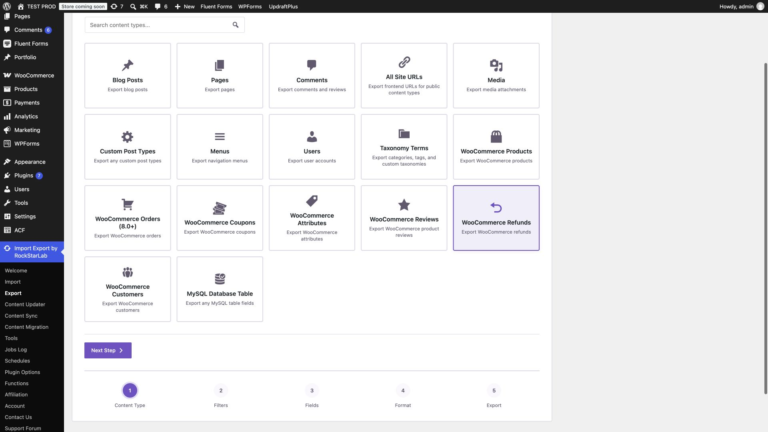
To export all WooCommerce refunds with Import Export by RockStarLab, open Export, select WooCommerce Refunds, leave the filters empty, choose your columns…
Read article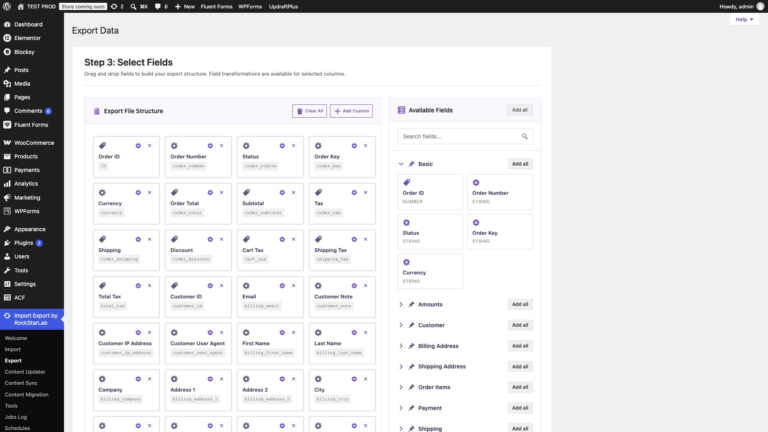
An order number and a total are rarely enough. Accounting wants tax and payment status, the warehouse wants SKUs, variation IDs and…
Read article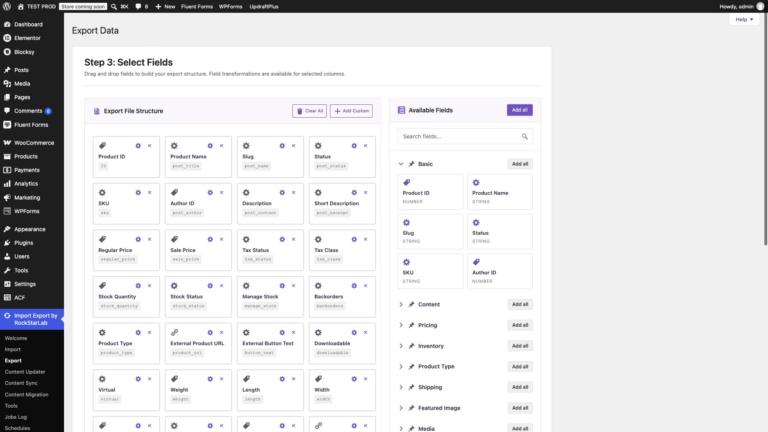
Open Import Export by RockStarLab → Export → WooCommerce Products to download a product catalogue in CSV, Excel (XLSX) or XML. This…
Read article
A report that someone needs every Monday should not depend on someone remembering to click Export. Run the export once, then open…
Read article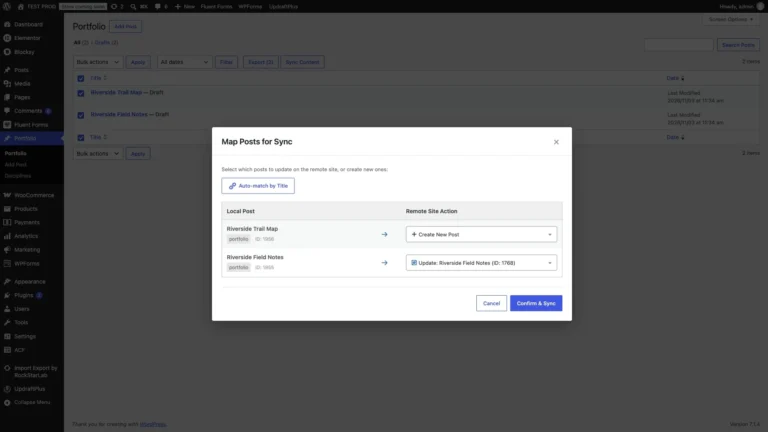
To sync a WordPress custom post type, open its editor, choose Sync This Post, select the connected site and review the destination…
Read article
A portfolio project is more than its text: it has a discipline from a custom taxonomy, a client in an ACF field…
Read article
Import Export by RockStarLab 1.4.0 introduces one of the most important workflow improvements in the plugin so far: Full Content Migration Mode.…
Read article