
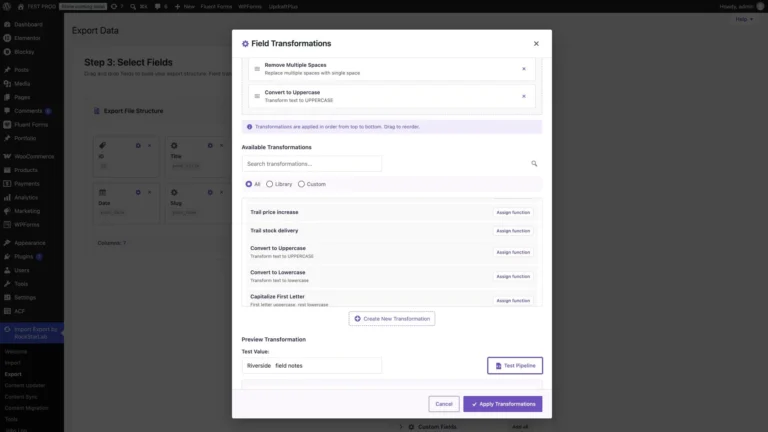
Content Transformation Functions for WordPress Import and Export
A partner wants uppercase titles in a CSV feed, but your editors want readable titles in WordPress. With the PRO transformation functions in Import Export by…
Watch and readWatch the core import, export, sync, media and bulk update workflows on screen, each with a written walkthrough.
A partner wants uppercase titles in a CSV feed, but your editors want readable titles in WordPress. With the PRO transformation functions in Import Export by…
Watch and read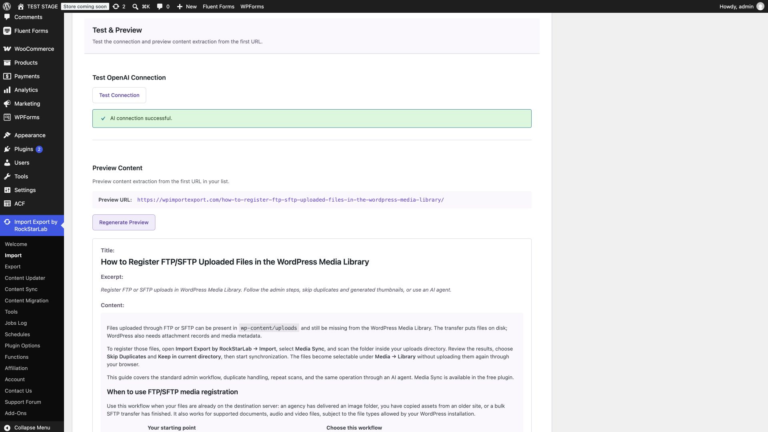
Import multiple website pages into WordPress from a TXT file or URL list. Follow the admin workflow, review drafts and images, and use AI-agent prompts.
Watch and read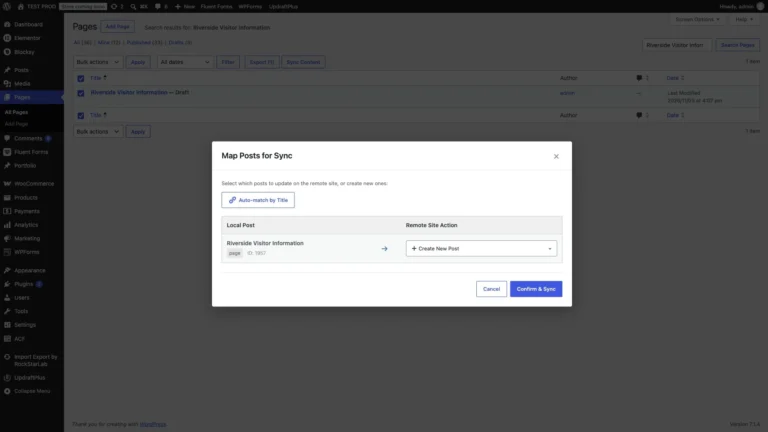
Sending one page to another WordPress site doesn’t need an export file. Under Pages → All Pages, choose Sync Content on the page, pick the receiving…
Watch and read
Files copied into wp-content/uploads by SFTP or a hosting file manager sit on the server, but WordPress doesn’t list them in the Media Library. Import Export…
Watch and read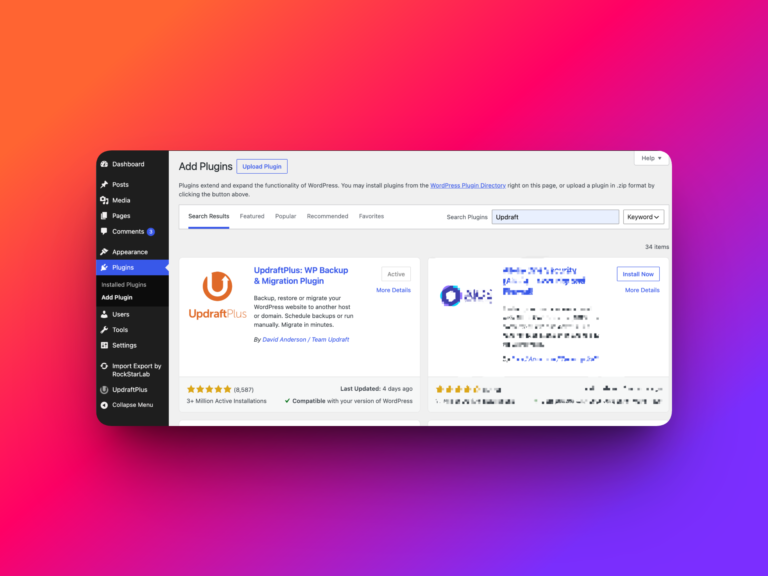
A WordPress backup is useful only if you can restore the data you need. Before a CSV import, a bulk update, or a site-to-site sync, create…
Watch and read
Open Import Export by RockStarLab → Plugin Options to choose where Export and Sync appear, shorten the admin menu, or add a page-tree filter. There are…
Watch and read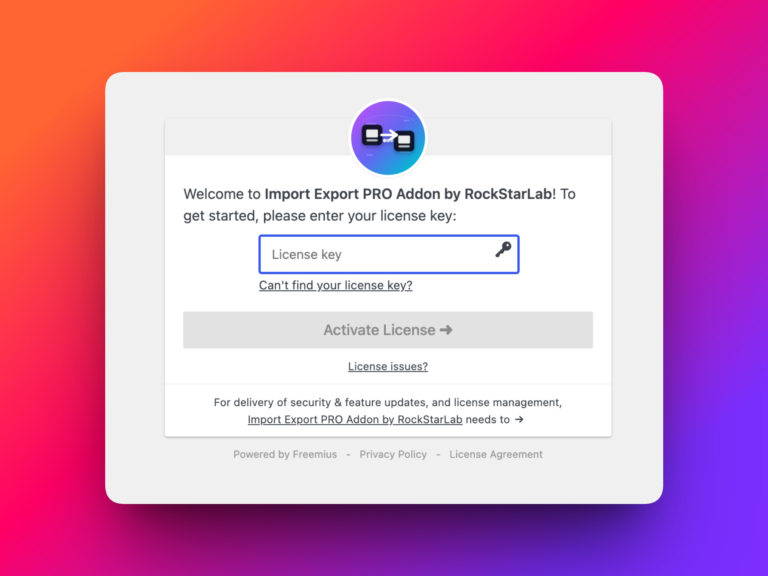
Import Export by RockStarLab includes a free one-month trial for the PRO Addon. This lets you try the advanced version of the plugin before deciding whether…
Watch and read
In WordPress, go to Plugins → Add Plugin, search for Import Export by RockStarLab, and check the author before clicking Install Now. Then click Activate. Once…
Watch and readNew users get 1 month with access to all premium features. Experience the most powerful WordPress data engine today.
Download Now