

WordPress Tools > Export Limitations: What the Built-In Exporter Doesn’t Move
What Tools > Export and the WordPress Importer leave behind or duplicate: media files, orders, widgets, settings, authors and custom fields. Tested.
Read articleExport posts, pages, media, users, comments, SEO titles and store data to CSV, Excel, JSON or XML, with filters and field selection.
What Tools > Export and the WordPress Importer leave behind or duplicate: media files, orders, widgets, settings, authors and custom fields. Tested.
Read article
To export WordPress comments to CSV or Excel, open Import Export by RockStarLab → Export, choose Comments, set the selection, choose your columns and download the…
Read article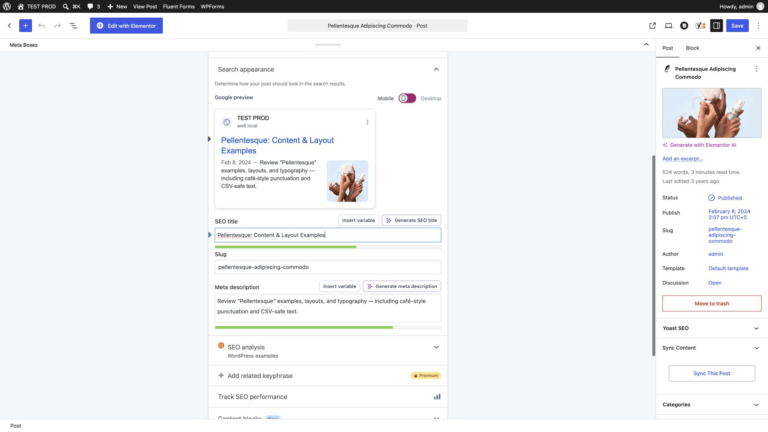
The Yoast box shows one post at a time; an SEO audit needs all titles and meta descriptions side by side. In Import Export by RockStarLab…
Read article
To export Rank Math SEO titles and meta descriptions to CSV, open Import Export by RockStarLab → Export, choose your content type, filter the posts you…
Read article
A portfolio project is more than its text: it has a discipline from a custom taxonomy, a client in an ACF field and a cover image.…
Read article
An Elementor page copied as plain content arrives as static HTML that Elementor can no longer edit. To keep it editable on another site, export the…
Watch and read
Moving users is easy until their profiles carry ACF fields such as a department or a portrait. Export the accounts to CSV on the source site,…
Watch and read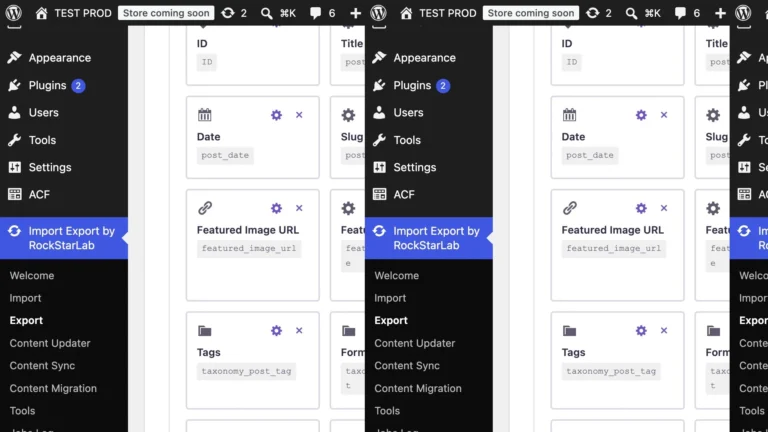
WordPress’s own export writes XML for another WordPress site; for a spreadsheet you need CSV or Excel. In Import Export by RockStarLab → Export, select Blog…
Watch and read
A content audit, a redirect plan or a migration check all start with the same list: every address on the site. In Import Export by RockStarLab…
Read articleNew users get 1 month with access to all premium features. Experience the most powerful WordPress data engine today.
Download Now