
We gave an AI agent a simple job: copy a WordPress page from one site to another by working in wp-admin like a person would. Open the source, open the target, upload the images, fill in the fields, save. Then we moved the same content with Content Sync and compared what arrived, how long it took and what went missing.
The content was two items on a local test site: a post with four images, a category, two tags and an excerpt, and a landing page built with Elementor with an ACF field group (subtitle, badge, an hours repeater and a gallery) and eleven images. The target was a second local site with the same theme, plugins and ACF group.
Run 1: the agent copies the content by hand
The agent was Claude, driving a Chromium browser one action at a time: click, type, upload, read the screen, decide the next step. No pre-written transfer scripts. It opened the source post, read the content, then worked in the target admin.
For the post that meant creating the draft, pasting the blocks, setting the category, tags and excerpt, and uploading the four images to the media library, then pointing each image block at the new upload.
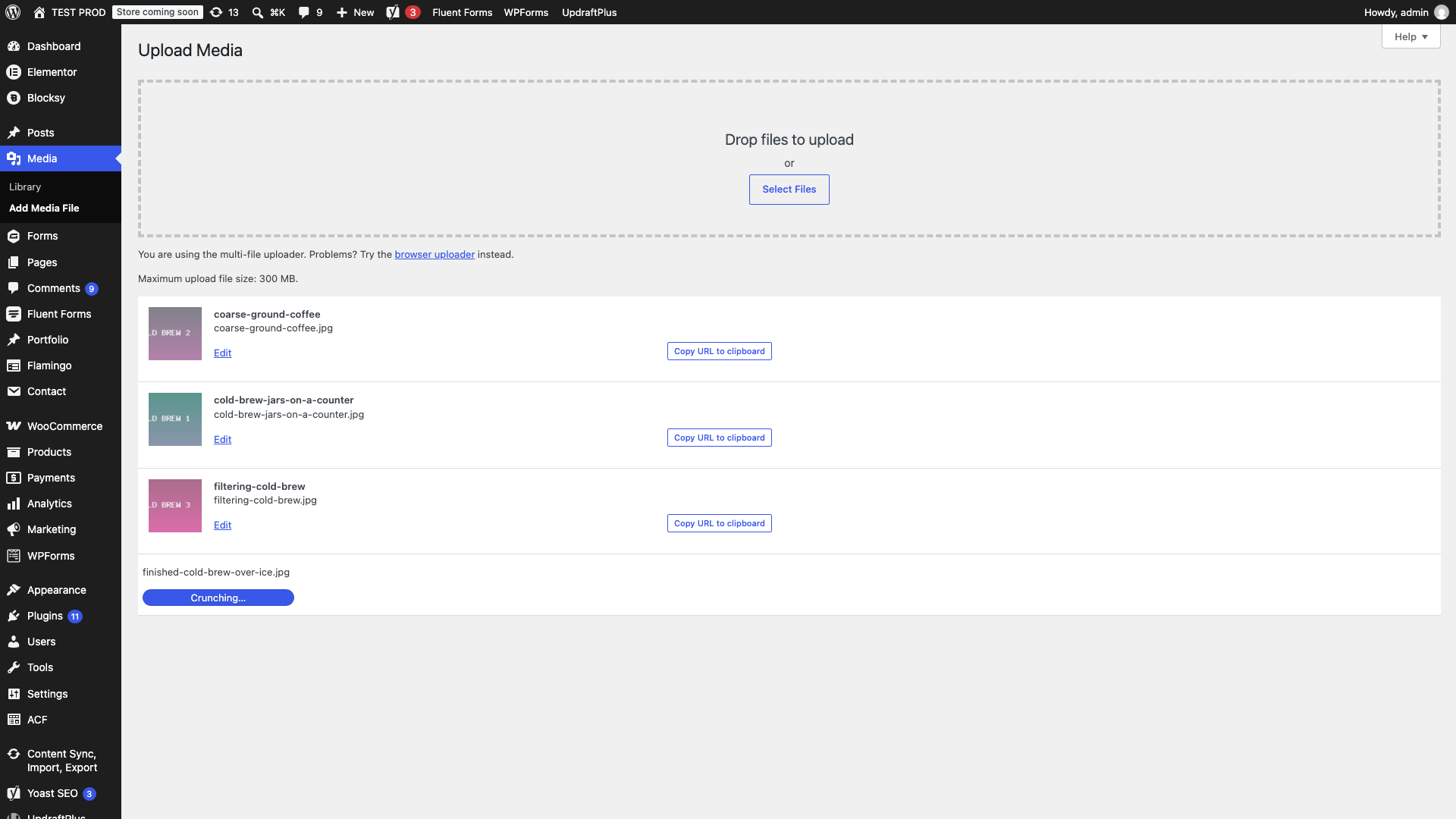
The post took 46 UI actions and about 5.5 minutes, including a few retries after wrong clicks. The result was identical to the source: images, taxonomy, excerpt and date.
The page was harder. Elementor layouts cannot be pasted as plain content, so the agent used Elementor’s own route: Save as Template in the source editor, Export, Import on the target, then insert the template into a new page. After that it uploaded four images for the ACF gallery and fields by hand, filled the subtitle, badge and hours repeater, and set the featured image.
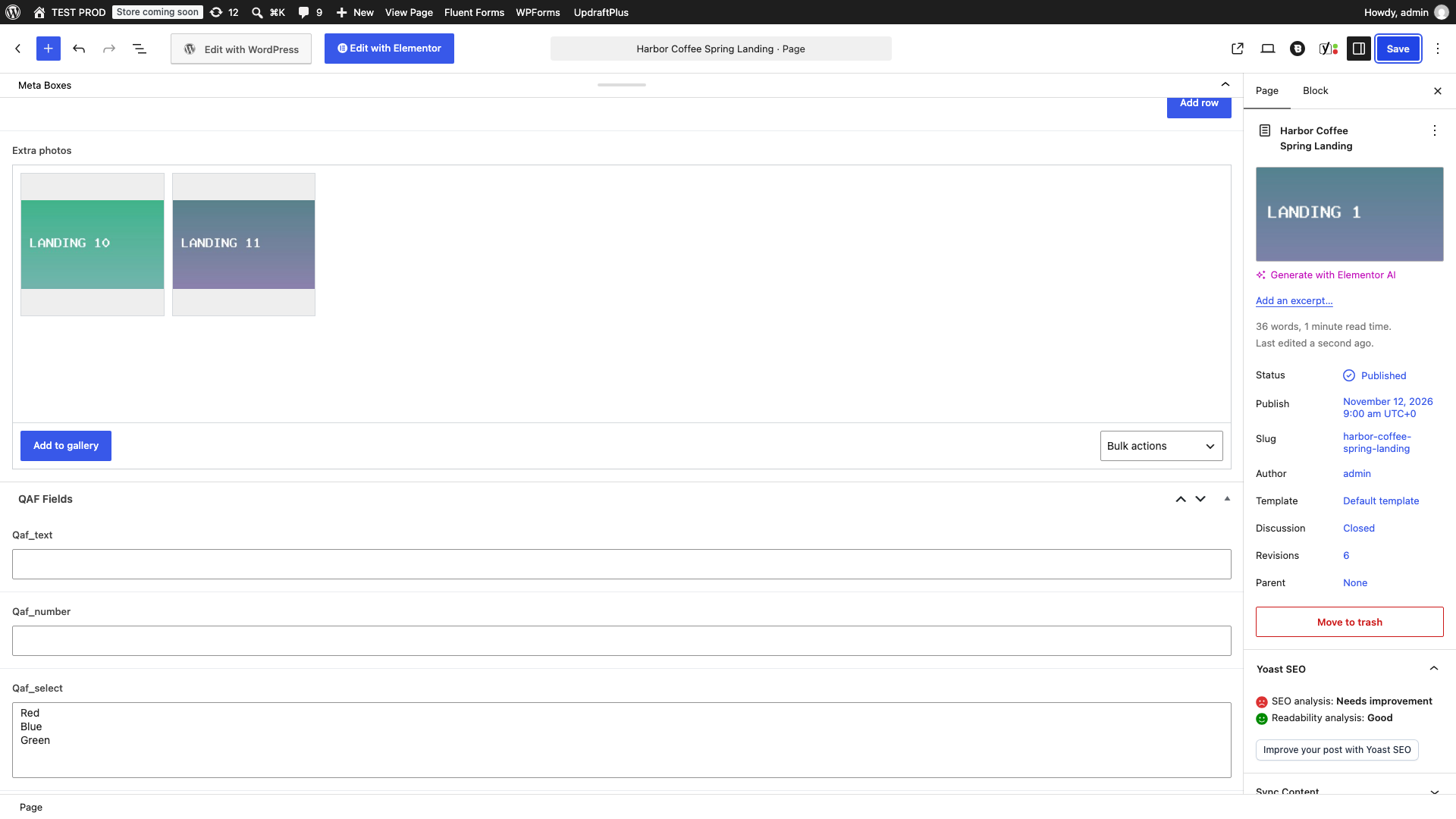
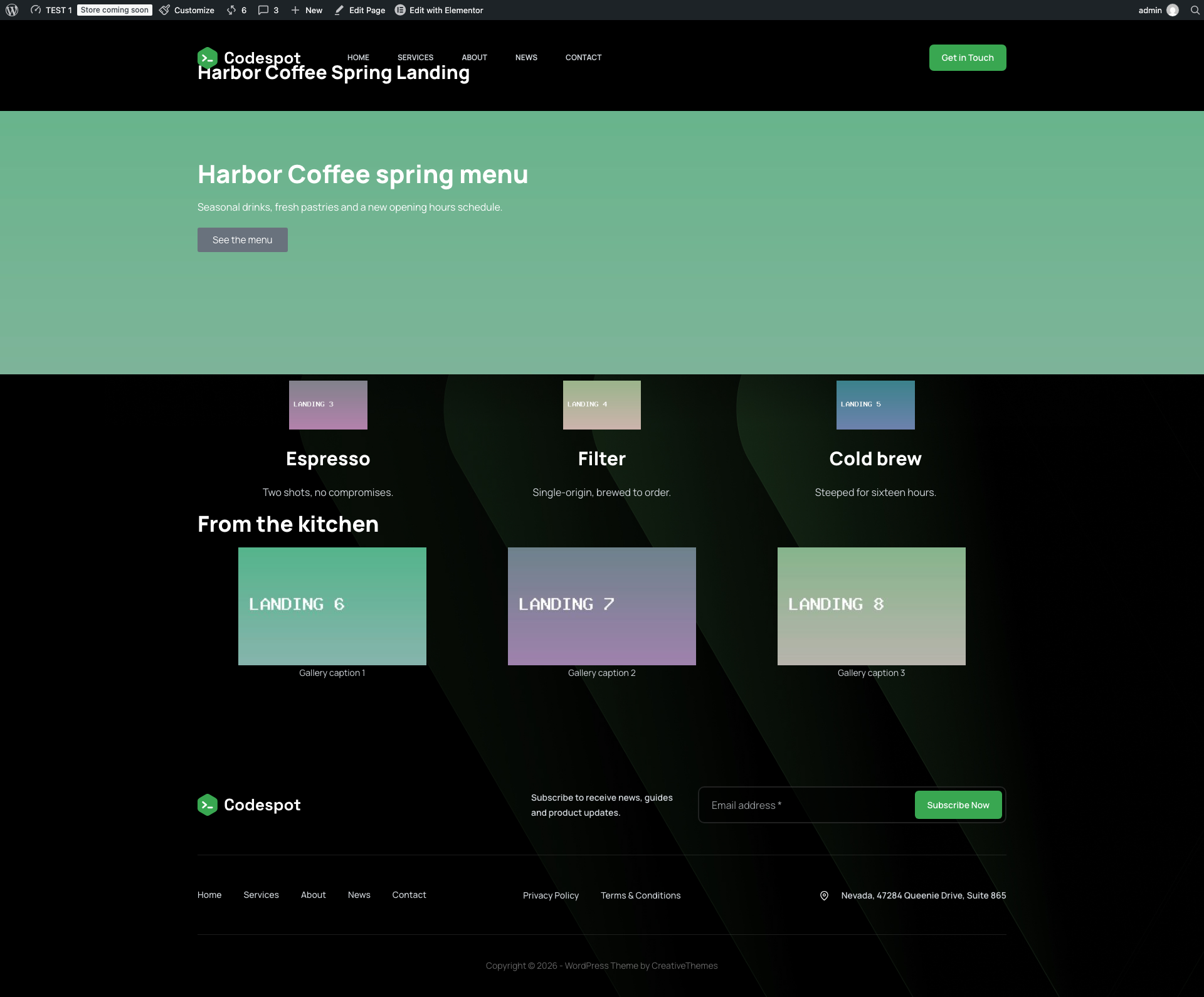
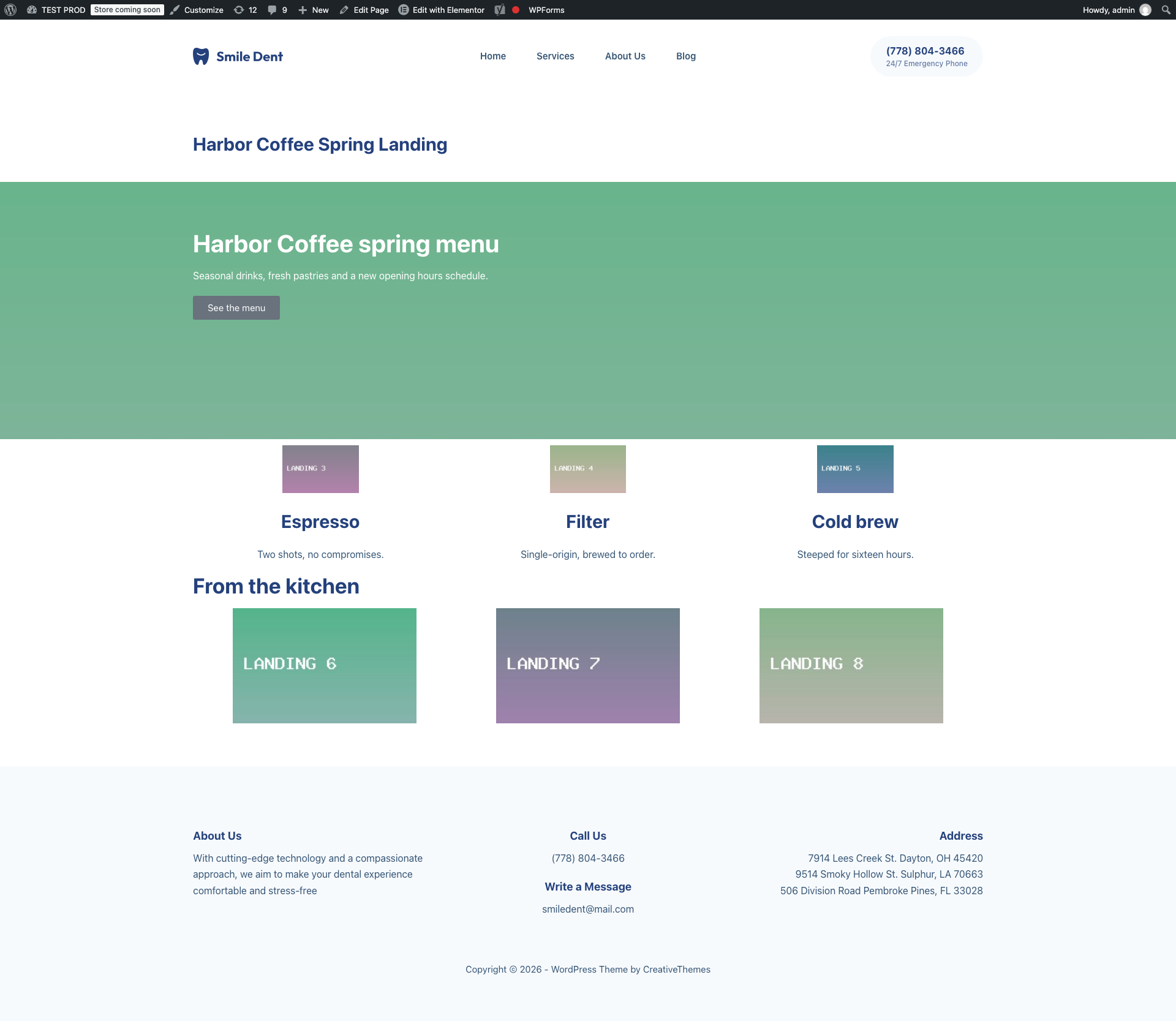
This run took 68 UI actions and about 11 minutes. On the front end the target looked right next to the source.
What the manual copy missed
Looking at the pages side by side is not enough. When we compared the data, three things were off:
- Alt text was gone on 7 of the Elementor images. Elementor downloads the files when you import a template but does not carry the alt text over.
- The ACF gallery captions did not arrive.
- File names in the target library got a numeric suffix, because the agent had uploaded files that already existed with the same names.
None of this shows on screen. An agent that is told to “copy the page” will report success. It only finds these gaps if it is also told to compare alt text and captions field by field, which is more work again.
Run 2: Content Sync
With Content Sync the source and target sites are connected once with an API key. After that, moving content is a button in the editor.
- Open the post or page and click Sync This Post in the sidebar.
- Choose the target site and click Push to Site.
- In Map Posts for Sync, choose Create New Post or pick an existing post to update.
- Click Confirm & Sync.
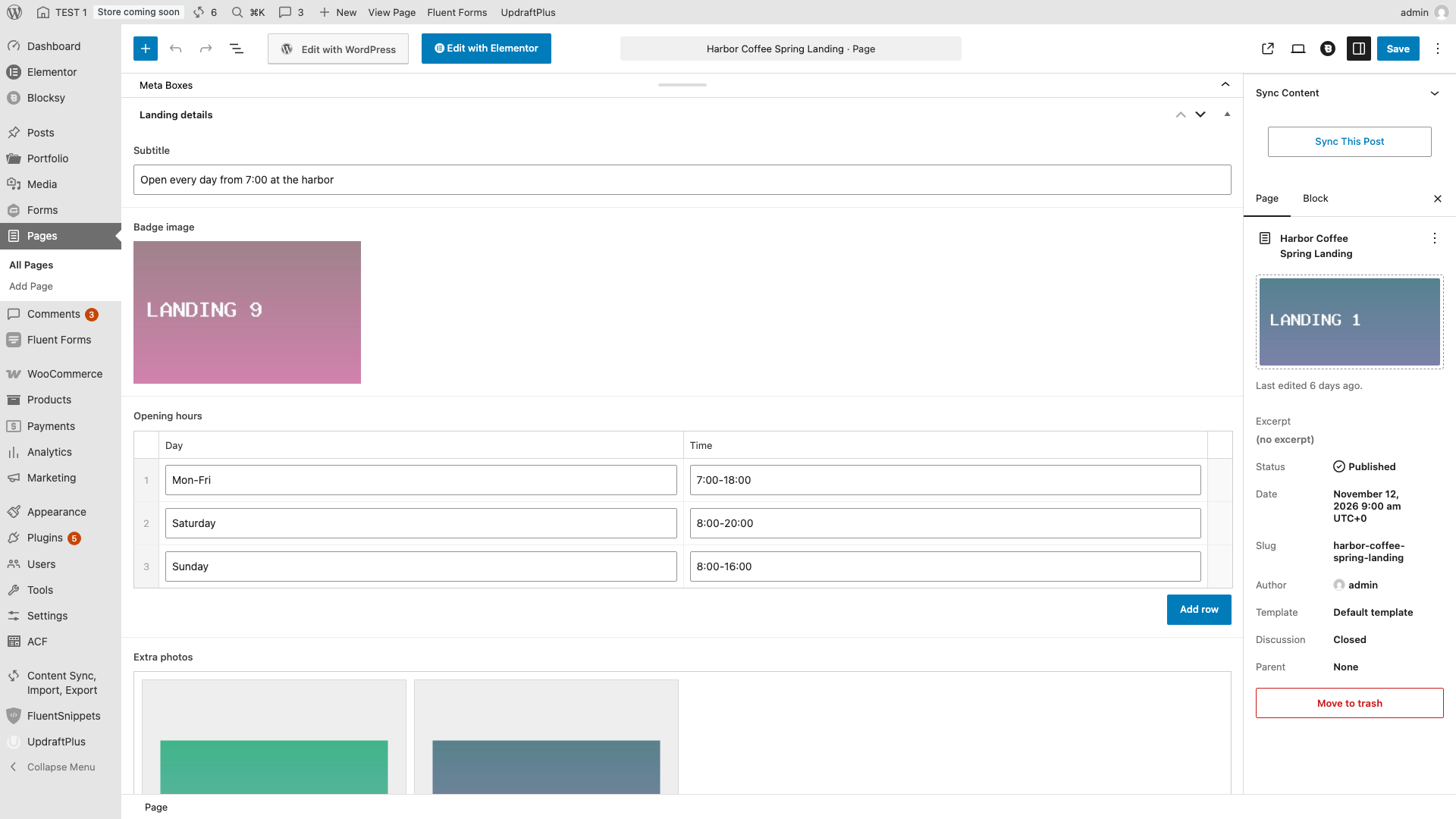
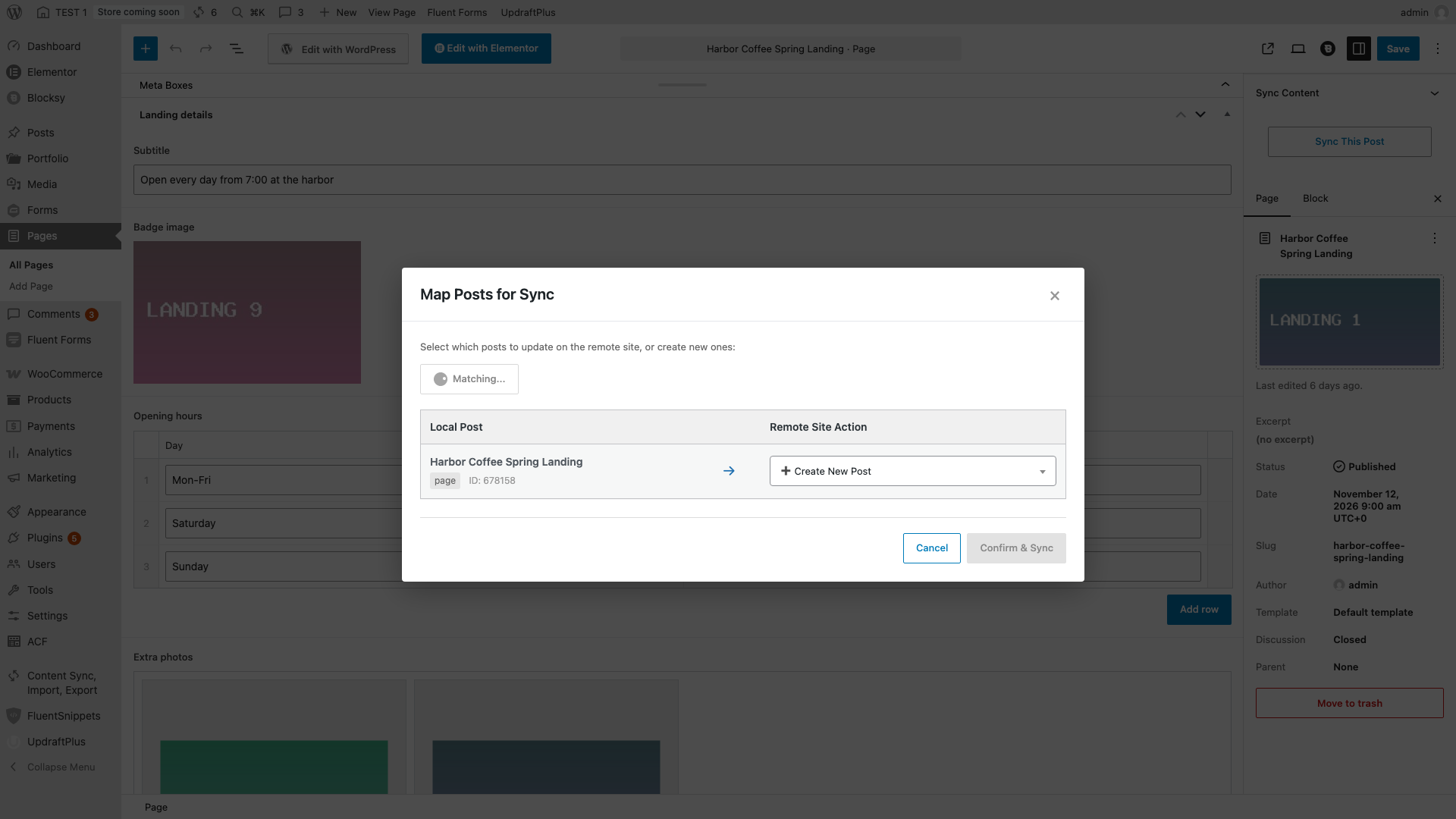
The post finished in about 27 seconds. The Elementor page with eleven images took about 65 seconds, because images are uploaded one after another at roughly five to six seconds each.
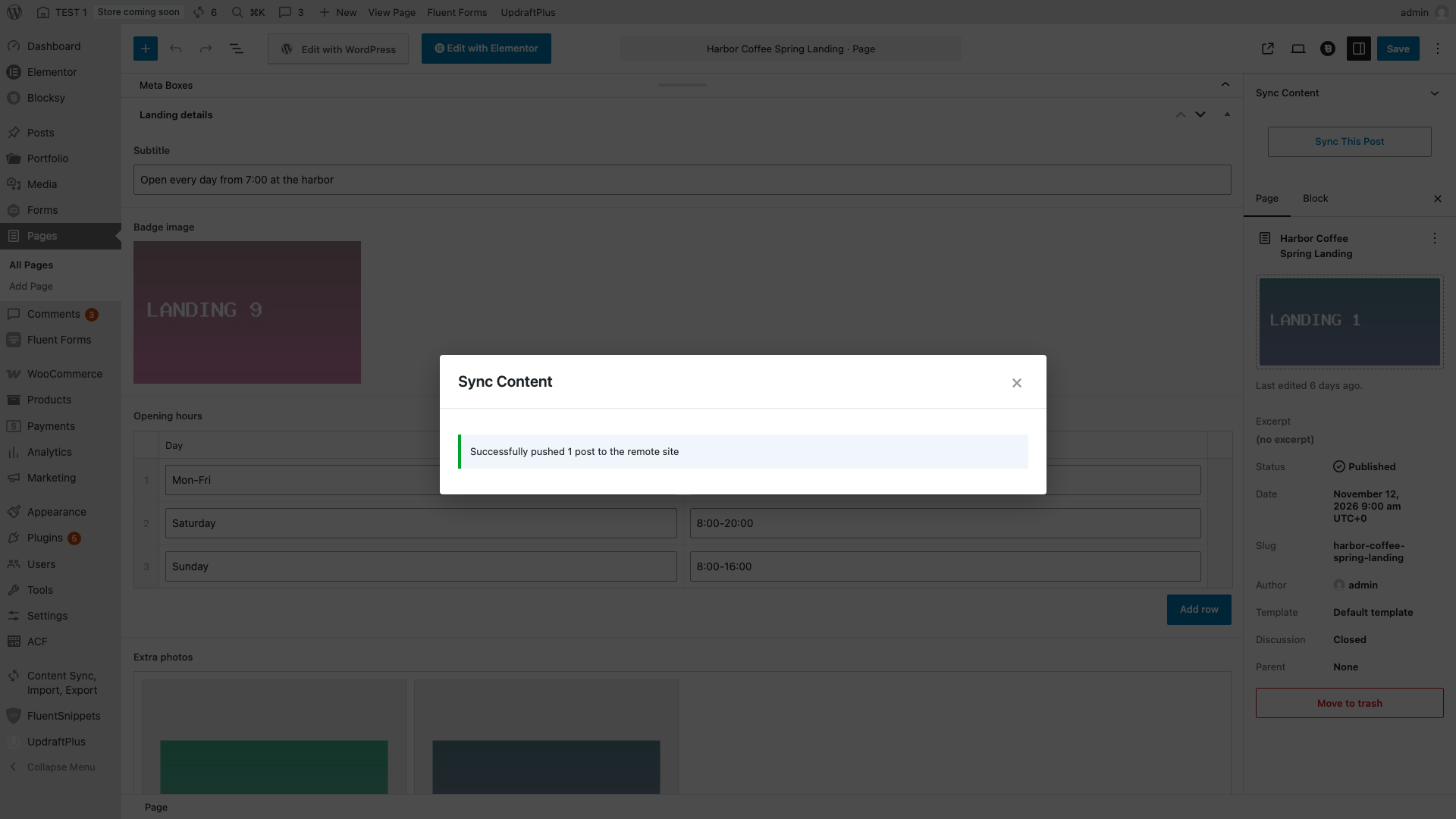
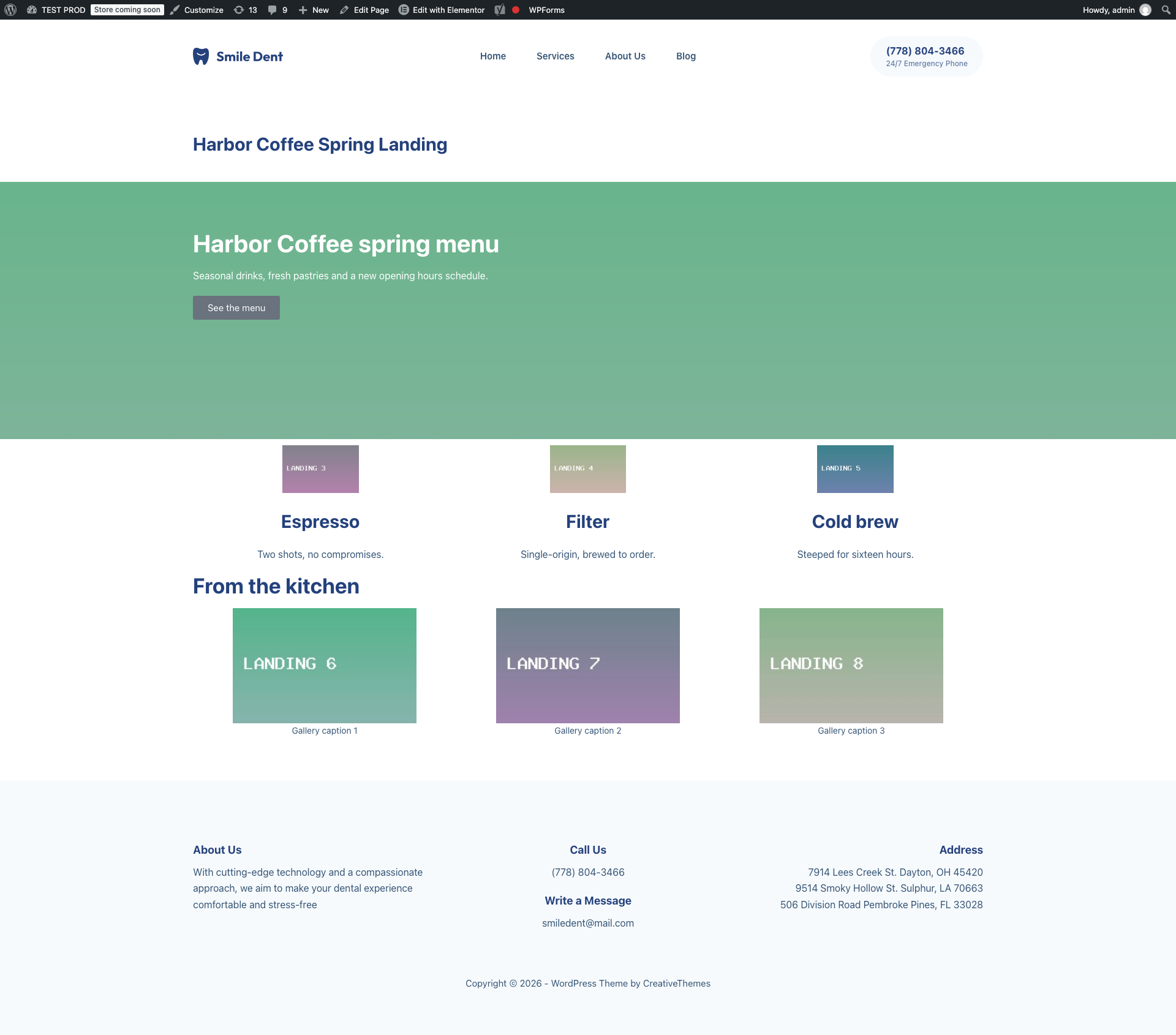
Everything we checked arrived: all eleven images, Elementor image IDs and URLs remapped to the target, ACF text, repeater, badge and gallery, captions, alt text, the featured image and the hero background. The same approach covers custom post types, ACF and taxonomies and Elementor pages.
Side by side
| Agent clicking through wp-admin | Content Sync | |
|---|---|---|
| Post with 4 images, category, 2 tags, excerpt | 46 UI actions, about 5.5 minutes | 4 clicks, about 27 seconds |
| Elementor page with ACF fields and 11 images | 68 UI actions, about 11 minutes | 4 clicks, about 65 seconds |
| Alt text on Elementor images | Lost on 7 images | Kept |
| ACF gallery captions | Missing | Kept |
| Image file names | Suffixed (-1) in the target library | Unchanged |
| Needs the agent to know what to check | Yes | No |
What it costs in tokens
We repeated the page copy with two fresh Claude Sonnet 5.5 sub-agents with empty context, so the usage of each run could be counted on its own. One worked in the browser, the other called the plugin through the Abilities API. Both got the same page: Elementor layout, ACF fields and 11 images.
| Same Elementor + ACF page, 11 images | Agent in the browser | Agent via Abilities API | Content Sync buttons |
|---|---|---|---|
| Model calls | 155 | 11 | 0 |
| Time | about 29 minutes | about 2.5 minutes | about 65 seconds |
| Cache read tokens | 22.7 million | 1.08 million | 0 |
| Cache write tokens | 209,000 | 42,000 | 0 |
| Output tokens | 65,000 | 3,700 | 0 |
| Cost at list prices | about $3.80 | about $0.31 | $0 in tokens |
The browser run was far worse than our first manual attempt. The Elementor template import failed twice for this agent, so it rebuilt the layout widget by hand, and it needed about 150 UI steps. It also reported that it never compared the layouts visually. The Abilities run found the sync abilities from their descriptions, pushed the page in one job and got “Successfully pushed 1 post to the remote site” with 11 images synced. We checked the result afterwards: the featured image, the ACF badge, the repeater and the gallery all pointed at the new target images, and the gallery captions were there.
How the cost was figured: usage was read from the run logs and priced at the published Claude Sonnet 5.5 list rates, with cache reads at $0.10 and 1-hour cache writes at $4.00 per million tokens, and output at $10.00. Most of the browser cost is the model re-reading a growing conversation on every step, so it scales with the number of steps. Pressing the Content Sync buttons yourself uses no model at all.
Where the agent route still makes sense
A browser agent needs nothing installed on either site. For a one-off post with a couple of images, the manual copy is fine and the result is correct. It also works on sites where you cannot install a plugin.
It stops being a good deal when the content has many images, page builder data or custom fields, when you repeat the move often, or when nobody will check alt text and captions afterwards. The built-in tools have their own limits here, covered in Content Sync vs Export/Import and exporting and importing Elementor pages.
Using Content Sync with an AI agent
The two approaches also combine. An agent does not have to upload images itself: it can press the Content Sync buttons in the admin, or call the plugin through the WordPress Abilities API, which is described in using the Abilities API with AI agents. A common setup is an agent that writes drafts on staging and a person who approves what gets pushed live, see AI agent drafts on staging, push approved posts live. We did not test a specific agent prompt for Content Sync in this experiment.
How we measured, and the limits
- The agent was driven through a Playwright-controlled Chromium on the same Mac as the local sites. The browser extensions Claude normally uses cannot reach local sites.
- Timings include the agent’s own wrong clicks and retries. They are not a benchmark of model speed, and a different agent or setup will land elsewhere.
- Both sites were local, so Content Sync times do not include real network latency. Image upload time is what grows with larger pages, see large syncs, batching and timeouts.
- The token runs are one run per method, so treat them as a rough scale rather than an average. Each sub-agent also carries a fixed base context, which is part of the numbers.
- One page and one post is a small sample. The point is the kind of gaps that appear, not the exact numbers.
FAQ
Can an AI agent move a WordPress post between two sites by clicking through wp-admin?
Yes. In our test the agent copied a post with four images, a category, two tags and an excerpt in 46 UI actions and about five and a half minutes, and the result matched the source. It works, but every image is uploaded and attached by hand.
What does an agent lose when it copies an Elementor page by hand?
In our test the layout and images came across through Elementor’s own template export and import, but alt text was lost on 7 of the Elementor images, gallery captions were missing and file names got a numeric suffix. Nothing in the editor flags these gaps, so the agent has to know to check.
How long does Content Sync take for the same page?
About 27 seconds for the post and about 65 seconds for the Elementor page with 11 images. Images upload one after another, so the time grows with the number of images.
Does Content Sync need an AI agent?
No. It is four clicks in the editor: Sync This Post, choose the site, map the post, confirm. An agent can press the same buttons or use the plugin through the WordPress Abilities API.
How many tokens does it cost an AI agent to copy one WordPress page?
In our test, an agent working in the browser used about 155 model calls and 22.7 million cache-read tokens, roughly $3.80 at Claude Sonnet 5.5 list prices. The same page pushed through the Abilities API took 11 calls and about $0.31. Pressing the Content Sync buttons yourself uses no tokens.

Comments 0
Have a question or a tip to share? Leave it below.