

How to Export and Import WordPress Categories, Tags, and Custom Taxonomies
To export and import WordPress categories, tags, or custom taxonomy terms, export the terms to CSV with their taxonomy, names, slugs, descriptions,…
Read article
To export and import WordPress categories, tags, or custom taxonomy terms, export the terms to CSV with their taxonomy, names, slugs, descriptions,…
Read article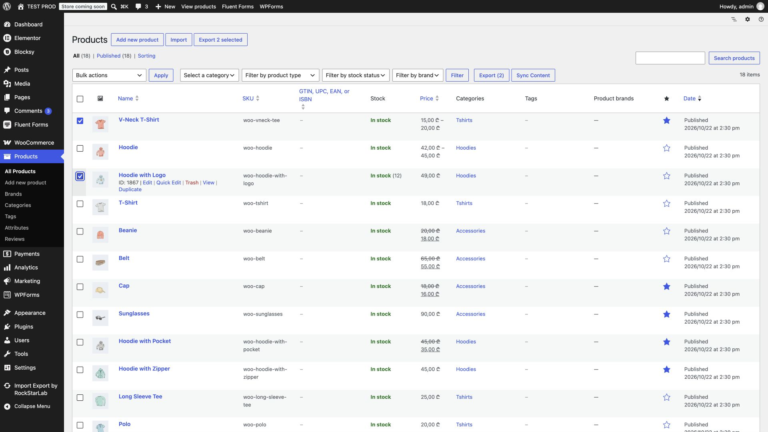
To sync WooCommerce products between two WordPress sites, connect the sites in Import Export by RockStarLab → Content Sync, select the products…
Read article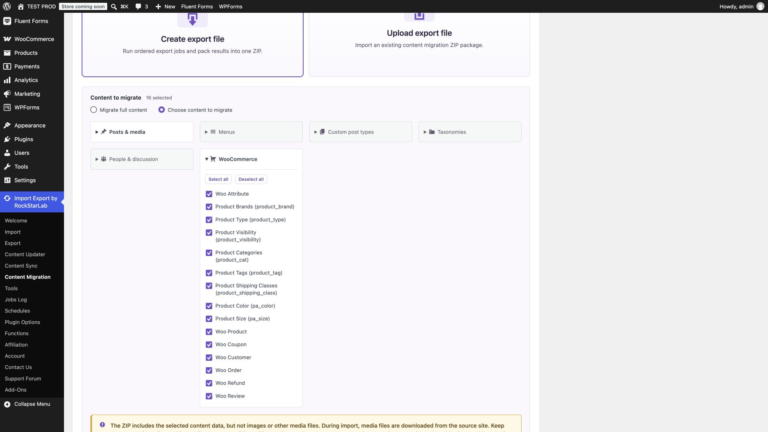
To migrate WooCommerce store data to another WordPress site, export a Content Migration ZIP on the source site, upload it on the…
Read article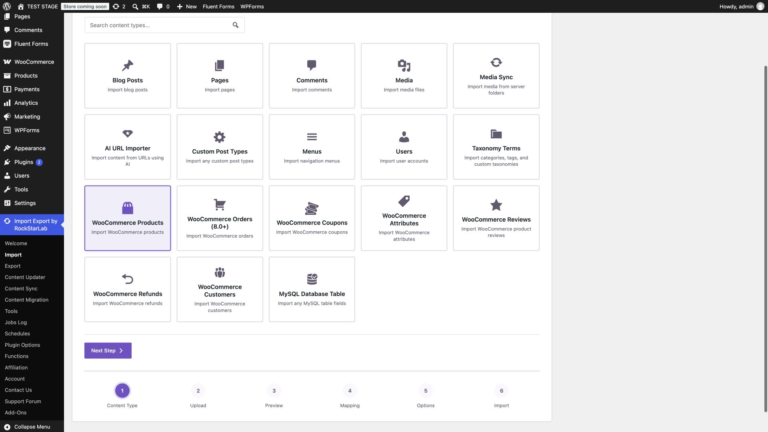
To import WooCommerce variable products from CSV with Import Export by RockStarLab, select WooCommerce Products, upload your file, map the parent product…
Read article
You can import WooCommerce products from CSV or Excel by choosing the product importer, uploading a spreadsheet, mapping its columns to WooCommerce…
Read article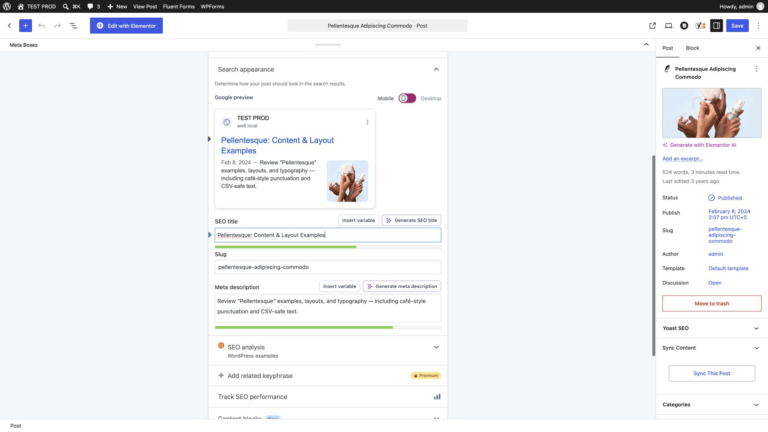
The Yoast box shows one post at a time; an SEO audit needs all titles and meta descriptions side by side. In…
Read article
To export Rank Math SEO titles and meta descriptions to CSV, open Import Export by RockStarLab → Export, choose your content type,…
Read article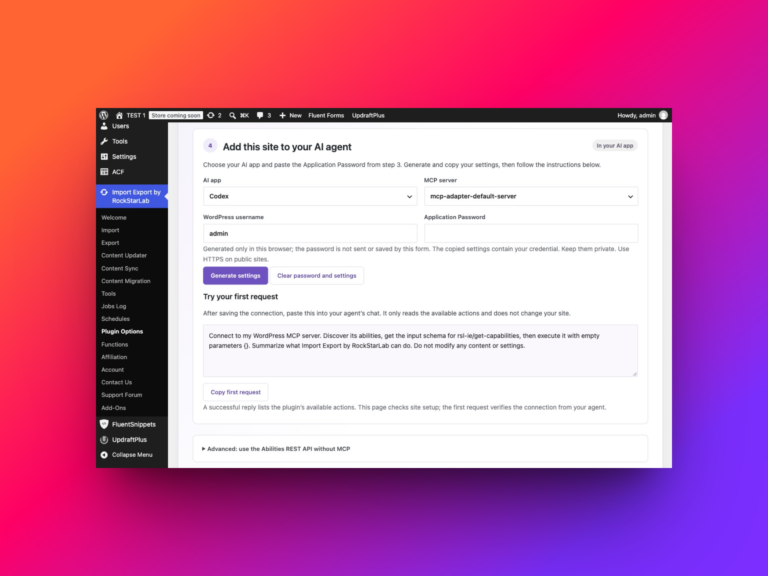
You want a spreadsheet of last month’s posts. Or you have a CSV containing new pages and want to import them as…
Read article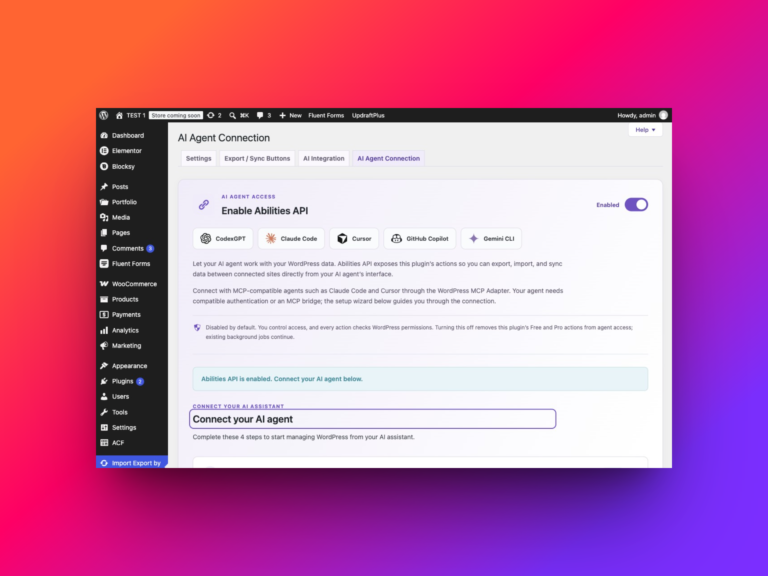
Version 2.0.0 brings AI agent access to Import Export by RockStarLab, alongside a refreshed admin interface and a more convenient place to…
Read article