
You run two WooCommerce stores that sell the same products, for example a main store and an outlet, or a store per country. Customers leave reviews on both, and each store looks emptier than it should. With Import Export by RockStarLab PRO, you can copy reviews from one store to the other in a few clicks, with their stars and dates, and the product’s rating updates on its own.
PRO: review sync between stores. Free: the Content Sync connection between the sites. Use the free plugin 2.1.56 and PRO 2.1.16 or newer on both stores.
What gets copied
- The reviewer’s name and email, the review text and the star rating.
- The original date and the approval status.
- The product’s average rating and review count are recalculated on the receiving store.
You choose the reviews; nothing is copied automatically. Before a push, back up the receiving store, or ask your AI agent to start the backup.
Before you start
Connect the stores in Import Export → Content Sync: copy the URL and API key of one store and add it as a site on the other (see how Content Sync works). The same products must exist on both stores; you choose the matching product for the reviews.
Pull reviews from the other store
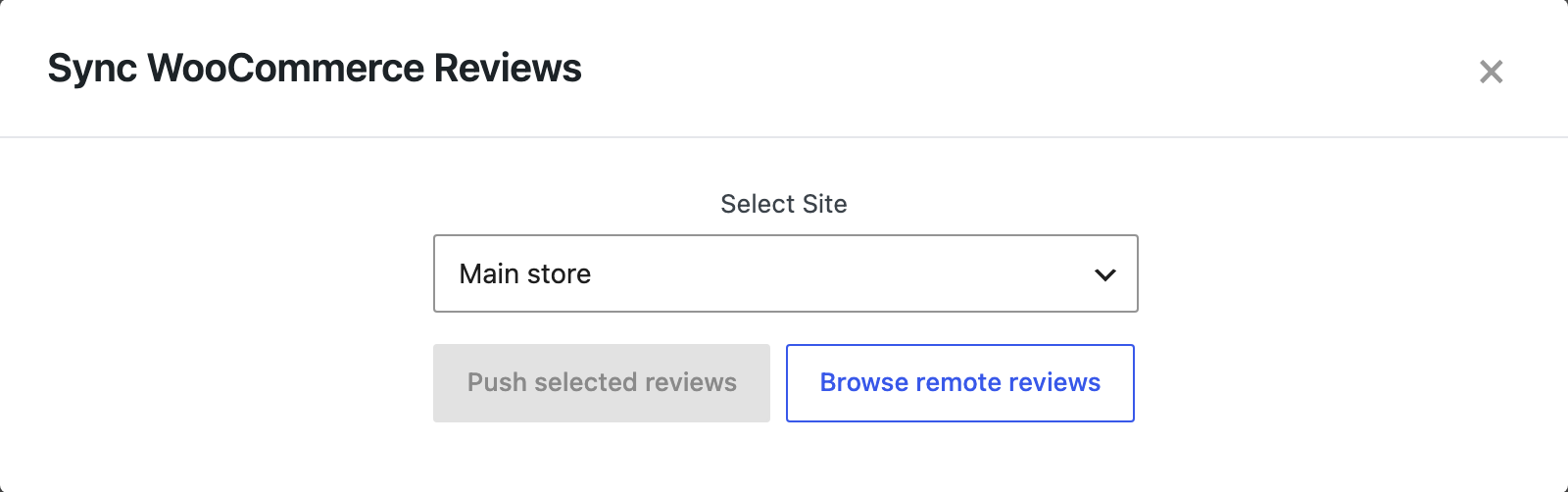
Our main store has a 5-star review of the Beanie from Liam. To show it on the outlet too, open Products → Reviews on the outlet and click Sync. Choose the main store:
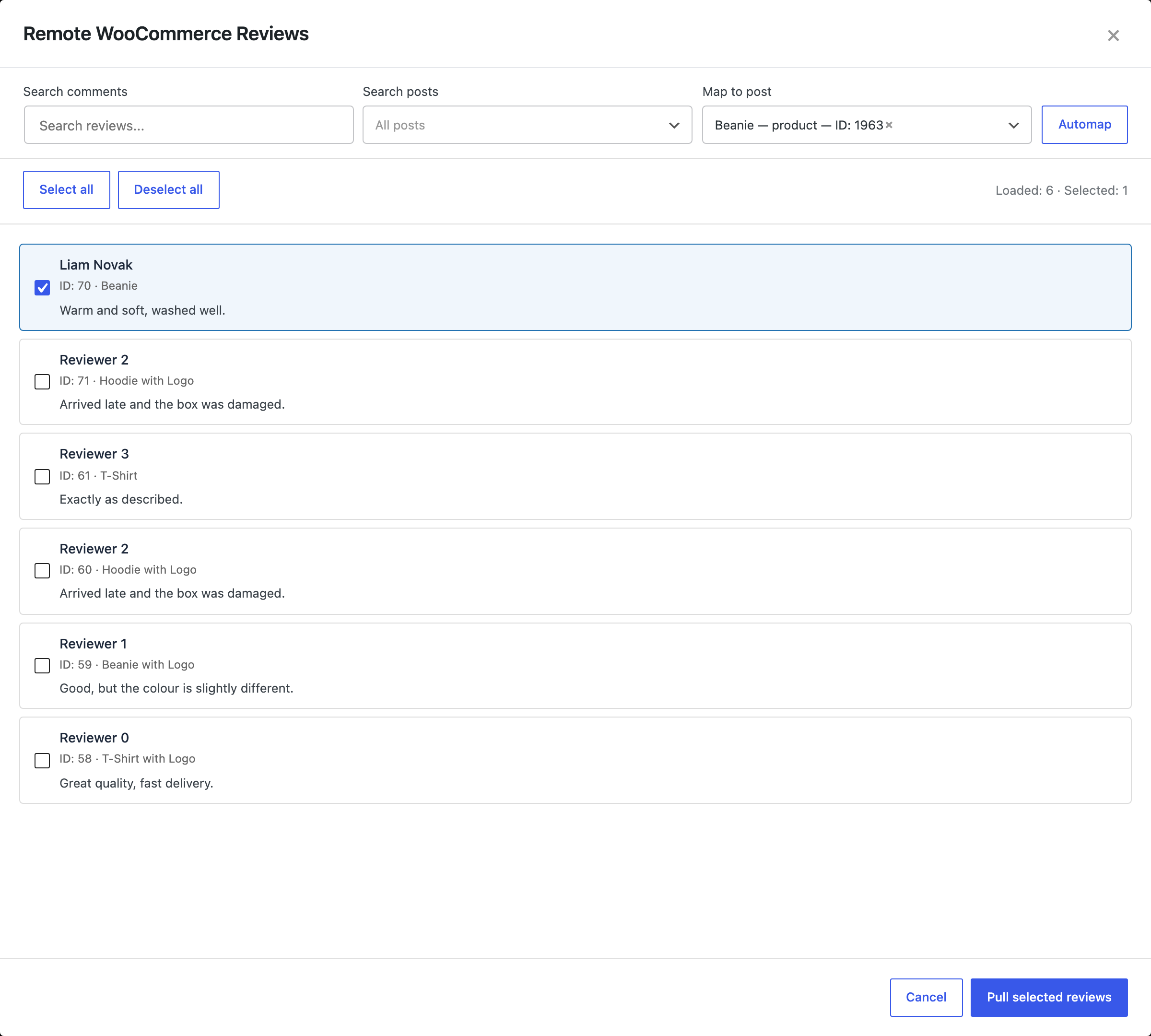
Click Browse remote reviews. The reviews of the main store are listed with their product. Tick the reviews, then choose the product on the outlet in Map to post, or click Automap to match the products by title. Click Pull selected reviews:
The review appears on the outlet with its 5 stars and its original date, 6 November:
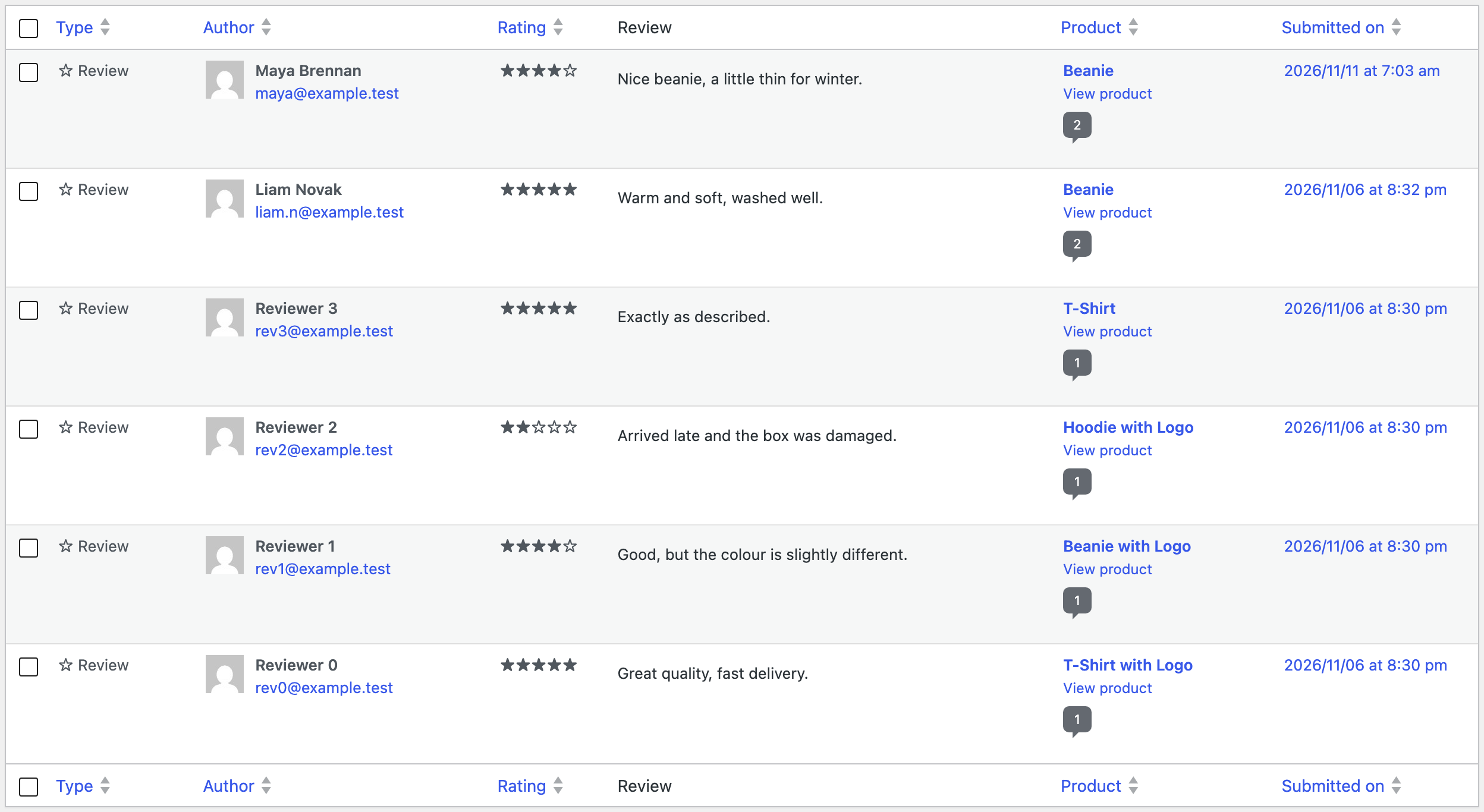
The outlet’s Beanie now shows 1 review with an average of 5.00.
Push reviews to the other store
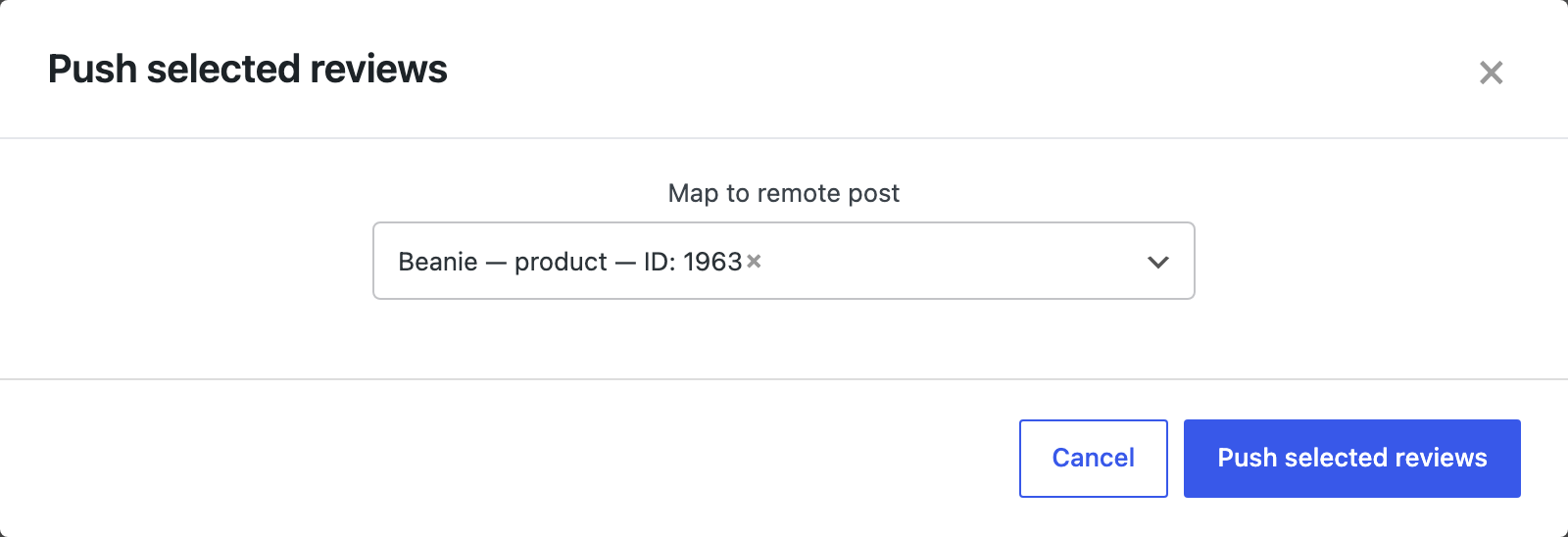
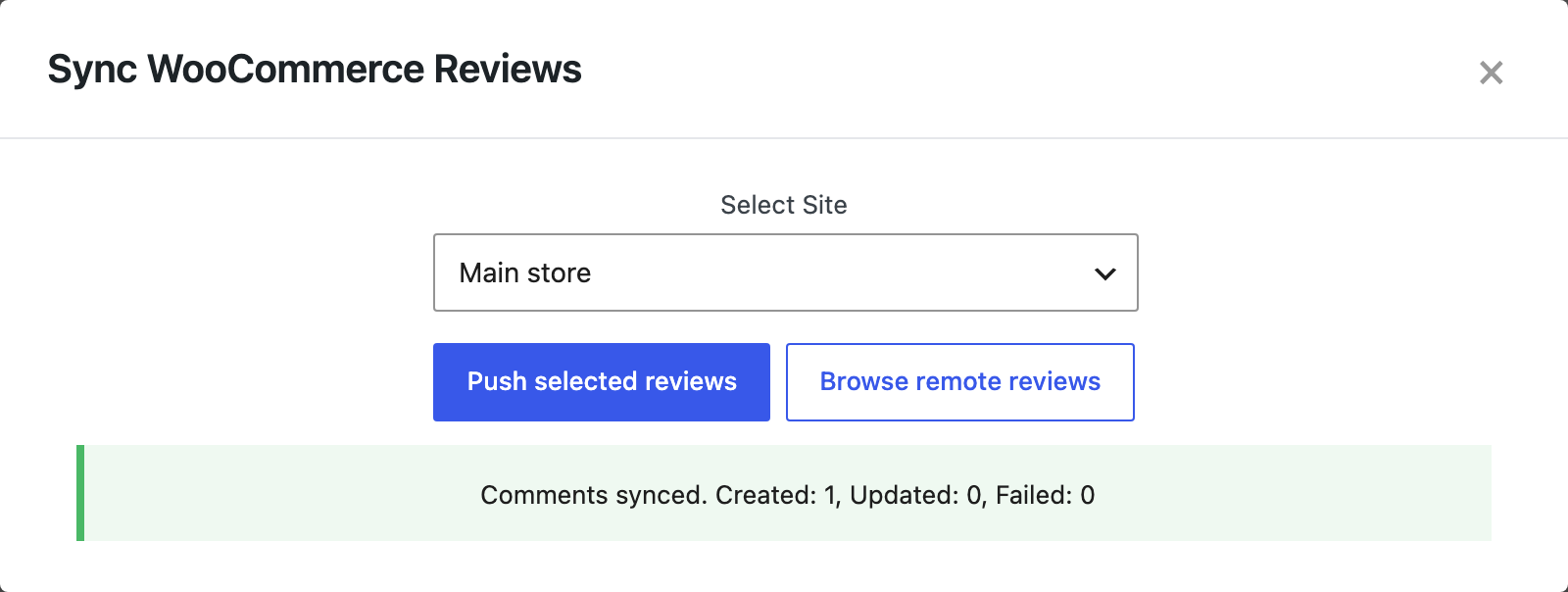
Maya left a 4-star review on the outlet. To copy it to the main store, tick the review on Products → Reviews, click Sync, choose the main store and click Push selected reviews. Choose the product on the main store and push:
The plugin reports the result:
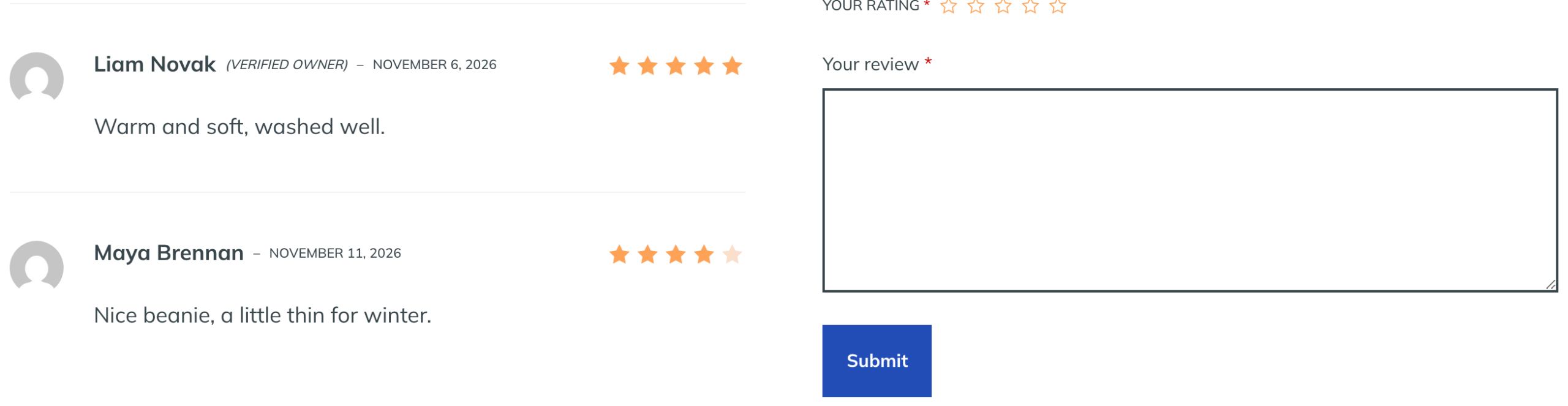
On the main store, the Beanie now has both reviews, and the average rating is 4.50:
Tips
- Pick reviews that fit. A review about delivery from one store may not be true for the other.
- Same products, same names. Automap matches products by title, so similar names such as “Beanie” and “Beanie with Logo” need a quick check.
- Many reviews at once. Use Select all in the list and Automap.
- From a file. To move reviews from another platform, import them from CSV instead.
With an AI agent
An AI agent connected to the store through the WordPress MCP Adapter (see connecting Claude Code to WordPress) can check the result of a review sync:
Show the average rating and review count of the Beanie.In our run on the main store, the agent called rsl-ie-pro/export-preview for the Beanie and returned the average rating 4.50 and 2 reviews.
FAQ
Are reviews copied twice if I sync again?
No. A review that came from the other store is updated, not added again.
Do the stars and dates stay?
Yes. The rating and the original date come with each review.
Does the product rating update?
Yes. The receiving store recalculates the average rating and review count after each sync.
Is this in the free plugin?
No. WooCommerce reviews are synced with PRO. The free plugin syncs posts, pages and their comments.
Related Guides
- How to Sync WooCommerce Products Between Two Sites
- Import WooCommerce Product Reviews from CSV
- Sync WooCommerce Variable Products Between Two Stores
Get the free plugin on WordPress.org.

Comments 0
Have a question or a tip to share? Leave it below.