
A holiday offer goes live on five brand sites at once, and a week later the price changes. If every site has its own hand-made copy of the landing page, one of them keeps the old price. With Content Sync in Import Export by RockStarLab, the page lives on one main site and is pushed to the others. The next change goes out the same way and updates the copies instead of adding new ones.
Free: push and pull of pages and posts to any number of connected sites. PRO: the same for WooCommerce products and other content types.
How it works
- The main site holds the page. You edit it only there.
- Each other site is a connection on the main site.
- You push the page to each site. The first push creates it, later pushes update the same page.
- Images are uploaded to each site once and reused by later pushes.
Step 1: Connect the sites to the main site
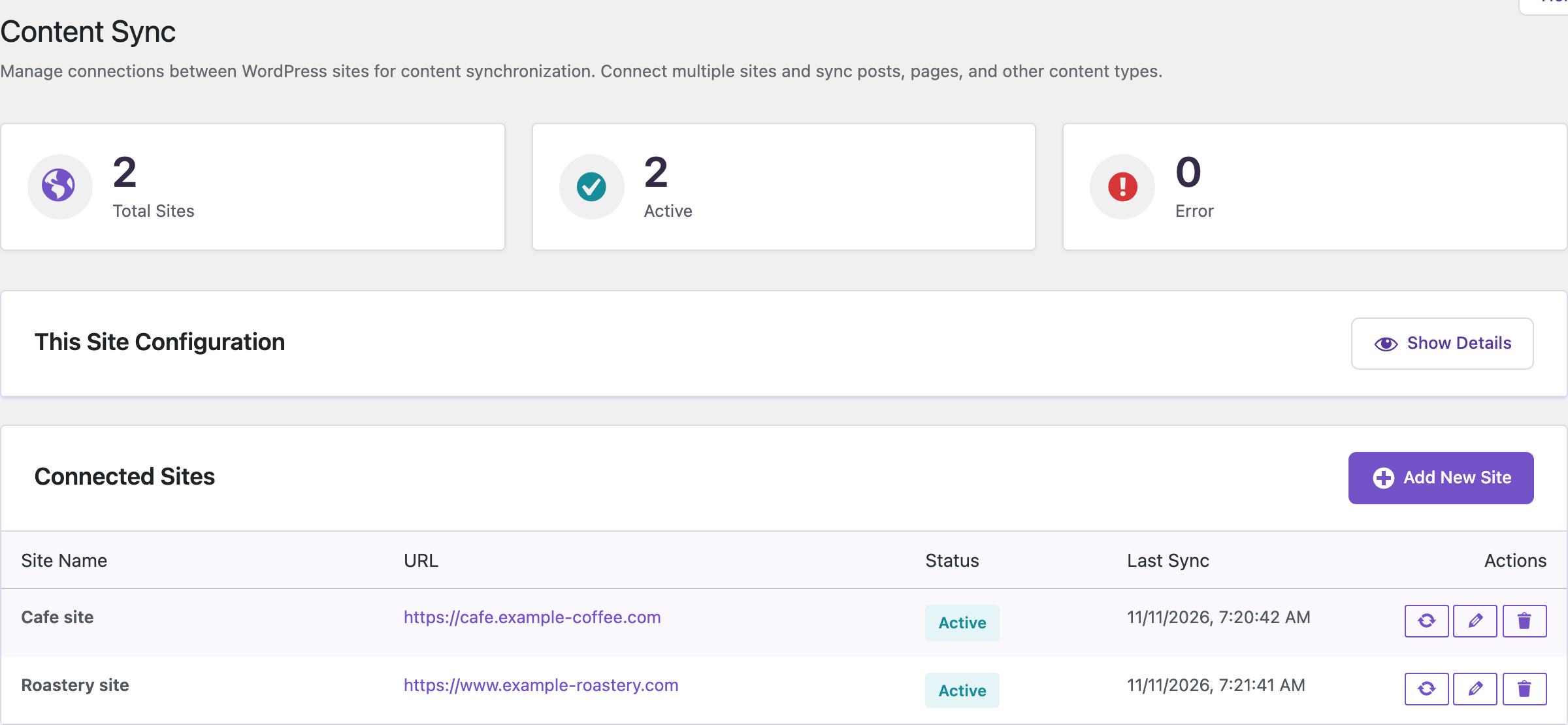
On each brand site, open Import Export → Content Sync, click Show Details and copy the URL and API key. On the main site, click Add New Site for each of them. In our test, the main site has two connections, the roastery site and the cafe site:
The brand sites do not need connections of their own; see how Content Sync works.
Step 2: Push the page to the first site
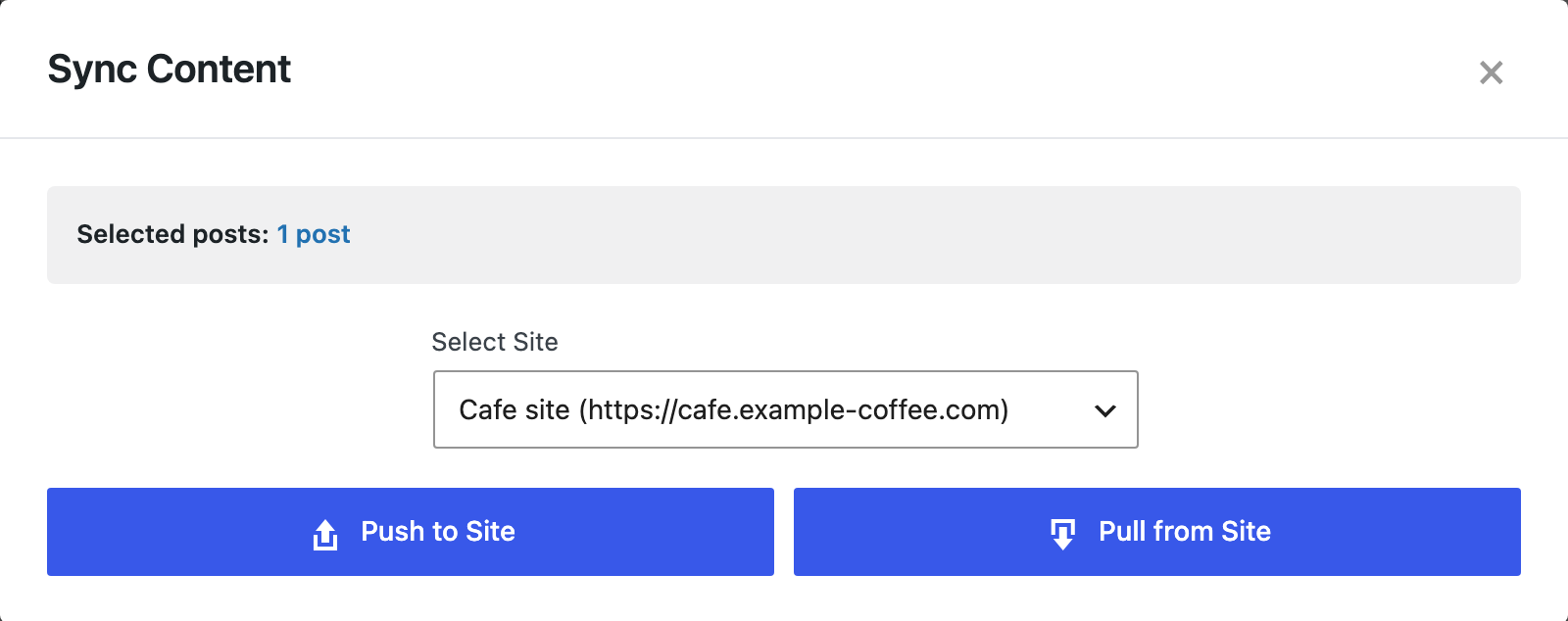
On the main site, open Pages, tick the page (ours is Holiday Gift Cards) and click Sync Content. Choose the first site and click Push to Site:
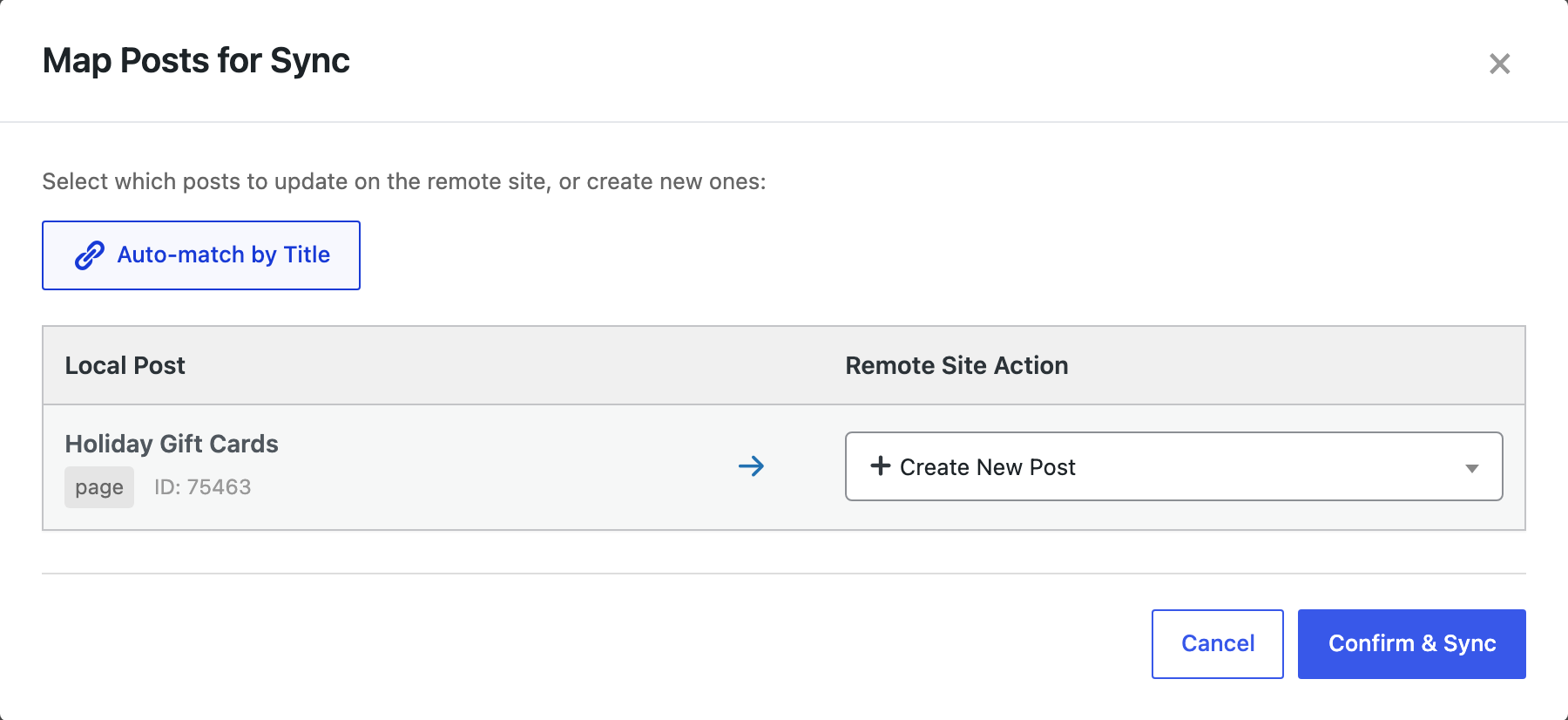
The page does not exist there yet, so the row says Create New Post. Click Confirm & Sync:
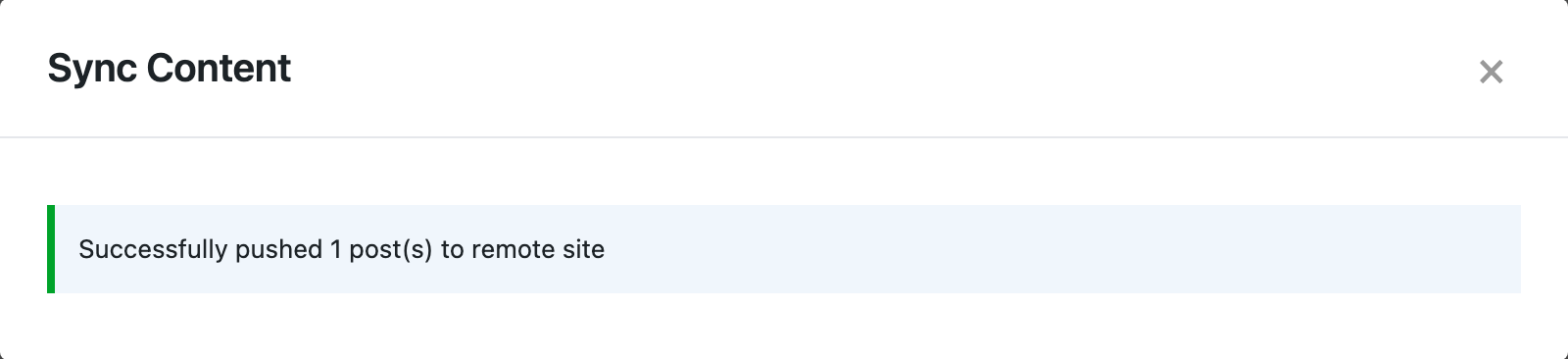
Step 3: Push it to the other sites
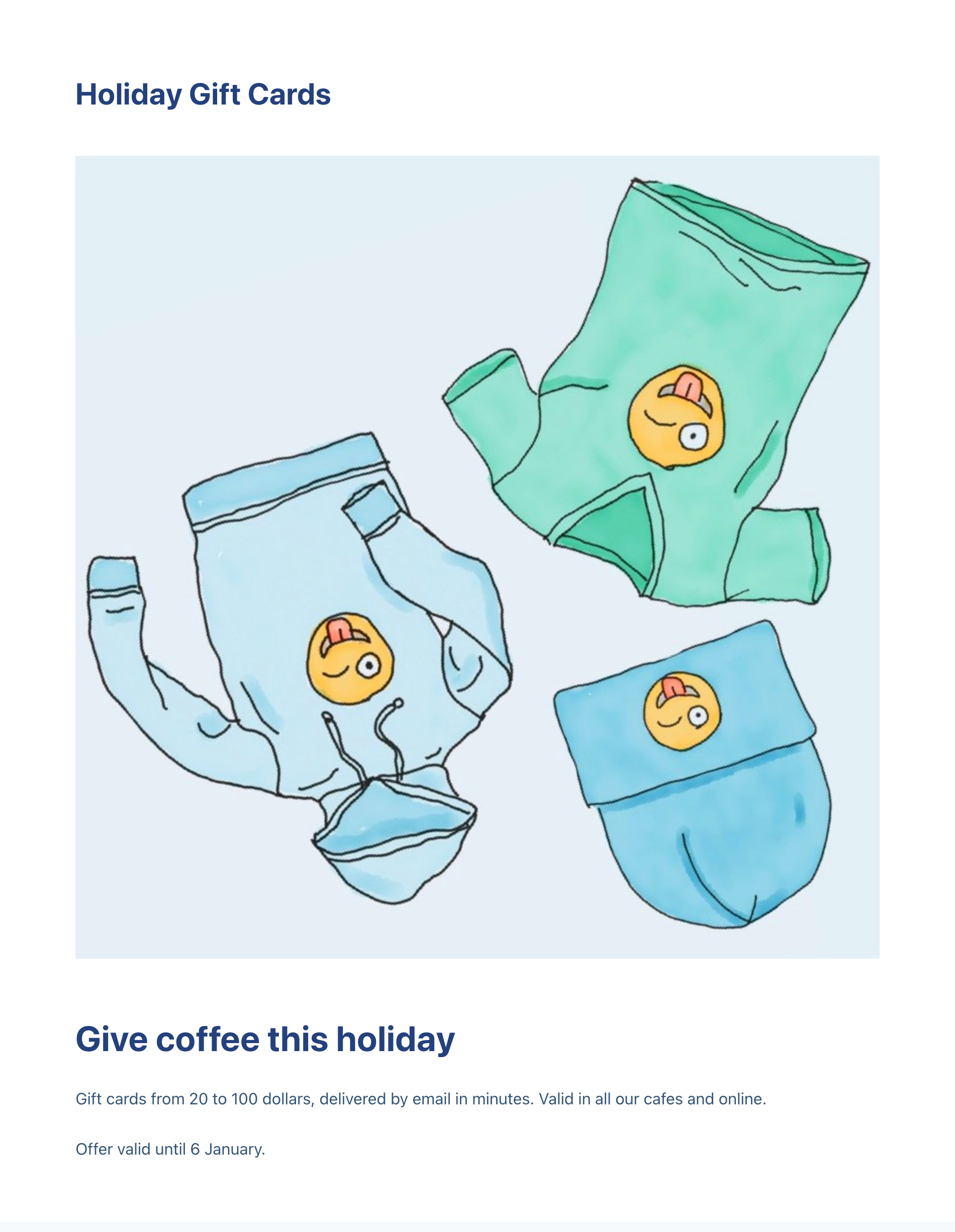
Repeat Step 2 and choose the next site in Select Site. One push goes to one site, so with five brand sites you push five times. Each site got the page with its image in its own media library, and the image address in the page points to that site:
Step 4: Change the page and push again
When the offer changes, edit the page on the main site only. We changed the price from 25 to 20 dollars and the end date to 6 January. In the next push, Auto-match by Title finds the page on the brand site, and the row says Update with the page ID there:
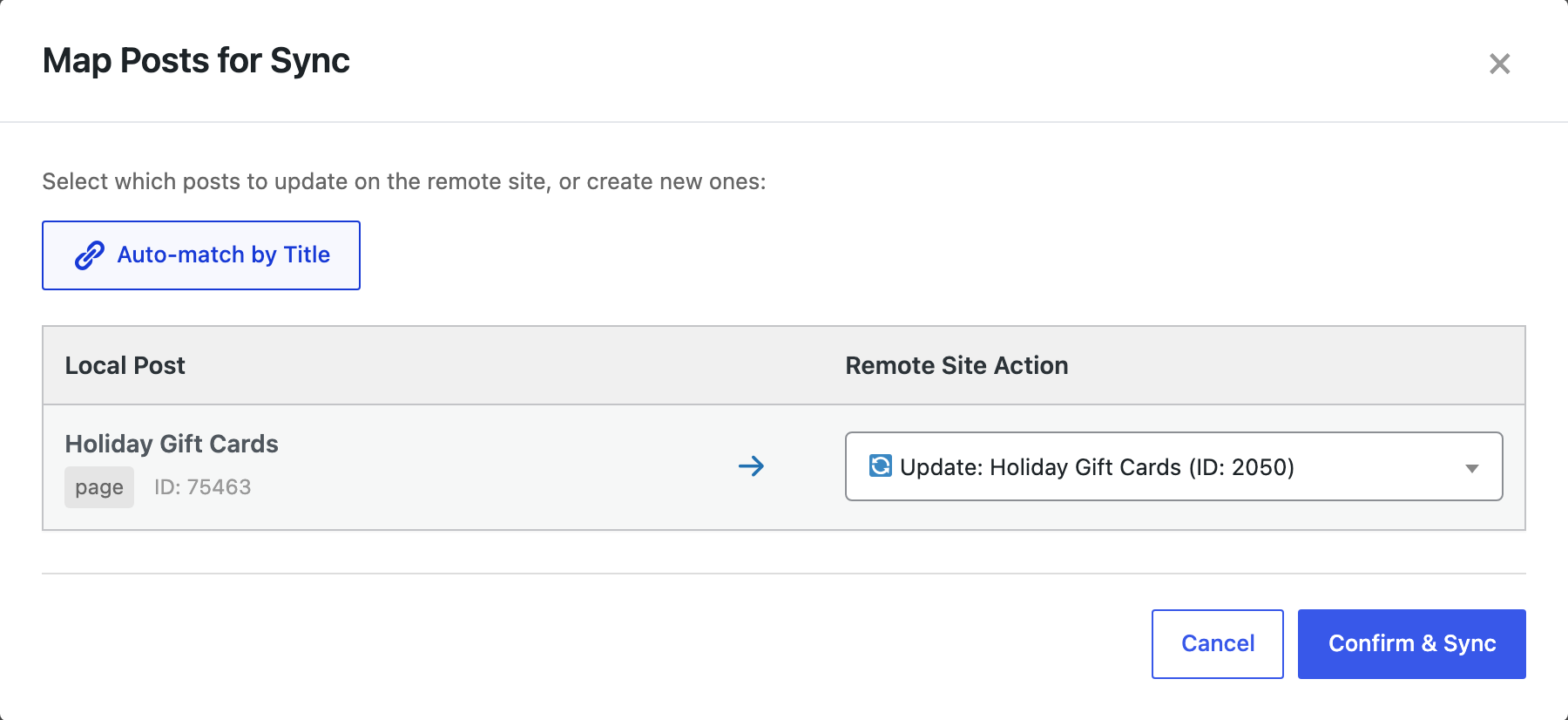
After the pushes, each site still had one Holiday Gift Cards page, with the new price and date, and one copy of the image.
A push replaces the page on the brand site, also edits made there. Back up the sites before the first push, and agree that the shared pages are edited only on the main site.
Keep it up to date automatically
Each push is saved as a job. To repeat it every day, create a schedule for it in Import Export → Jobs Log → Schedules, one per site; see running Content Sync on a schedule.
With an AI agent
An AI agent connected to the main site through the WordPress MCP Adapter (see connecting Claude Code to WordPress) can send a change to all sites at once:
Push the Holiday Gift Cards page to the cafe site and the roastery site.In our run, we changed the end date to 10 January. The agent called rsl-ie/sync-push-start twice, once per site with the page there as the target, and rsl-ie/sync-job-status until both jobs were completed: 1 page updated and 1 image synced on each site. Both sites showed the new date, still with one copy of the page.
FAQ
Can I push to several sites in one step?
In the admin, one push goes to one site; repeat it for each site. An AI agent can start the pushes for all sites from one request.
Does a second push create a duplicate page?
No. The page is matched by its title and updated. In our test, each site still had one copy after three pushes.
Are images copied again every time?
No. In our test, each site had one copy of the image after three pushes.
Can a brand site keep its own changes?
Not on a pushed page: the push replaces it. Keep site-specific text on separate pages.
Is this a free feature?
Yes, for pages and posts. Products and other content types need PRO.
Related Guides
- How to Sync WordPress Posts and Pages Between Two Sites
- How Content Sync Works: API Keys, Push and Pull
- Run Content Sync on a Schedule (Automatic Daily Push)
Get the free plugin on WordPress.org.

Comments 0
Have a question or a tip to share? Leave it below.