
A public demo of your theme, plugin or booking app gets messy fast. Visitors rename pages, replace the text with “test test”, delete sample posts and add their own. You need a way to put the demo back to known content, ideally every night, without restoring a full backup that also throws away settings, users and orders. With Content Sync in Import Export by RockStarLab, you keep the clean content on a second site, the master, and let the demo pull it back.
Free: pull of posts and pages, and schedules for pulls. PRO: the same for WooCommerce products and other content types.
How the reset works
- The master site holds the demo content as it should be. Nobody but you edits it.
- The demo site is connected to the master and pulls the posts and pages from it.
- A pull overwrites the demo copy of each page with the master version: title, content, featured image and the other fields.
- A schedule repeats the pull every night.
Use Import Export by RockStarLab 2.1.55 or newer on the demo site.
Our example
The master site has the page Product Tour and two posts. We pushed them to the demo site once. Then we played visitor on the demo: we renamed the page to “Product Tour!!!”, replaced its text, moved the post “Five Things to Try in the Demo” to the Trash and added a post “asdf test post”.
Step 1: Connect the demo to the master
On the master site, open Import Export → Content Sync and copy the URL and API key from This Site Configuration. On the demo site, click Add New Site and enter them. A connection added on this screen allows both push and pull. See how Content Sync works for the details of keys and directions.
Step 2: Pull the changed page back
On the demo site, open Pages, tick the page and click Sync Content. Choose the master site and click Pull from Site. The page came from the master, so the plugin remembers where: the row is mapped to the master page, even though the visitor changed the title on the demo.
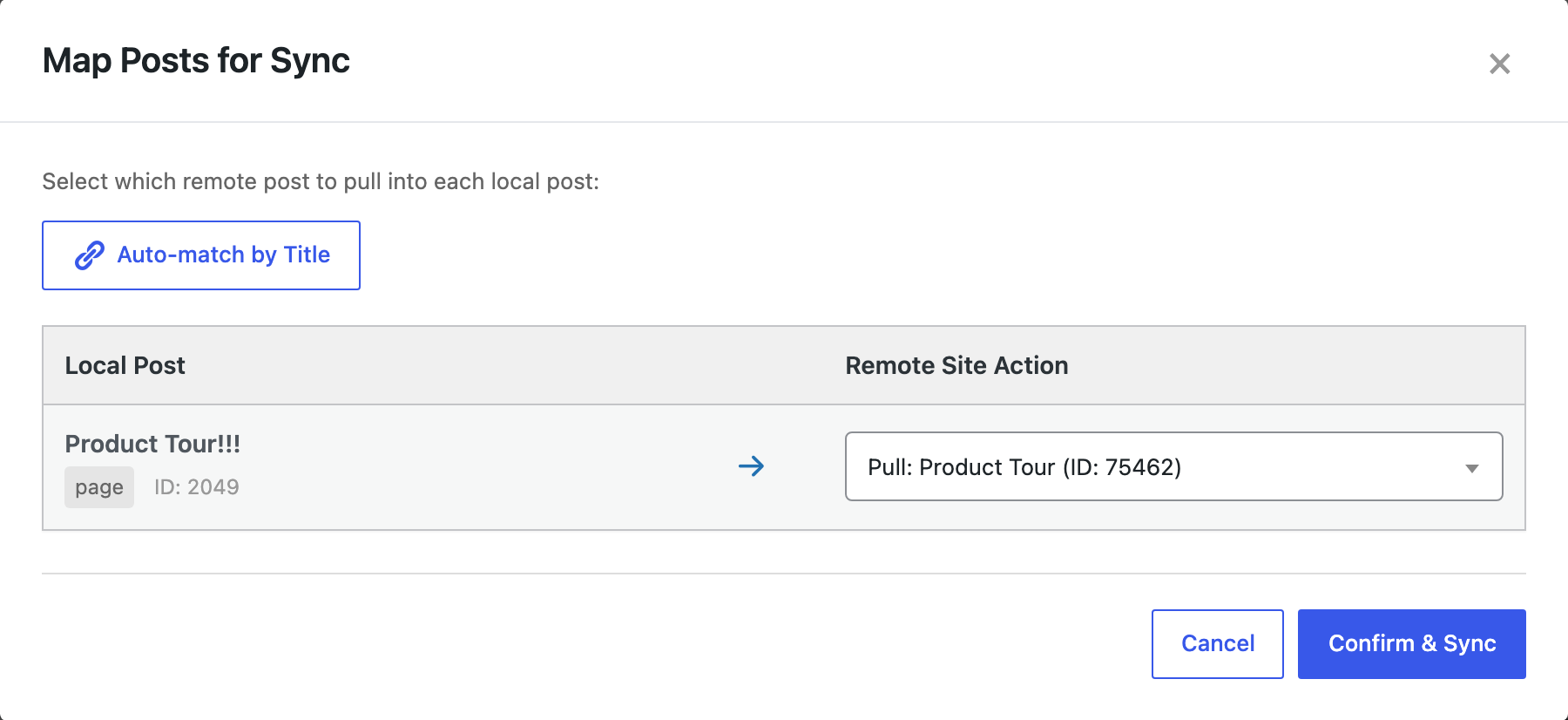
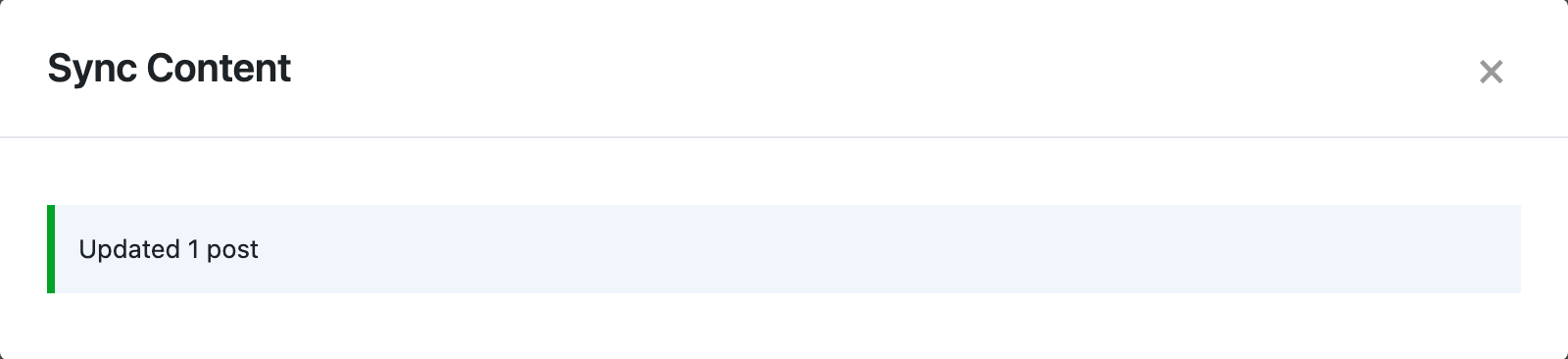
Click Confirm & Sync. In our test the page was updated in about 3 seconds, with its original title and text:
Step 3: Bring back deleted posts
A post that a visitor deleted is no longer in the list, so you pull it from the master’s list instead. Open Posts, click Sync Content without selecting posts, and choose the master site. The posts of the master are listed. Tick the missing ones and click Pull Selected Posts:
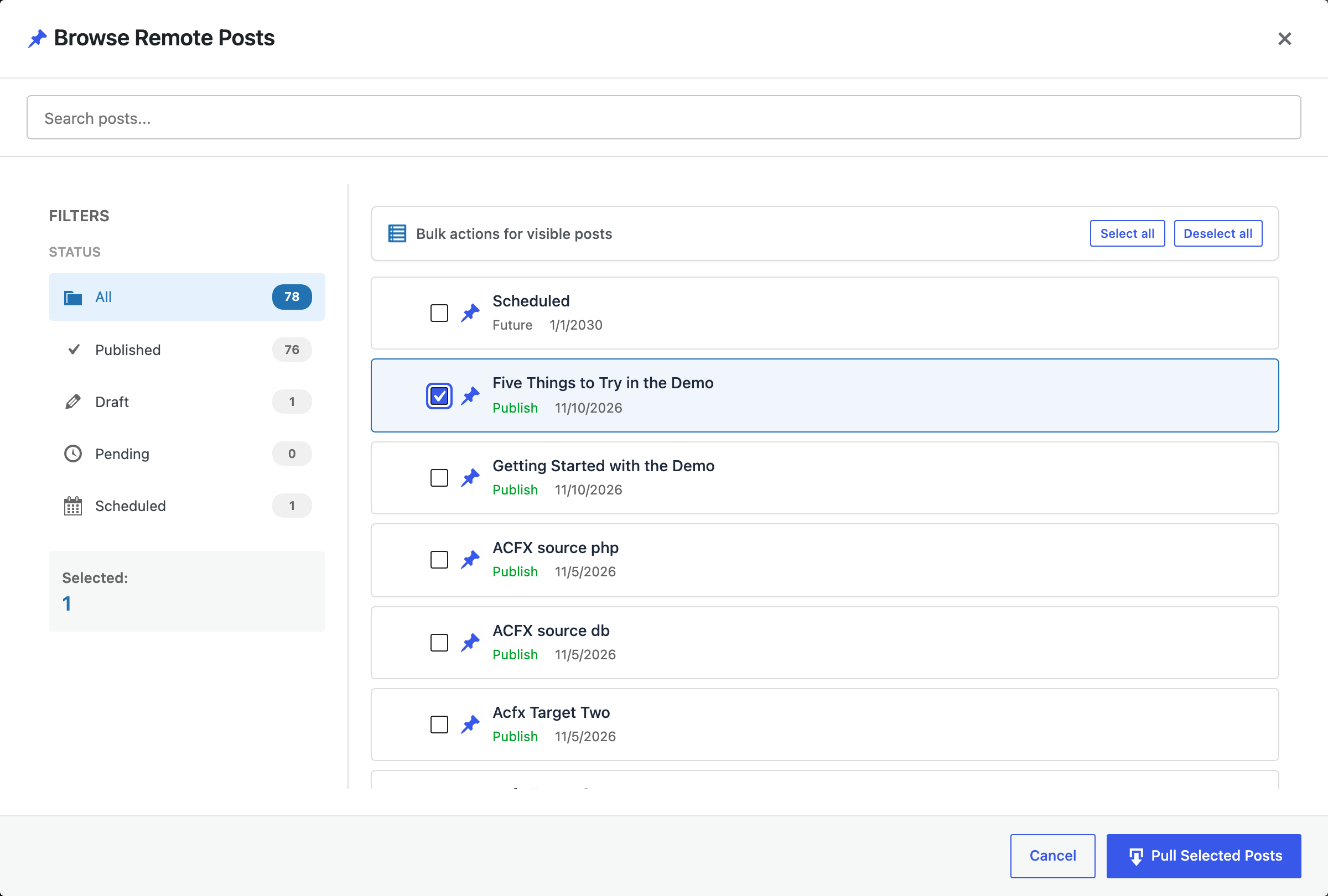
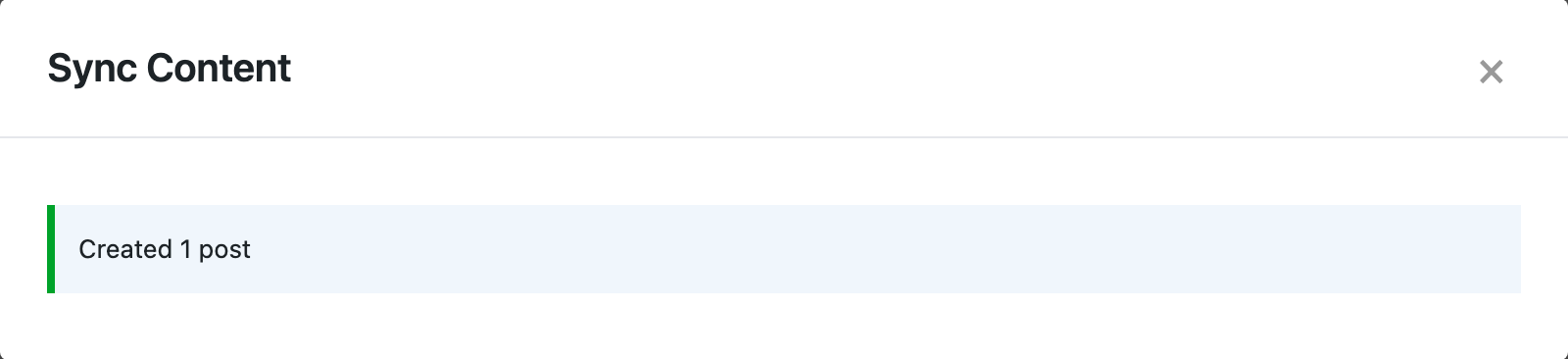
The post is created again on the demo. The deleted copy stays in the Trash; empty the Trash to remove it.
Step 4: Reset every night
Every pull is saved as a job. To repeat it, open Import Export → Jobs Log → Schedules, enter a name, choose the pull job as the Source Job, set Recurring, Daily and the time of the first run, and click Add schedule:
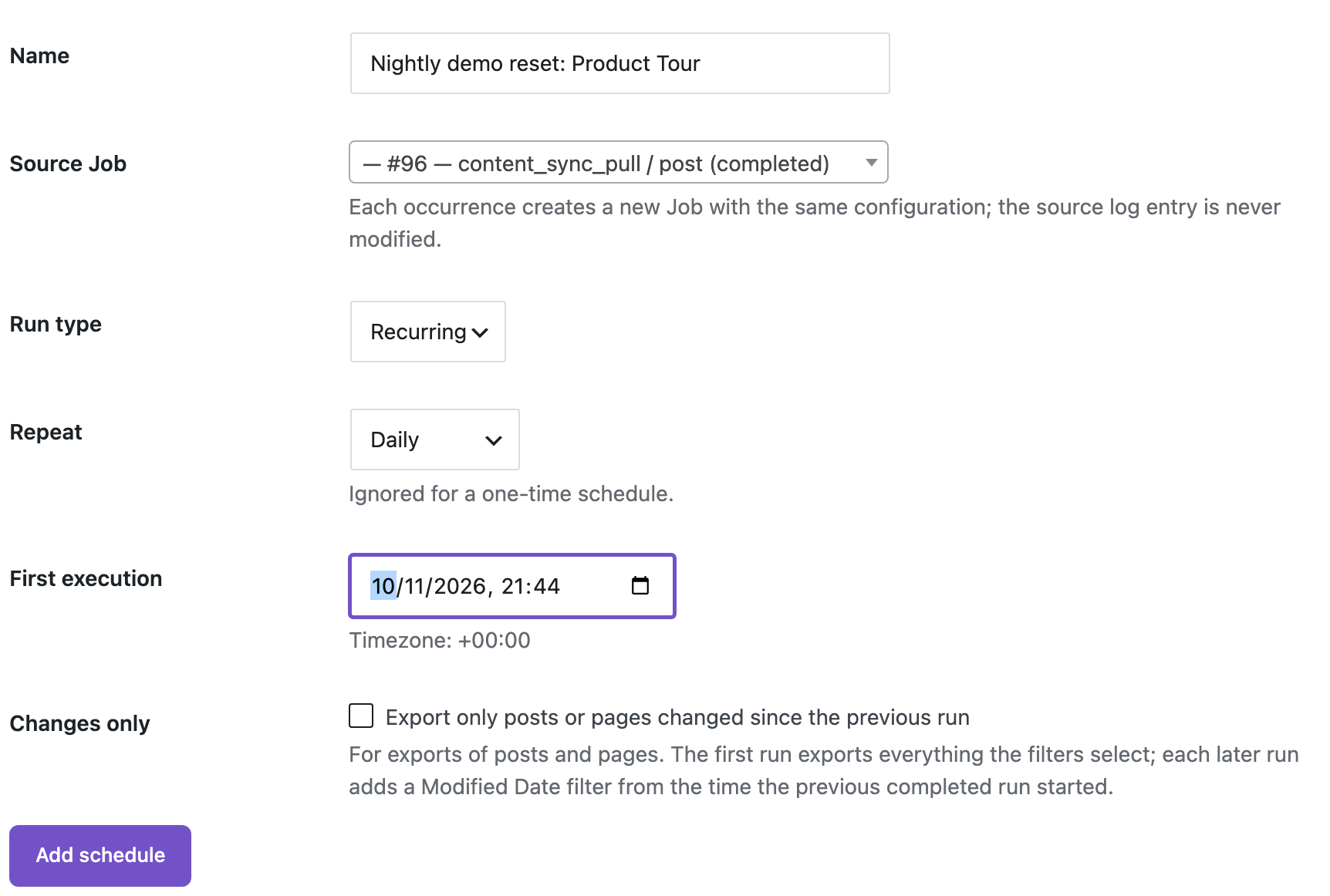
We changed the page on the demo again and waited for the first run. The run pulled the page and reported “Updated 1 post”; the page had the master text again. The schedule shows the last run and the next one:

A schedule repeats the posts and pages of its source job. Make one pull job with all the demo pages and posts, then schedule that job. Schedules run with WordPress cron, which needs visits to the site or a real cron job on the server; see scheduled imports not running if a run does not start.
What a pull does not reset
- Posts that visitors added stay. In our test, “asdf test post” was still there after the reset. Delete such posts by hand, or check them regularly.
- Trashed copies stay in the Trash after the post is pulled again.
- Settings, users, menus and plugin data are not part of the pull. For a full reset of those, restore a backup; see how to back up and restore a WordPress site.
With an AI agent
An AI agent connected to the demo site through the WordPress MCP Adapter (see connecting Claude Code to WordPress) can reset a page on request, for example right before a sales call:
Reset the Product Tour page on the demo from the master site.In our run, a visitor had renamed the page to “Product Tour (edited)”. The agent called rsl-ie/sync-pull-start for the master page and the demo page, then rsl-ie/sync-job-status until the job was completed: “Updated 1 post”, page Product Tour. The demo page had the master title and text again.
FAQ
Does a pull create a second copy of a page?
No. A page that came from the master is updated in place, even when its title was changed on the demo.
Can I reset only some pages?
Yes. A pull and its schedule cover only the pages and posts you selected.
Are posts that visitors created removed?
No. A pull only creates and updates. Remove visitor posts by hand.
Is this in the free plugin?
Yes, for posts and pages, including schedules. Products and other content types need PRO.
Related Guides
- How Content Sync Works: API Keys, Push and Pull
- Run Content Sync on a Schedule (Automatic Daily Push)
- Ship Demo Content with a Theme or Plugin: One ZIP Your Customers Can Import
Get the free plugin on WordPress.org.

Comments 0
Have a question or a tip to share? Leave it below.