
WP Migrate (formerly WP Migrate DB) moves WordPress databases. The free version exports the database as SQL with find and replace; push and pull between sites is part of WP Migrate Pro. Either way, it works with database tables. If you only want the latest version of a few posts from the live site on your staging site, a table pull replaces more than you need. Content Sync in Import Export by RockStarLab pulls single posts.
Free: Content Sync for posts, pages, media and comments. PRO: custom post types, WooCommerce products, menus, users and terms.
Short Answer
- A WP Migrate pull or push replaces each database table it transfers on the destination. It does not merge rows.
- To bring one post from live to staging, select it on the staging site, choose Sync Content, pick the live site and click Pull from Site.
- Only the selected posts change on staging. Drafts and other work on staging stay.
How a WP Migrate pull works
WP Migrate’s documentation on how it works says that it “overwrites any tables in the destination database that have been transferred from the source database”. Each table is first copied to a temporary table and then takes the place of the old one. Merging is not done, because it “would mean that IDs would have to be changed”. The plugin page lists choosing tables and excluding post types as Pro options.
So pulling the posts table from live to staging gives staging the live posts table: posts you wrote or edited only on staging are gone after the pull. That is right when you want a fresh copy of live. It is not what you want when you are in the middle of work on staging.
Pull one post from live
Our test: on the live site, an editor added an update to the post “How We Source Green Coffee”. On staging, we had a draft “Spring Menu Preview” and an unpublished edit to another post, “Five Single-Origin Coffees to Try This Winter”.
On staging, go to Posts, select “How We Source Green Coffee”, choose Sync Content in the bulk actions and pick the live site:
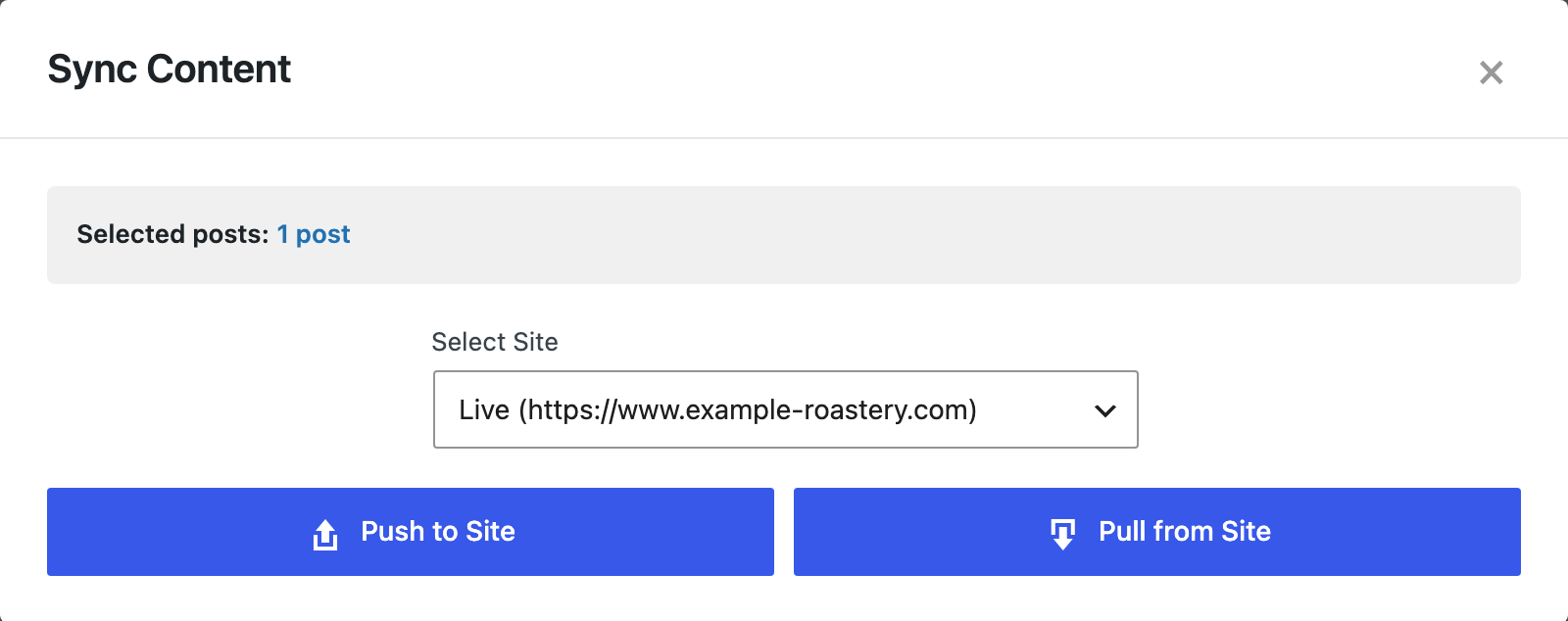
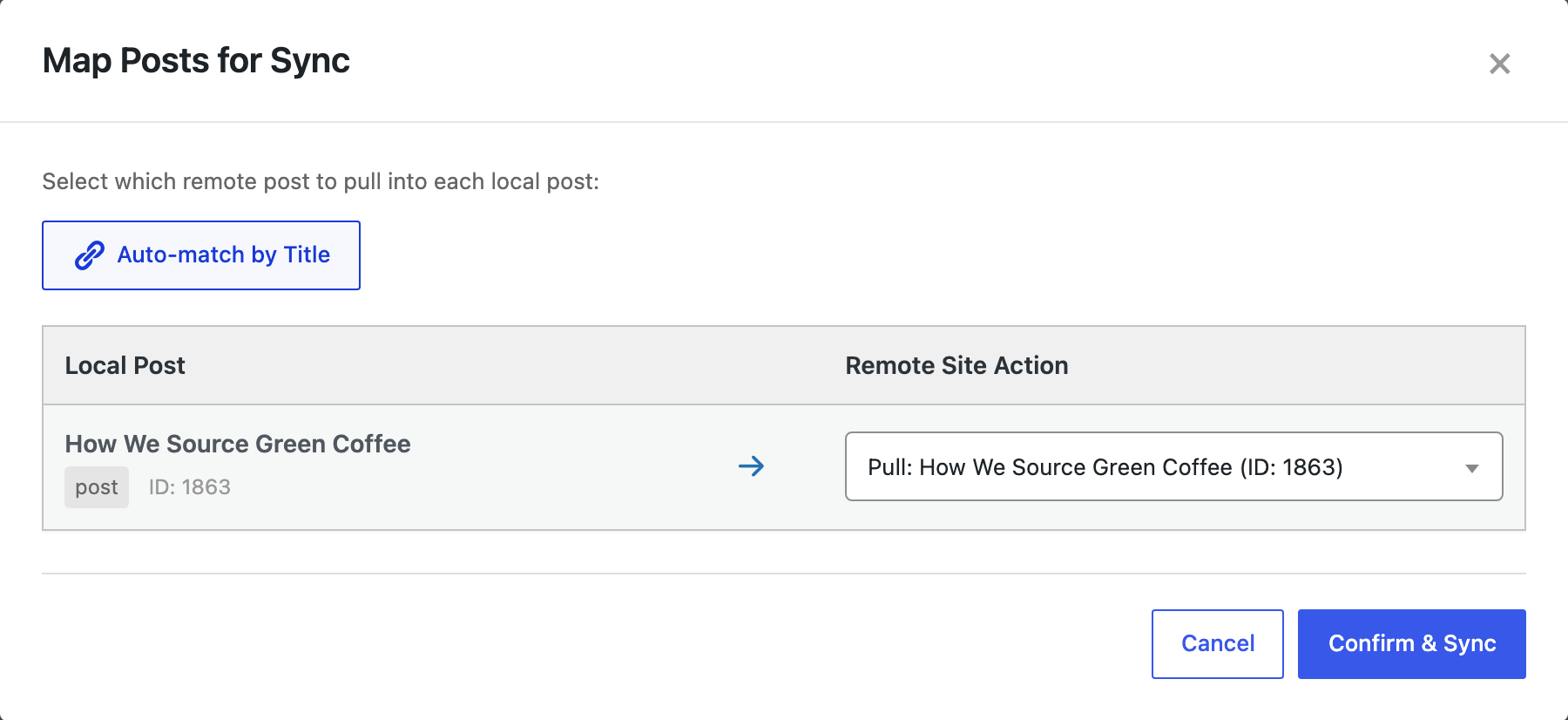
Click Pull from Site. The mapping shows which live post goes into each local post; Auto-match by Title picks the post with the same title:
After Confirm & Sync, the result was “Updated 1 post”:
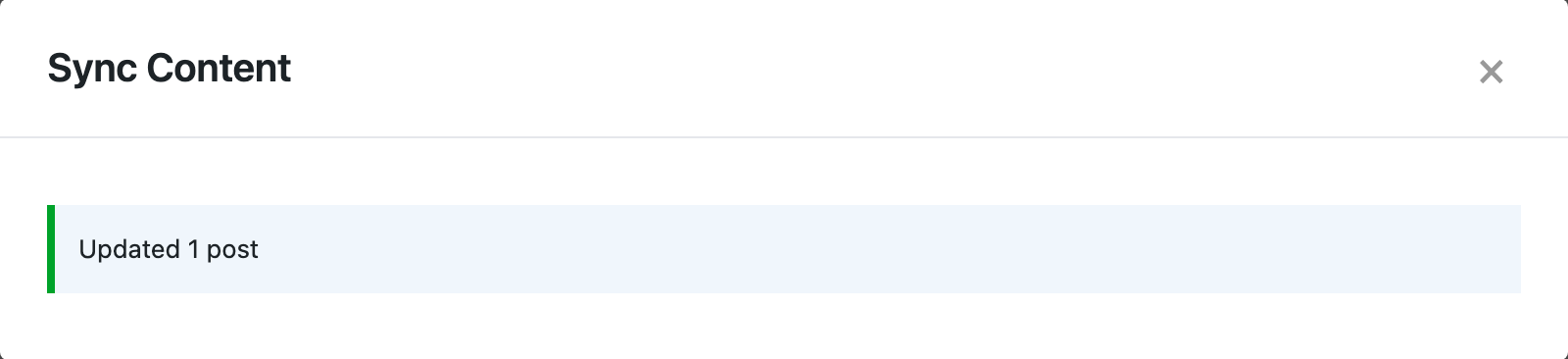
On staging, the post now had the update from live and the same modified time as on live. The draft “Spring Menu Preview” and the edited text of “Five Single-Origin Coffees to Try This Winter” were unchanged.
Pull works on connections that allow it. A connection added in Import Export → Content Sync allows both push and pull.
Which tool for which job
| Job | Better fit |
|---|---|
| Refresh staging with a full copy of the live database | WP Migrate |
| Move a site to a new domain with find and replace in the database | WP Migrate |
| Bring a few posts or pages from live to staging while you keep working on staging | Content Sync pull |
| Send finished posts or pages from staging to live | Content Sync push |
Before you pull
A pull overwrites the selected local posts with the live version. If you changed one of them on staging, push it first or copy your text. Back up the site you pull into.
With an AI agent
An AI agent connected to the staging site through the WordPress MCP Adapter (see connecting Claude Code to WordPress) can check what changed:
On staging, show "How We Source Green Coffee", "Five Single-Origin Coffees to Try This Winter" and the draft "Spring Menu Preview" with status, modified time and word count.In our run, the agent called rsl-ie/export-preview with the three post IDs. It returned the pulled post with the live modified time and 32 words, the other post with 40 words and the draft still as a draft.
FAQ
Does a Content Sync pull replace my staging database?
No. It updates the posts you select. In our test, a draft and an edited post on staging stayed as they were.
Which date does the pulled post get?
In our test, the pulled post had the same modified time on staging as on live, so you can still see when it was last edited on live.
Do I need WP Migrate Pro for this?
No. Content Sync is part of the free Import Export by RockStarLab plugin for posts and pages.
Related Guides
- WP Staging Alternative: Push Only the Pages You Changed
- Live Site Edited While You Worked on Staging
- All-in-One WP Migration Alternative for Moving Selected Content
- Auto-Match by Title: Map Posts Between Sites
Get the free plugin on WordPress.org.

Comments 0
Have a question or a tip to share? Leave it below.