
User accounts are separate on every WordPress site. The author of a post on staging has a user ID that means nothing on the live site, so when you copy posts between sites, the author has to be found again. With Import Export by RockStarLab Content Sync does that by email address or username. Two posts on a coffee roastery’s staging site show what happens when the author exists on the live site, when they don’t, and how to fix a post that arrived with the wrong byline.
Free: Content Sync for posts and pages with author matching. PRO: custom post types, and syncing user accounts between sites.
Short Answer
- The post gets the live user with the same email address or the same username as the staging author.
- If there is no such user on live, a new post is assigned to the account the connection works under (the administrator here).
- To fix it, create the author on live with the same email (or sync users), then push the post again as an update.
Push posts by two authors
On staging, “How We Roast Our Espresso Blend” was written by Maria Keller (username maria.k) and “A Visit to Our Partner Farm” by Tom Brandt. The live site had Maria with the same email but a different username, maria, and no account for Tom. We selected both posts in Posts, chose Sync Content and pushed them as new posts:
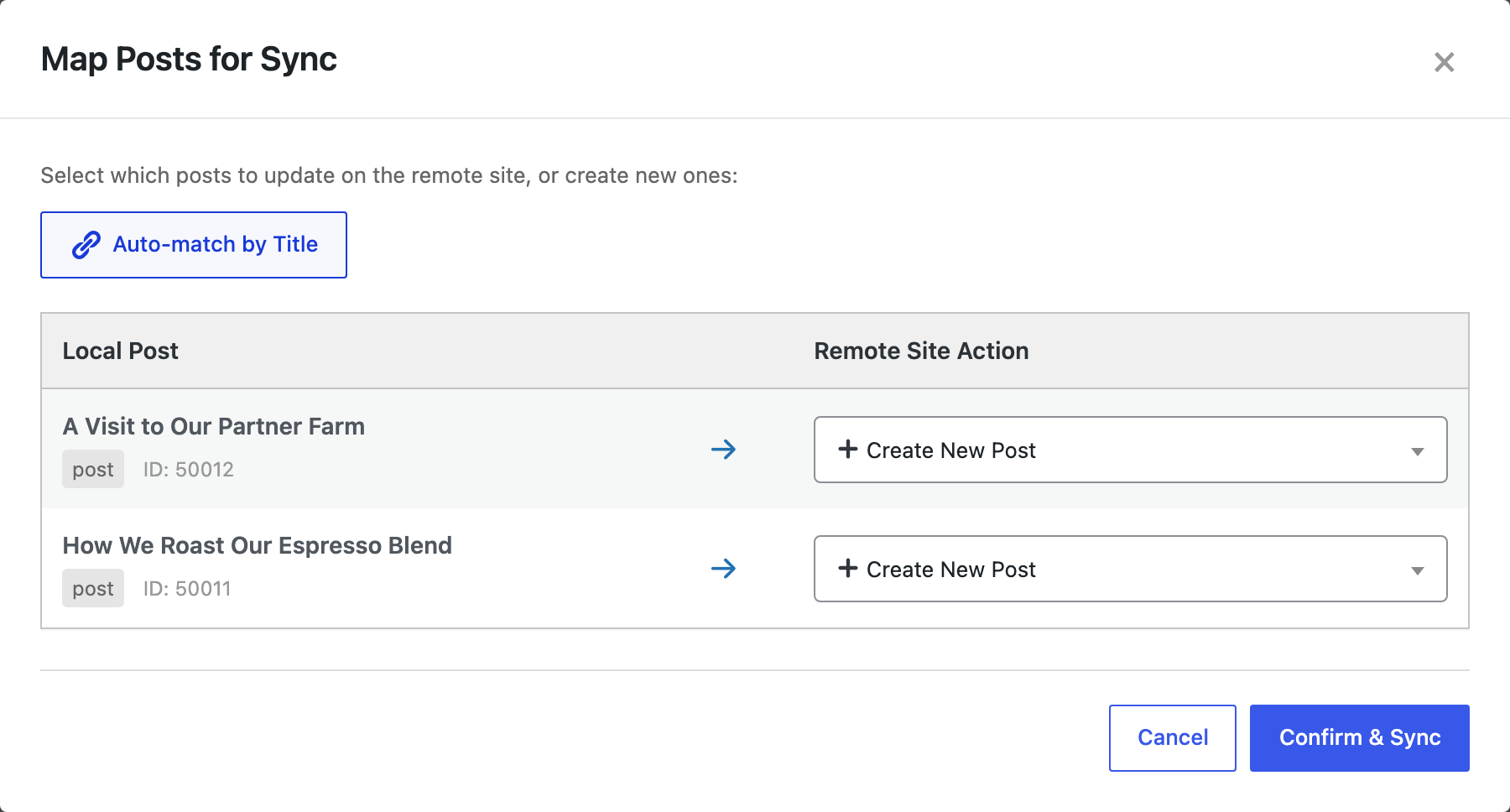
On live, Maria’s post was assigned to Maria: the email matched, so the different username didn’t matter. Tom’s post was assigned to admin, the account the connection works under, because live had no user with Tom’s email or username.
Fix the author
We created Tom on live with the same email address (any username works) and pushed his post again. Auto-match by Title found the live copy and set it to Update:

After the update, the post showed Tom Brandt as the author, and there was still one copy of it:

With many authors, sync the user accounts first and the posts after them; see syncing users between sites. Or edit the author on live in the post’s settings if it’s only one post.
Before you push
A push changes the live site. Push one post first, and back up the live site before pushing many.
With an AI agent
An AI agent connected through the WordPress MCP Adapter (see connecting Claude Code to WordPress) can check the bylines on the live site after a push:
Who is the author of the two posts we pushed today?In our run, the agent called rsl-ie/export-preview on the live site for Posts with a Title filter and the fields Title, Author Name and Author Email. It returned Maria Keller (maria@example-roastery.test) and Tom Brandt (tom@example-roastery.test).
FAQ
Does Content Sync create missing users?
No. It looks for an existing user; create the account on live or sync users first.
Do the usernames have to be the same?
No. The same email address is enough, as with Maria above.
Who gets the post if no author matches?
A new post goes to the account the connection works under, here the administrator.
Does a post sync change user accounts?
No. Posts are synced; user accounts are not created or edited. Tom’s account on live was created by hand.
Related Guides
- How Content Sync Works: API Keys, Push, Pull and What Gets Copied
- How to Sync WordPress Users Between Sites with ACF Fields
- Drafts, Scheduled and Private Posts: What Happens to Post Status When You Push
Get the free plugin on WordPress.org.

Comments 0
Have a question or a tip to share? Leave it below.