
Import Export by RockStarLab 2.1.48 and Import Export PRO 2.1.12 are fix releases. Updating comments from a file now changes only the columns in the file, so you can moderate comments with a two-column sheet. In PRO, a WooCommerce sale end date without a time now lasts until the end of that day.
Free: the comment, JSON and Sync Content fixes. PRO: the sale end date fix for WooCommerce product imports.
Comment updates change only the columns in the file
Until 2.1.48, a comment update needed the comment text in every row, and an update rewrote the other fields too: the author email and IP were cleared, and a reply lost its link to the comment it answers. Now only the columns with a value in the file are changed, and the reply thread stays as it is.
This makes bulk moderation simple. Export the pending comments, decide in the spreadsheet, and import a file with two columns, the comment ID and the new status. The status accepts 1 or approved, 0 or pending, spam and trash. On 2.1.48 we imported three decisions with Check for Existing Items by Field set to comment_ID and Update for matches:
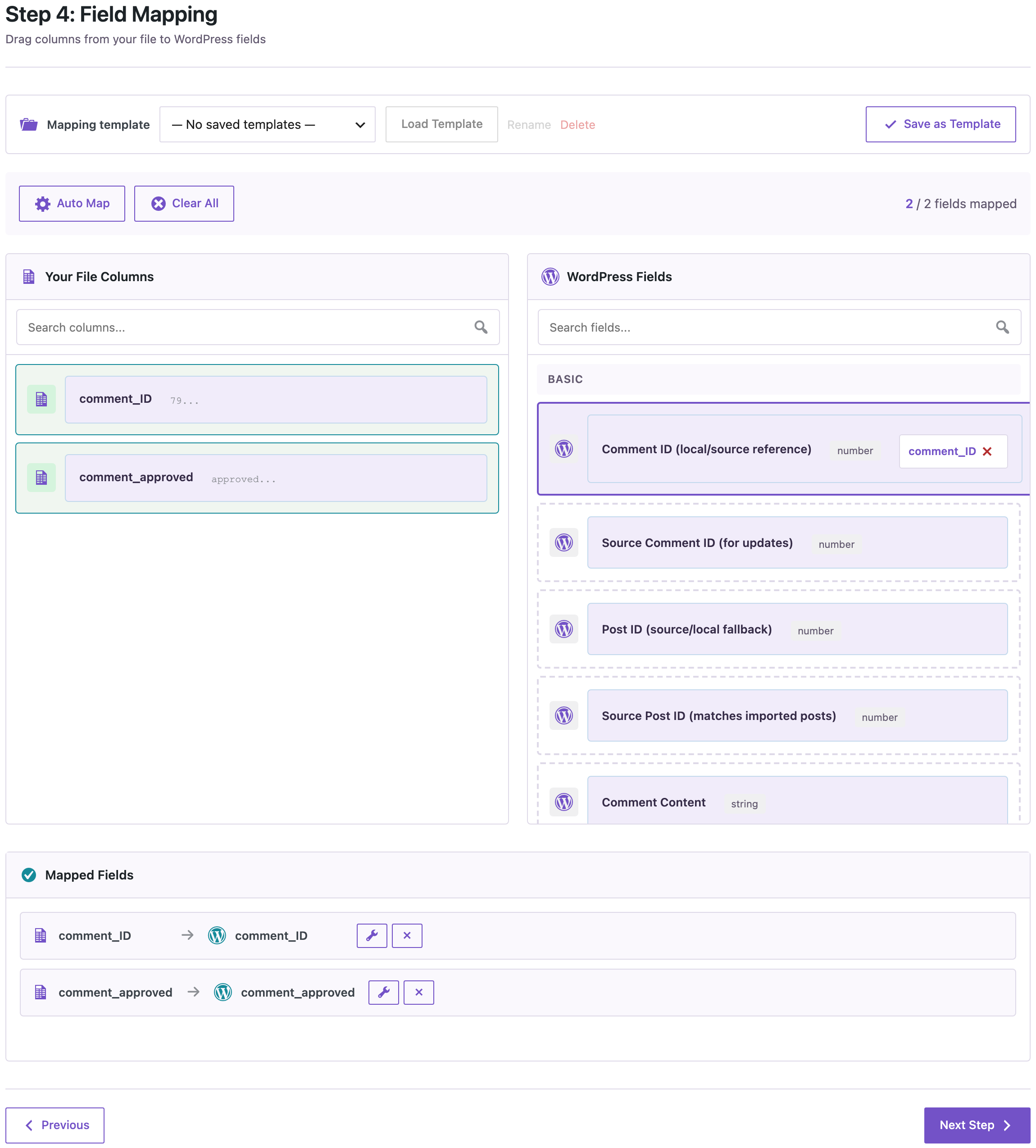
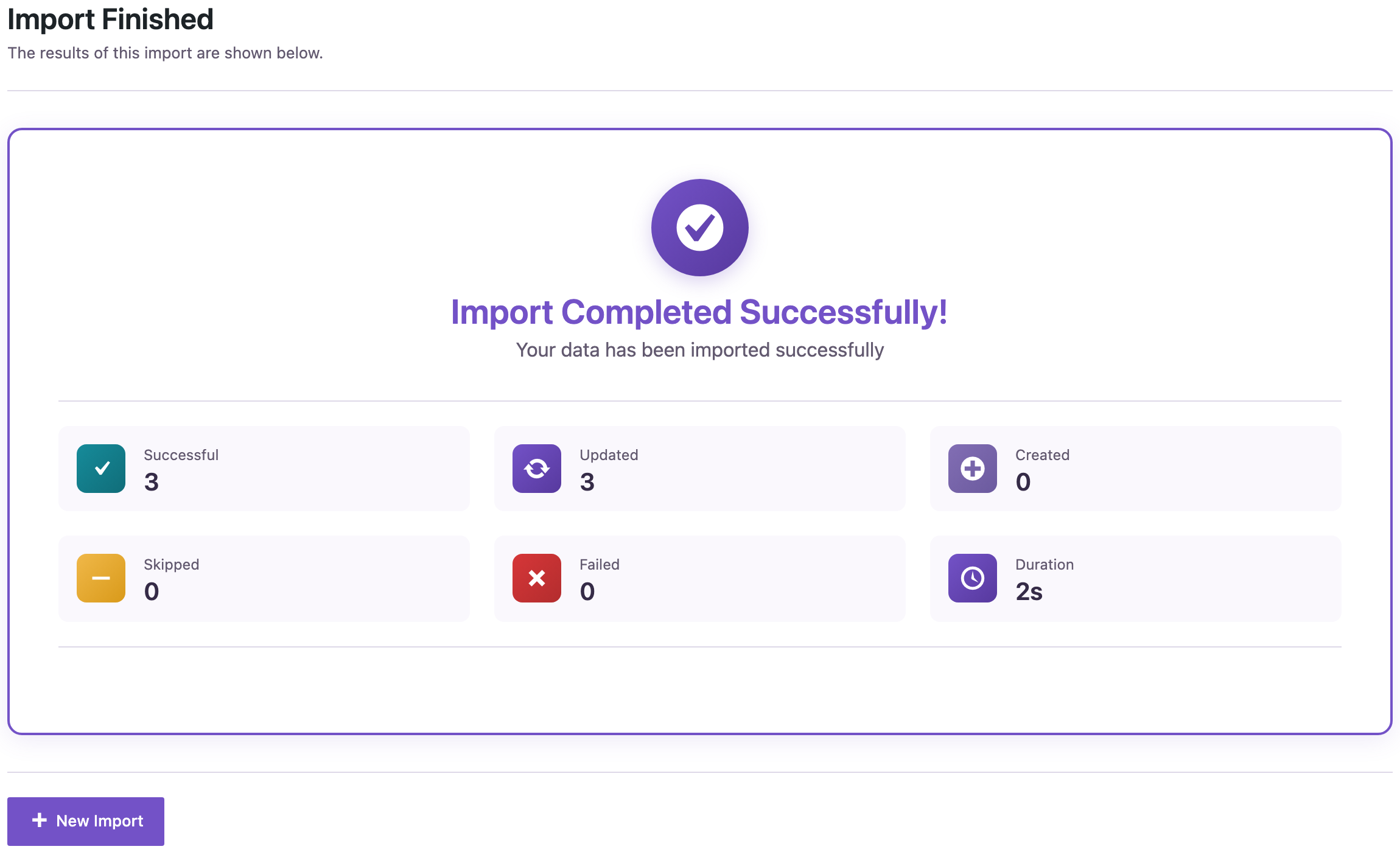
All three comments were updated:
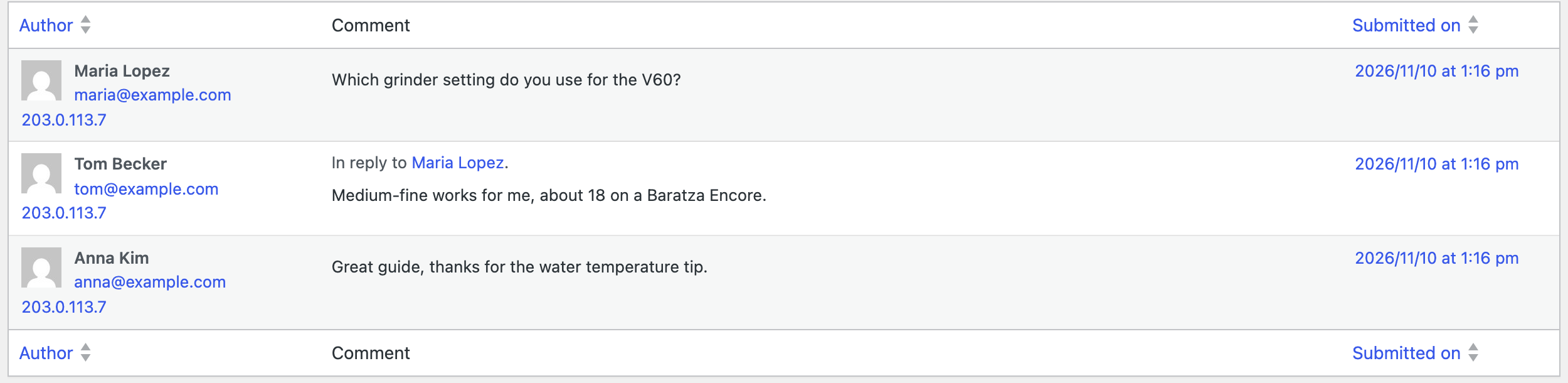
The reply from Tom Becker was approved and is still a reply to Maria Lopez, and the email addresses and IPs stayed. The spam comment moved to the Spam list:
Other fixes
- PRO: a WooCommerce sale end date without a time, for example
2026-11-30, now lasts until 23:59:59 that day, as in the WooCommerce product editor. Before, the sale ended at the start of that day. Dates with a time are kept as written. - Uploading a JSON file whose top level is an object through the Abilities API (AI agents) no longer fails with an invalid output error.
- The Sync Content button no longer appears on the WooCommerce Coupons and Orders screens, where it could only fail. Coupons and orders are synced through their own workflows.
How to update
Update the free plugin from Dashboard → Updates or the Plugins screen, or with wp plugin update import-export-by-rockstarlab. PRO updates the same way when your license is active. Your jobs, schedules, templates and settings stay as they are.
With an AI agent
An AI agent connected through the WordPress MCP Adapter (see connecting Claude Code to WordPress) can check the comments after a moderation import. On 2.1.48, the agent called rsl-ie/export-preview for comment with the fields ID, author, status and parent for the post. It returned the three approved comments, and Tom Becker’s reply still had Maria Lopez’s comment as its parent.
FAQ
Does an empty cell clear a comment field?
No. On update, empty cells are skipped. Only columns with a value change the comment.
Do I still need the comment text to create new comments?
Yes. New comments need the text and the post. The two-column file is for updating comments that already exist.
Do I need to change my sale dates after updating PRO?
No. Dates that already have a time are kept as written. Dates without a time imported from now on last the whole day.
Related Guides
- Import from and Export to FTP and SFTP Servers (What’s New in 2.1.49)
- XML Feeds with Header Elements Now Import (What’s New in 2.1.47)
- How to Export WordPress Comments to CSV or Excel
- How to Update WooCommerce Prices and Stock by SKU Using CSV
Get the free plugin on WordPress.org.

Comments 0
Have a question or a tip to share? Leave it below.