

How to Export WooCommerce Customers to CSV
Sooner or later every shop needs its customer list in a spreadsheet: for a newsletter tool, an accountant, a CRM, a “thank…
Read article
Sooner or later every shop needs its customer list in a spreadsheet: for a newsletter tool, an accountant, a CRM, a “thank…
Read article
You have a list of customers in a spreadsheet: exported from a CRM, an old shop, a mailing tool or typed in…
Read article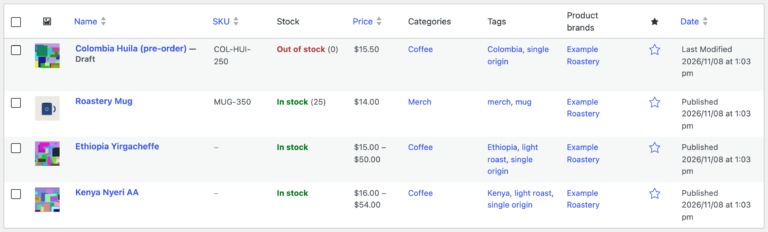
Shopify gives you every product in one CSV file. WooCommerce cannot read it as it is: Shopify writes one row per variant…
Read article
You cloned the shop to staging, changed prices, rewrote descriptions and added a product. Meanwhile the live shop kept selling. Now the…
Read article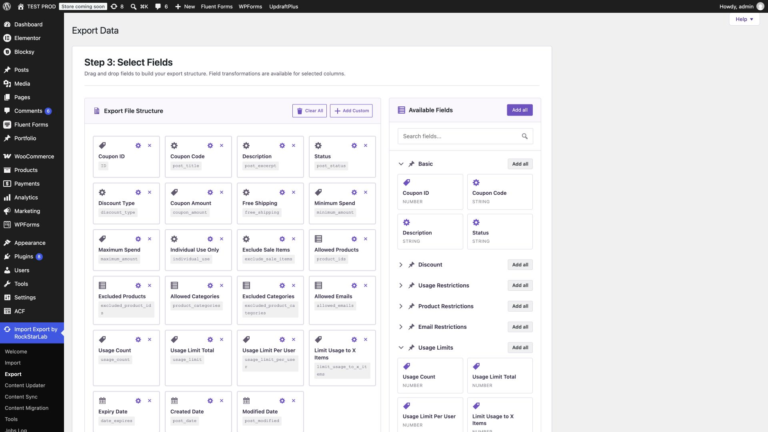
The Coupons screen lists codes, but not which ones expire next month or have hit their usage limit. Export them: in Import…
Read article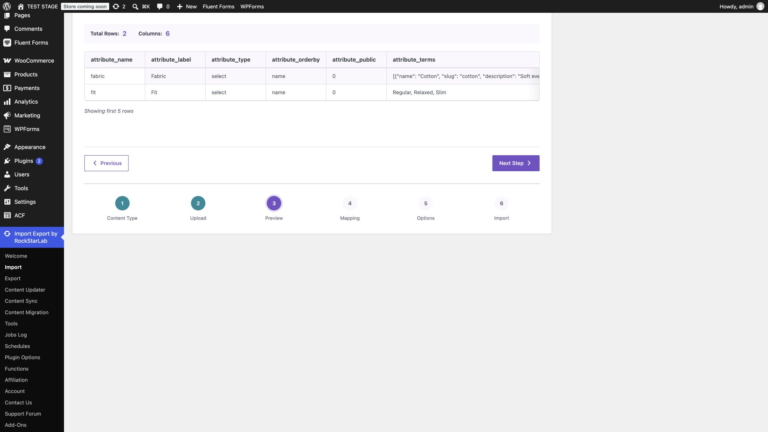
Suppliers often send the list of materials, sizes or finishes before the products themselves. Those values can go into WooCommerce first, as…
Read article
To update WooCommerce prices and stock from a CSV, match each row to an existing product by its SKU, map the price…
Read article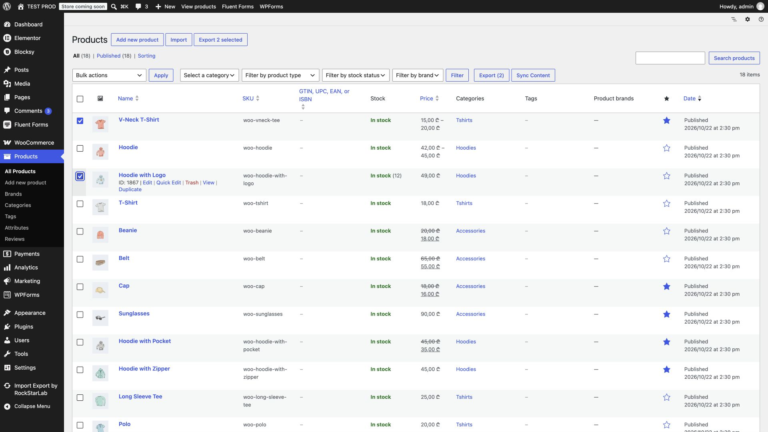
To sync WooCommerce products between two WordPress sites, connect the sites in Import Export by RockStarLab → Content Sync, select the products…
Read article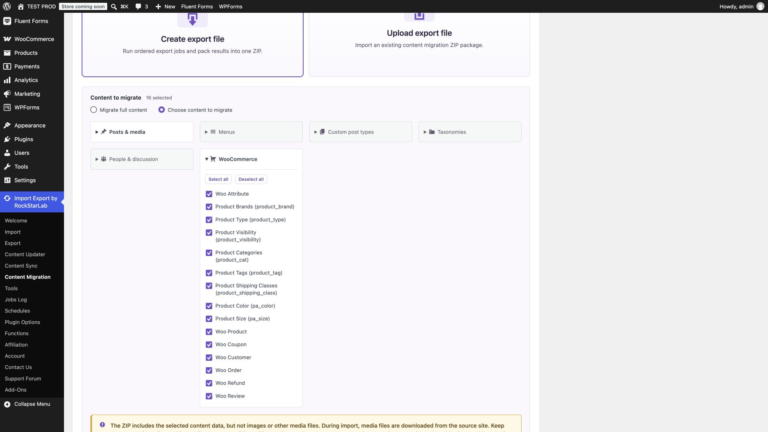
To migrate WooCommerce store data to another WordPress site, export a Content Migration ZIP on the source site, upload it on the…
Read article