
Import Export by RockStarLab PRO 2.1.17 fixes the WooCommerce Orders export filters on item columns, so you can export every order that contains a product.
PRO: the fix is in PRO. Free: no change; use it with Import Export by RockStarLab 2.1.60.
Item filters find every matching order
The Orders export can filter on item columns: Item Name, Item SKU, Item Product ID and the other Item fields. From PRO 2.1.17, an order matches when one of its items matches. Before, the filter compared the list of all items of the order, so an order with the product and something else was missed. In our store, “Item Name equals Beanie” now finds all 3 orders with a beanie:
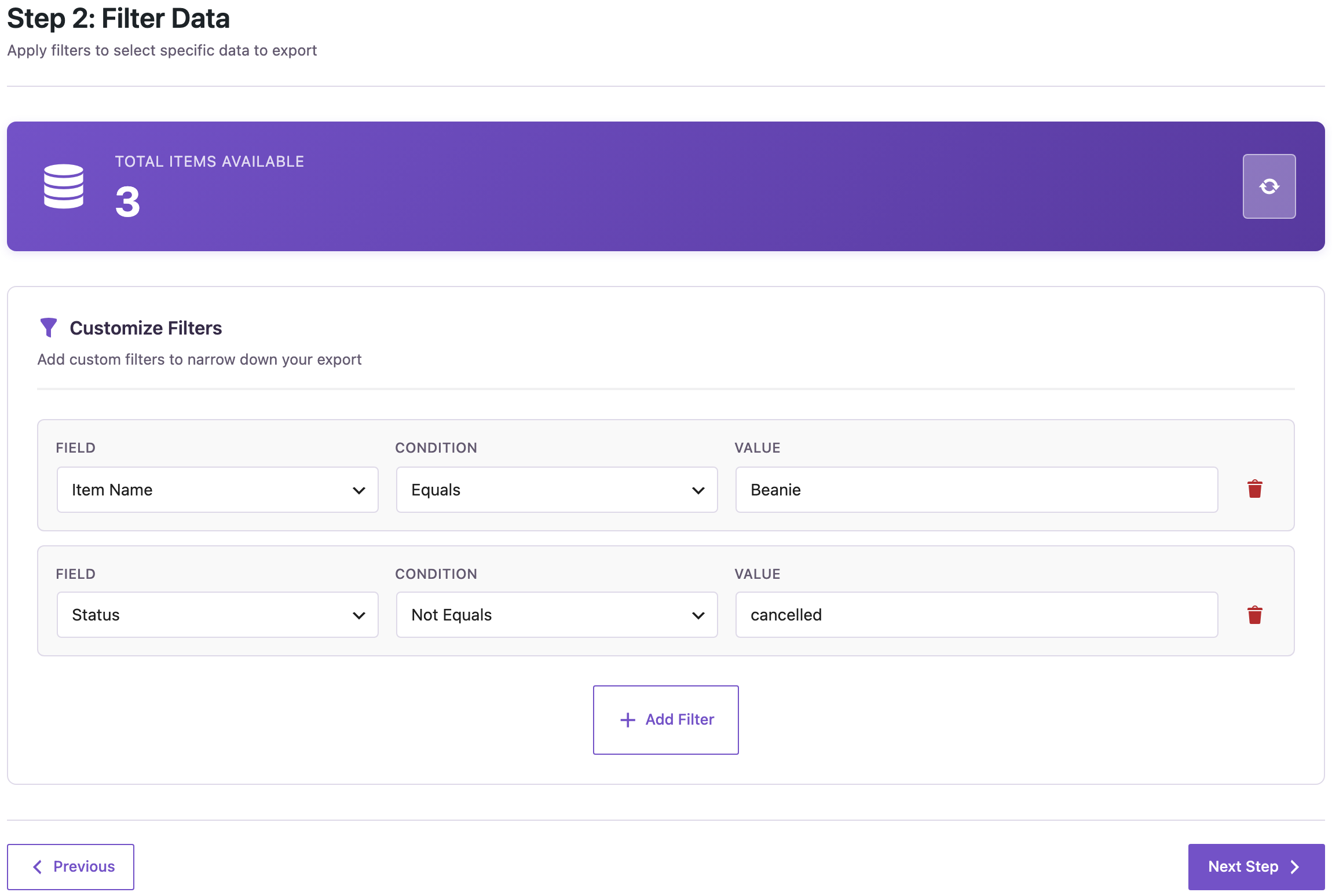
Negative conditions such as Not Equals and Not Contains need every item to match, so “Item Name, Not Contains, Beanie” leaves out every order with a beanie.
Only the matching lines with one row per item
With One row per order item in the last step and an item filter, only the matching items get a row. Orders with other products give one row with the product you filtered:

How to update
Update PRO from Dashboard → Updates. Settings, jobs and schedules stay as they are. As before any update, back up the site first.
With an AI agent
An AI agent connected through the WordPress MCP Adapter (see connecting Claude Code to WordPress) uses the same filters:
List the customers who bought the Beanie, without cancelled orders, with their emails.In our run, the agent called rsl-ie-pro/export-preview with the Item Name and Status filters and one row per item, and returned the 3 customers with their emails and quantities.
FAQ
Do order filters such as Status or Email change?
No. Only the filters on Item columns work differently.
Does the export count match?
Yes. The count in the filter step uses the same rule.
Do I need to update the free plugin?
No. PRO 2.1.17 works with Import Export by RockStarLab 2.1.60.
Related Guides
- Coupon Usage in the Export (What’s New in 2.1.61)
- File Hash Column in the Media Export (What’s New in 2.1.60)
- Export WooCommerce Orders to CSV or Excel: Complete Guide
Get the free plugin on WordPress.org.

Comments 0
Have a question or a tip to share? Leave it below.