
Before you deactivate a gallery, slider or form plugin, you need to know where its shortcode is used. Otherwise the posts that use it start showing raw text like [old_gallery ids="21,22"] to your visitors. WordPress doesn’t keep a list of where a shortcode is used. With Import Export by RockStarLab, one Content filter exports every post that contains the shortcode, and an import with a Replace rule can swap it for another one in bulk. In the example, an old gallery plugin on a coffee roastery’s blog is replaced.
Free: everything in this guide works for posts and pages. PRO: the same for custom post types and WooCommerce products.
Short Answer
- In Export, choose Posts and add the filter Content Contains with the start of the shortcode, for example
[old_gallery. - Export ID, Title, Status and Permalink to get the list, or ID, Title and Content to fix the posts in bulk.
- To replace the shortcode, import the Content file with Check for Existing Items by Field = ID, If Match Found = Update and a Replace links rule. Repeat with Pages.
Find the posts
Search for the opening bracket and the shortcode name, without the closing bracket, so the filter also finds shortcodes with attributes:

Four posts matched. Two things to know about that number:
- Drafts are included. “Harvest Trip” is a draft with the gallery in it. It isn’t public yet, but it will break when it’s published.
- Longer shortcode names match too.
[old_galleryalso found “New Espresso Bar”, which uses[old_gallery_slider, a different shortcode from the same plugin. Check the list before you change anything.
We exported ID, Title, Status, Date and Permalink to XLSX:

Don’t forget pages
An export of Posts doesn’t include pages. Our “Visit Us” page also used the gallery. Run the same filter with Pages, and with each custom post type that could contain the shortcode.
Shortcodes in widgets, menus or theme settings aren’t stored in post content, so this search doesn’t find them. Check those places by hand.
Replace the shortcode in bulk
If the new plugin, or WordPress itself, has a shortcode that takes the same attributes, you don’t have to edit each post. Our old gallery used ids and columns, which WordPress’s built-in shortcode understands too.
- Export the same posts again with ID, Title and Content, as CSV.
- In Import, choose Posts, upload the file and click Auto Map. ID, Title and Content are mapped.
- On the options step, set Check for Existing Items by Field to ID, If Match Found to Update, If No Match Found to Skip, and turn on Replace links.
![Import options: Check for Existing Items by Field ID, If Match Found Update, If No Match Found Skip, Replace links rule from [old_gallery ids= to [gallery ids=](https://wpimportexport.com/wp-content/uploads/2026/11/03-replace-shortcode.webp)
The rule replaces any text, not just links. We used The result on our site: If the shortcode has a closing tag, like A Replace rule changes every match in the content of every row. Try it on one or two posts first, back up the site before the full import, and keep the exported CSV: it’s a copy of the content before the change. Deactivate the old plugin only after a new export with the same filter returns nothing. An AI agent connected through the WordPress MCP Adapter (see connecting Claude Code to WordPress) can check what’s left before you deactivate the plugin: In our run after the import, the agent called Yes. The export includes every status unless you add a Status filter. Yes: delete it from the Content column in the spreadsheet, then import the file by ID as above, without a Replace rule. Only the mapped columns are written: here Title and Content. Status, authors and categories stay as they are, and published posts keep their publish date. A draft’s date moves to the time of the import, the same as when you save a draft in the editor. Blocks are stored as comments like Get the free plugin on WordPress.org.[old_gallery ids= → 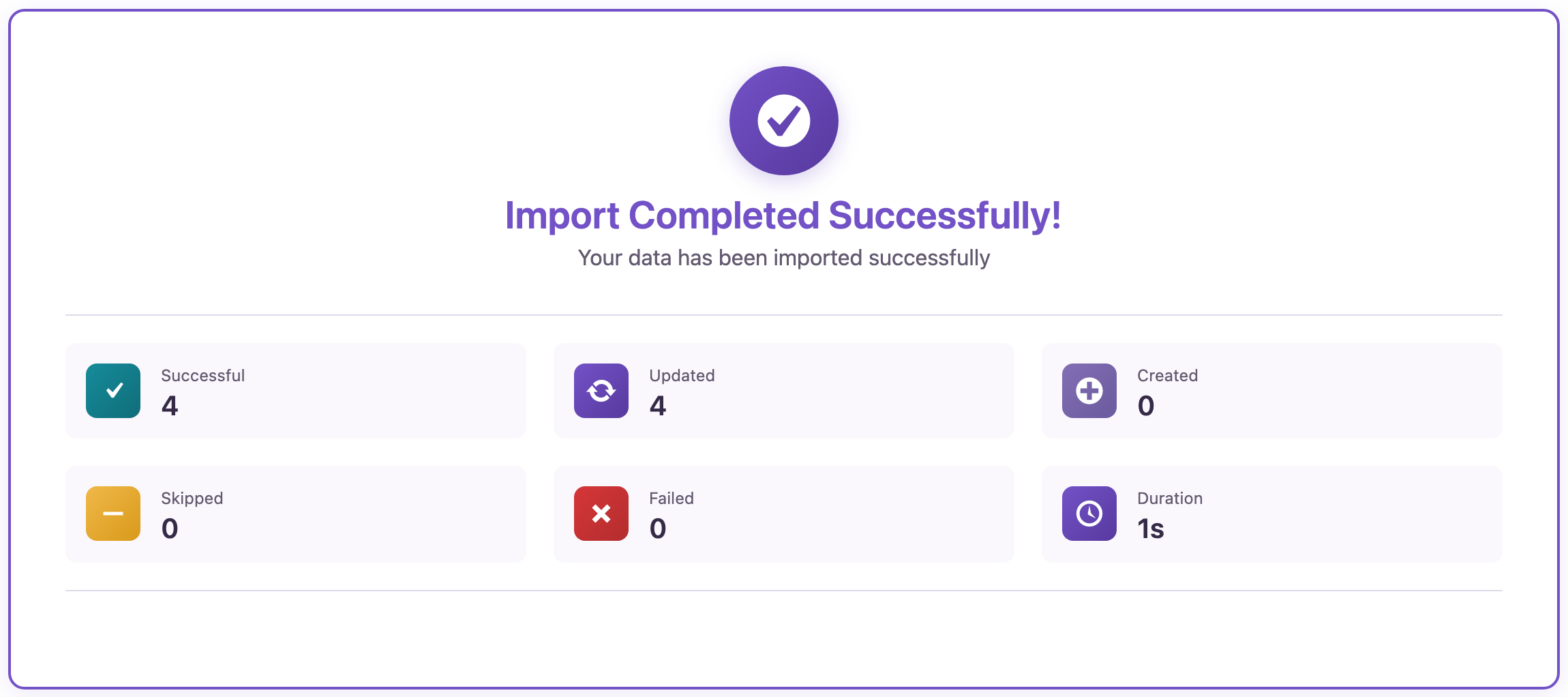 Four posts updated; the one with a different shortcode kept its content.[/caption]
with the same image IDs and columns. The shortcode block in “Our Roastery in Pictures” stayed a shortcode block.[old_gallery_slider] was left as it was. It needs its own replacement or a manual edit.[old_gallery]…[/old_gallery], add a second rule with Add More for the closing tag. Then run the same export and import for Pages.Before you import
With an AI agent
Which posts and pages still contain [old_gallery?rsl-ie/export-preview twice with the filter post_content contains [old_gallery: once for posts, once for pages. It returned “New Espresso Bar” with the slider shortcode and the “Visit Us” page, the two places we hadn’t fixed yet.FAQ
Does the search find shortcodes in drafts and private posts?
Can I remove the shortcode instead of replacing it?
Will the import change anything else in the posts?
How do I find posts that use a block instead of a shortcode?
<!-- wp:gallery in the content, so the same Content filter finds them.Related Guides

Comments 0
Have a question or a tip to share? Leave it below.