

How to Import Easy Accordion FAQs from CSV into WordPress
Import individual Easy Accordion FAQ items from CSV, preserve formatted answers and draft statuses, and update existing questions by slug through the…
Read article
Import individual Easy Accordion FAQ items from CSV, preserve formatted answers and draft statuses, and update existing questions by slug through the…
Read article
Import Ultimate FAQ questions, HTML answers, categories and tags from CSV. Update existing FAQs by slug and run the same workflow through…
Read article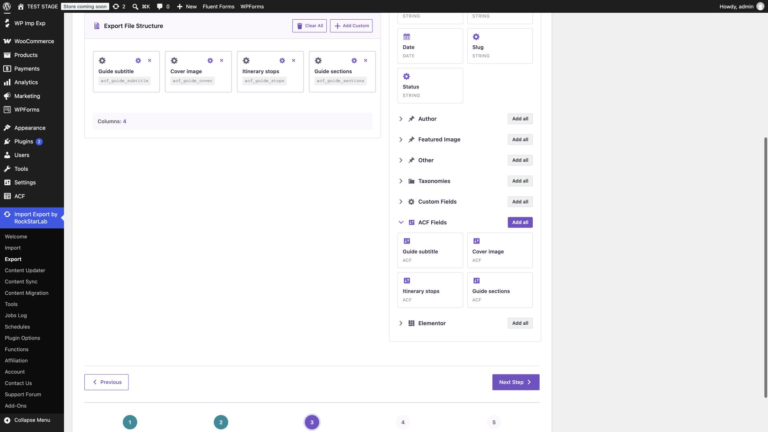
Compare VJInfotech WP Import Export Lite and PRO with RockStarLab: ACF field discovery, free features, REST Content Sync, AI agents, mapping and…
Read article
A navigation menu can contain a carefully ordered collection of links, nested items, and custom fields used by your theme. Rebuilding that…
Read article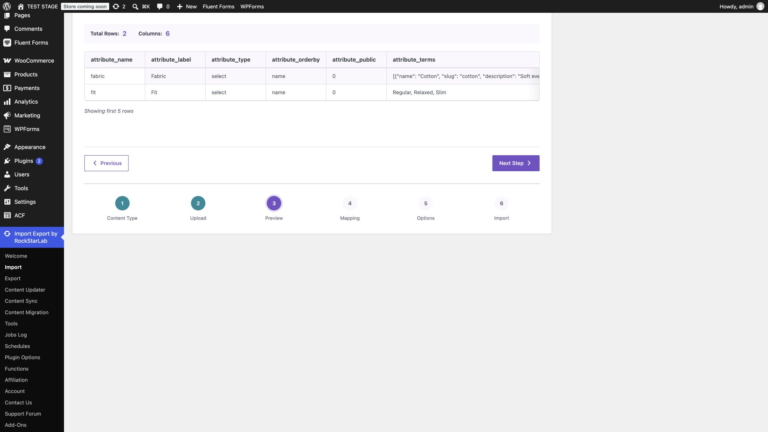
Suppliers often send the list of materials, sizes or finishes before the products themselves. Those values can go into WooCommerce first, as…
Read article
You have finished organizing a section of your WordPress site: the categories make sense, their descriptions are ready, and the parent categories…
Read article
To export WordPress comments to CSV or Excel, open Import Export by RockStarLab → Export, choose Comments, set the selection, choose your…
Read article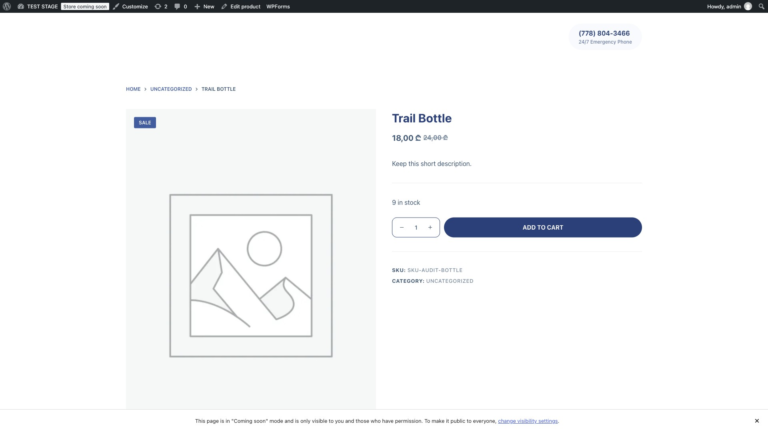
To update WooCommerce prices and stock from a CSV, match each row to an existing product by its SKU, map the price…
Read article
To export and import WordPress categories, tags, or custom taxonomy terms, export the terms to CSV with their taxonomy, names, slugs, descriptions,…
Read article