
Import Export by RockStarLab 1.2.0 is focused on making everyday WordPress migration and synchronization workflows faster, cleaner, and easier to control.
This release expands Content Sync beyond posts and pages, improves how you export selected items, adds better job organization, introduces import-time search and replace, and brings new WooCommerce export and import workflows in the PRO version.
If you manage staging and production websites, move content between client sites, or regularly import and export structured WordPress data, version 1.2.0 gives you more control with fewer manual steps.
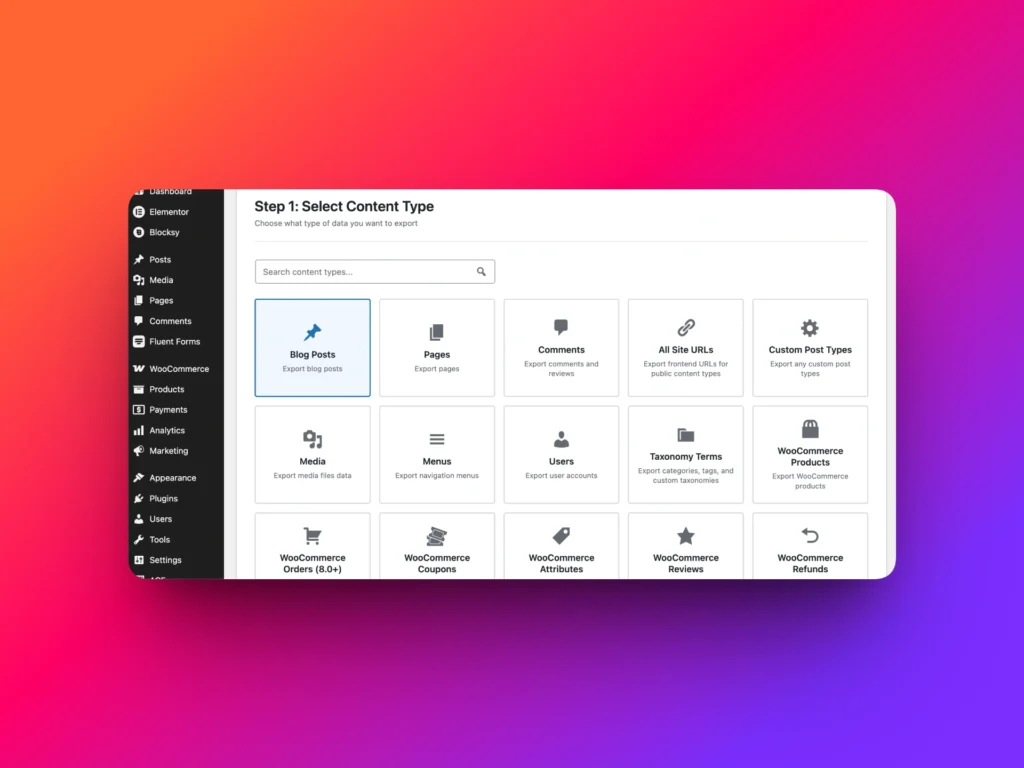
Custom Job Names
You can now set custom names for jobs.
This is a small improvement that becomes very useful when you run many imports, exports, scheduled tasks, or sync operations. Instead of trying to understand a job only by its type or date, you can give it a clear name that matches your workflow.
For example, you can name jobs like:
- Weekly product export for supplier
- Staging to production page sync
- Import updated author profiles
- Client media migration
Cleaner job names make the Jobs Log easier to scan, especially on busy websites where multiple people manage content operations.
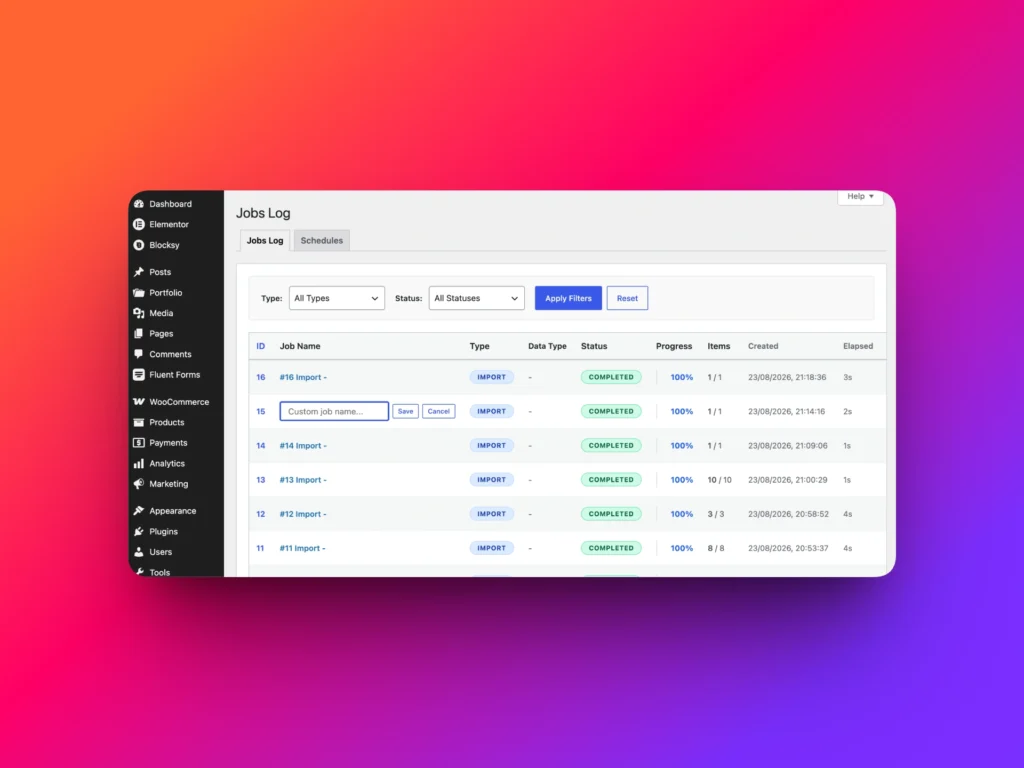
Sync Taxonomies, Comments, Users, and Menus Between Sites
Content Sync is one of the most useful features in Import Export by RockStarLab, especially for staging-to-production workflows.
In version 1.2.0, Content Sync becomes much more powerful. You can now sync more WordPress data types between connected websites in just a few clicks.
The new sync workflows include:
- Taxonomies
- Comments
- Users
- Menus
This means you are no longer limited to syncing only posts and pages. You can move more parts of your WordPress website between environments without creating export files, downloading CSVs, or manually rebuilding data.
For example, if you prepare a site on staging, you can sync updated navigation menus, taxonomy terms, user records, or approved comments to production without copying the entire database.
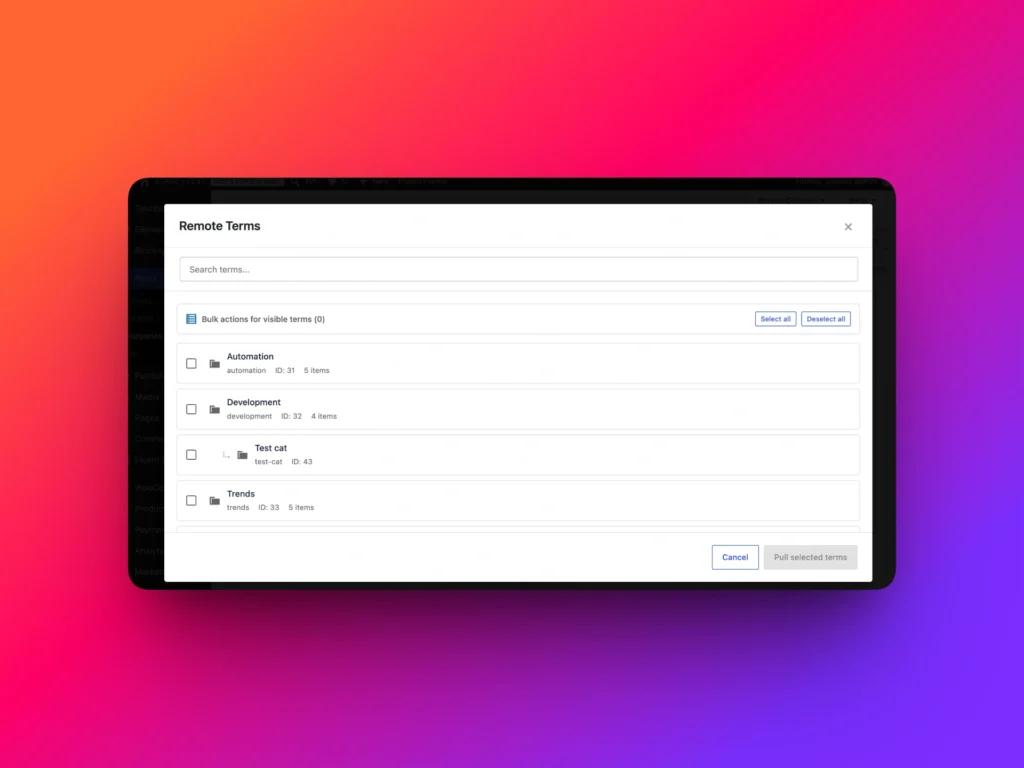
New PRO Workflows: Refunds, Customers, and Reviews
Import Export by RockStarLab 1.2.0 also adds new WooCommerce-related workflows in the PRO version.
PRO users can now import and export:
- WooCommerce refunds
- WooCommerce customers
- WooCommerce reviews
These workflows are useful for store migrations, reporting, customer data review, support operations, and moving WooCommerce data between development, staging, and production websites.
As always, PRO can be activated free for the first month by new users, so you can test the advanced workflows before committing to a paid plan.
Export Selected Posts and Taxonomy Terms
Version 1.2.0 improves the selected item export workflow.
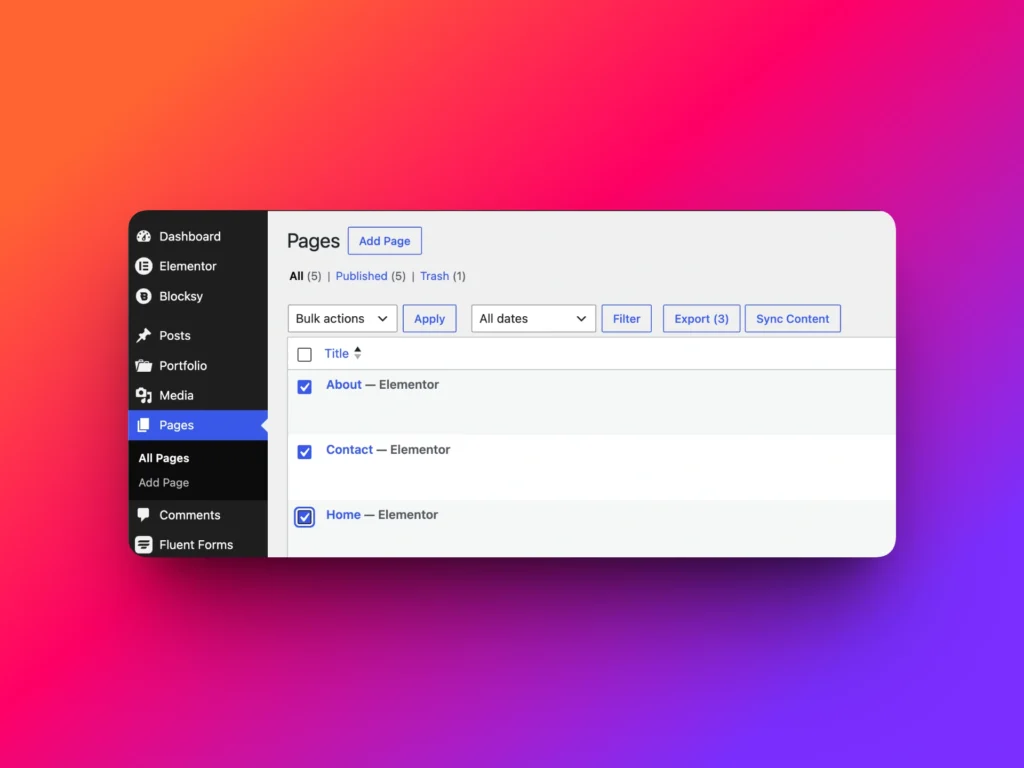
You can now export selected posts and selected taxonomy terms directly from the WordPress admin interface.
This means you do not need to manually create filters just to export a few specific items. Instead, you can select the items you need and start the export workflow from the list table.
This UI improvement is especially helpful when you need to quickly export:
- A few selected blog posts
- Specific pages for migration
- Selected custom post type entries
- A group of taxonomy terms
It is a faster and more natural workflow because it starts exactly where you are already working: inside the WordPress admin list table.
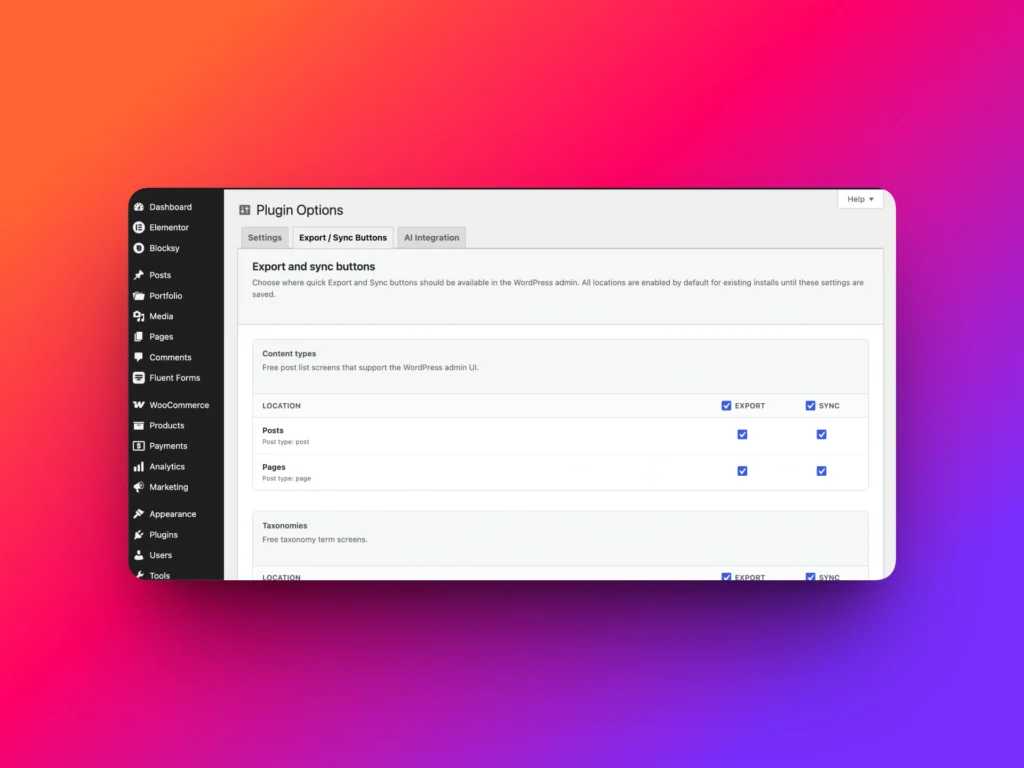
Settings for Export and Sync Buttons
Import Export by RockStarLab adds quick export and sync buttons to WordPress admin screens so you can start workflows directly from the content list.
In version 1.2.0, you now have more control over where those buttons appear.
You can show or hide export and sync buttons for any content type.
This is useful if you want to keep the admin interface clean for clients, hide workflows that are not used on a specific website, or expose only the tools that matter for a particular role or project.
Search and Replace During Import
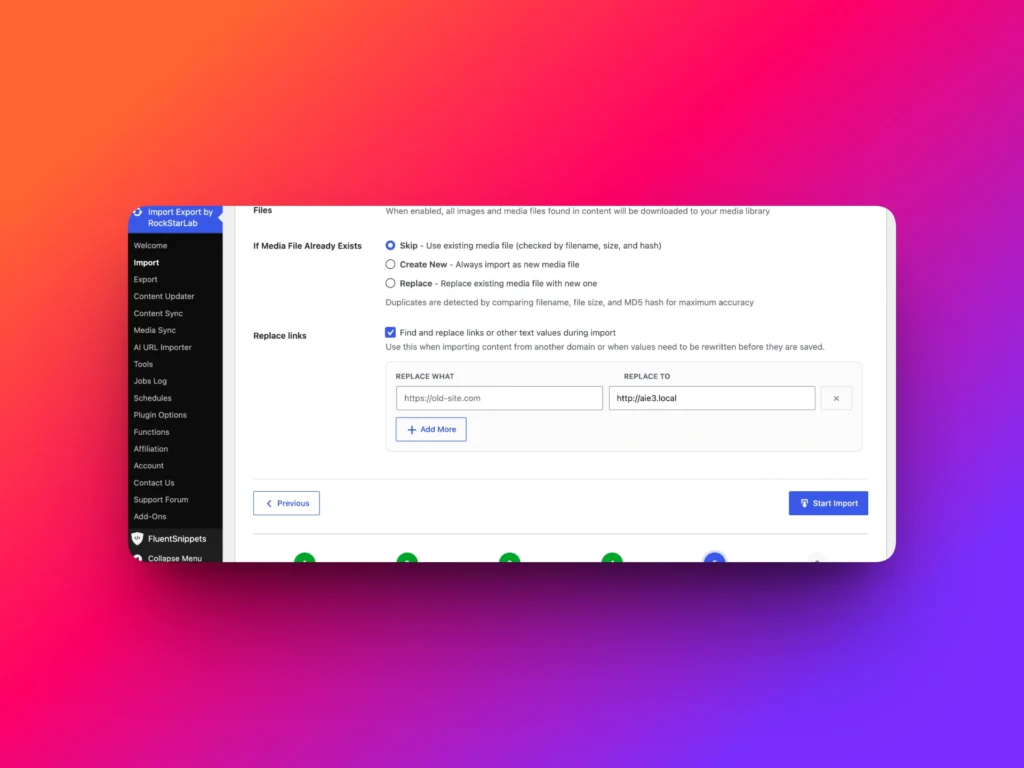
One of the most practical additions in version 1.2.0 is search and replace during import.
You can now replace values while importing data without creating transformation functions.
For example, when moving content from staging to production, you may need to replace a staging domain with the production domain:
https://staging.example.com
https://example.com
You can also use this feature for other simple replacements, such as updating old brand names, replacing outdated paths, changing CDN URLs, or fixing repeated text in imported content.
Multiple search and replace rules can be added at the same time, so you can clean up imported data during the import process itself.
This is designed for common replacement tasks where a full transformation function would be more powerful than necessary.
What’s New in 1.2.0?
| Feature | What It Helps With | Availability |
|---|---|---|
| Custom job names | Keep import, export, sync, and scheduled jobs easier to identify | Free / PRO |
| Sync taxonomies | Move taxonomy terms between connected WordPress websites | Free / PRO |
| Sync comments | Transfer comments between sites without manual export files | Free / PRO |
| Sync users | Move user records between connected websites | Free / PRO |
| Sync menus | Copy navigation menus between staging and production websites | Free / PRO |
| Export and import refunds | Work with WooCommerce refund data | PRO |
| Export and import customers | Migrate or review WooCommerce customer data | PRO |
| Export and import reviews | Move WooCommerce product reviews between sites | PRO |
| Export selected posts | Export only selected posts without manually building filters | Free / PRO depending on content type |
| Export selected taxonomy terms | Quickly export specific terms from the admin interface | Free / PRO depending on taxonomy type |
| Export and sync button settings | Show or hide workflow buttons for each content type | Free / PRO |
| Search and replace during import | Replace domains, URLs, paths, or text while importing data | Free / PRO |
Why This Release Matters
Version 1.2.0 is not only about adding more data types. It is about reducing the number of manual steps in real WordPress workflows.
You can sync more data directly between websites, export selected items faster, keep jobs organized with custom names, control which buttons appear in the admin area, and clean up imported data with simple search and replace rules.
For agencies, developers, content managers, and WooCommerce store owners, these changes make Import Export by RockStarLab more practical for everyday website maintenance and migration tasks.
FAQ
What is new in Import Export by RockStarLab 1.2.0?
Version 1.2.0 adds custom job names, expanded Content Sync for taxonomies, comments, users, and menus, selected post and taxonomy term export, export and sync button settings, search and replace during import, and new PRO workflows for refunds, customers, and reviews.
Can I sync users between WordPress websites?
Yes. Import Export by RockStarLab 1.2.0 adds support for syncing users between connected WordPress websites.
Can I sync WordPress menus between staging and production?
Yes. Version 1.2.0 adds menu sync support, making it easier to move navigation changes between connected websites.
Can I export only selected posts?
Yes. The updated UI allows you to select specific posts and export only those items without manually creating filters.
Can I replace a staging domain during import?
Yes. Search and replace during import lets you replace domains, URLs, paths, or other text values while importing data.
Are WooCommerce refunds, customers, and reviews available in the free version?
No. Import and export workflows for refunds, customers, and reviews are available in the PRO version.