
Today is launch day for WP Import Export by RockStarLab, and that makes this the plugin’s official birthday. A new WordPress tool has joined the world with one simple goal: make importing, exporting, syncing, updating, and organizing WordPress data feel less painful.
Every project starts with a pile of ideas, a few stubborn problems, and a lot of small decisions that nobody sees. WP Import Export started the same way: from real WordPress workflows where content, CSV files, media, custom fields, URLs, and migration tasks needed a cleaner home.
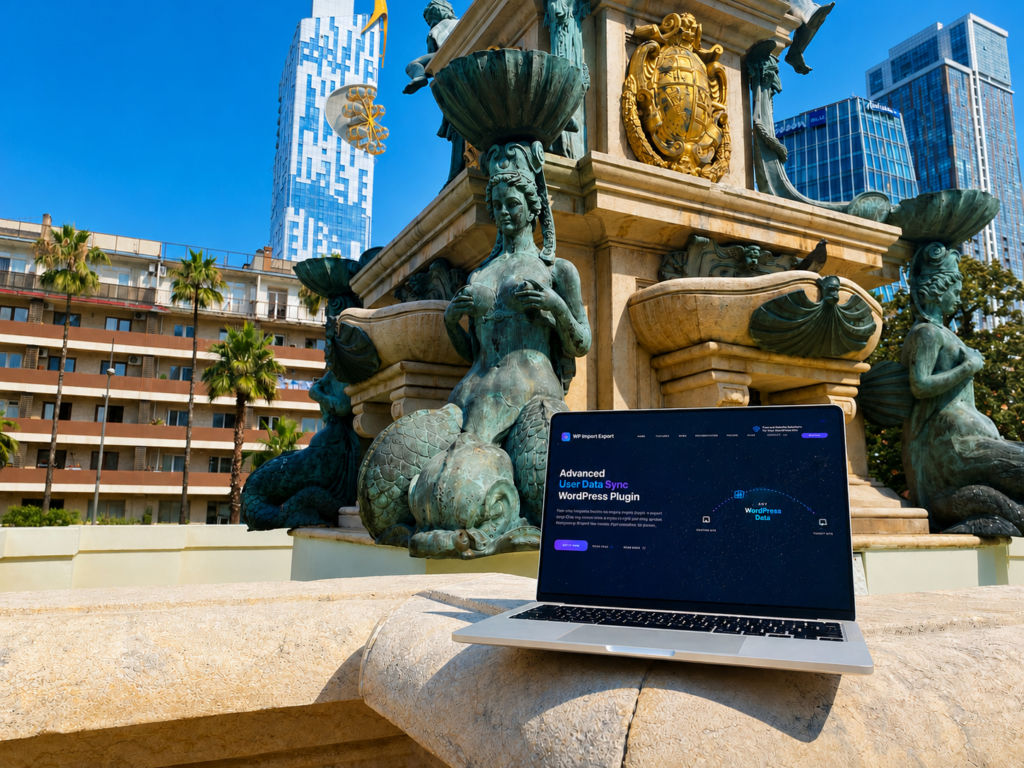
Born in sunny Batumi, Georgia
WP Import Export was born in Batumi, Georgia, a city with sea air, mountain views, good coffee, and the kind of sunny chaos that makes building things feel possible. That is a pretty good birthplace for a WordPress plugin designed to move data from one place to another.
Why we built it
WordPress data is not always neat. A website can have posts, pages, custom post types, ACF fields, WooCommerce data, media files, taxonomies, comments, custom database tables, SEO fields, and years of content history living together in one admin area.
Moving that data should not require ten different tools, manual copy-paste work, or a long afternoon of wondering why one field did not land where it was supposed to. WP Import Export was built to give those workflows a more practical interface.
What WP Import Export can do
On its first birthday, WP Import Export already brings together a lot of useful WordPress data tools:
- Import WordPress data from CSV files.
- Export WordPress data to CSV or JSON.
- Map CSV columns to WordPress fields before importing.
- Export posts, pages, custom post types, users, media, WooCommerce data, and MySQL table data where supported.
- Import posts, pages, custom post types, media, users, WooCommerce data, and other supported content types from CSV.
- Work with Advanced Custom Fields, including ACF PRO fields where supported by the active setup.
- Sync content between WordPress websites without export files.
- Bulk update existing content with transformation functions.
- Register FTP or SFTP uploaded files in the WordPress Media Library.
- Use AI to import content from URLs into WordPress.
- Track import, export, sync, update, and media jobs in Jobs Log.
- Run saved jobs on a schedule with Schedules.
- Export all public frontend URLs for SEO audits, migrations, and QA.
A few fun facts
The plugin was built around workflows that happen all the time but rarely feel glamorous: cleaning CSV files, fixing field mappings, testing imports on staging, checking whether media files already exist, and making sure content gets from one WordPress site to another without drama.
It also has a soft spot for structured content. ACF fields, custom post types, custom fields, media references, SEO data, and database tables are not edge cases anymore. For many WordPress sites, they are the actual content model.
Another small but important idea behind the plugin is that data work should leave a trail. Jobs Log exists because import and export tasks should be reviewable. You should be able to see what ran, when it ran, what finished, what failed, and where the generated file went.
Built for real WordPress work
Some users need to import a spreadsheet once. Others need repeatable migrations, WooCommerce catalog updates, media library cleanup, staging-to-production content sync, scheduled exports, or SEO URL inventories.
WP Import Export is growing around those real tasks. Not just “move data,” but move the right data, map it carefully, transform it when needed, track the job, and make the workflow repeatable.
Thank you, WordPress community
WordPress has always been a place where independent builders can make useful things, share them, improve them, and find people who need exactly that tool. WP Import Export exists because that ecosystem exists.
So today, we are celebrating a first release, a new beginning, and a lot of future improvements already waiting in the queue.
Happy birthday, WP Import Export, and welcome to WordPress Family.